Last updated: 2026-07 · Payment and transit policies change often and vary by card issuer, station, and timing. Always double-check fares and whether something works using the app screen right before you pay, the on-site signage, and the official notices from your card issuer and each service.
As of June 2026, Google Pay is not officially available in Korea. Apple Pay is a different story. It has been officially running since 2023, Apple Wallet T-money was added in July 2025, and in April 2026 a way even opened up to top up Apple Wallet T-money with an overseas-issued Mastercard.
So the answer to "Will my phone payment just work in Korea?" depends entirely on your device and how you want to use it. Even with the same Apple Pay, the range of what works differs between in-store NFC payments and subway/bus transit — and Android is a whole different situation.
Below we'll split it into in-store payments and transit, look at how far each of the two pays gets you, and what alternatives to use when they don't work.
1. The 2026 Situation at a Glance
| Category | Apple Pay (iPhone) | Google Pay / Google Wallet (Android) |
|---|---|---|
| Officially launched in Korea | O (2023~) | X (not launched as of 2026-07) |
| In-store NFC payment | Works where there's a participating merchant and terminal | Can be attempted with a foreign card on some NFC terminals (low consistency) |
| Subway/bus transit | Works via Apple Wallet T-money (overseas Mastercard top-up supported, see below) | Effectively not possible with a foreign card |
| Korean card needed to top up/issue? | T-money top-up varies by card issuer and method (see below) | — |
The difference comes down to whether the service has officially entered the market. Apple Pay is in Korea, and by 2025–2026 even transit integration opened up, but Google Pay / Google Wallet still has no official launch. So Android users find it hard to use an overseas phone's Google Wallet for Korean transit, and it's best to have a separate method ready.
2. Apple Pay — Starting With In-Store Payments
Where It Works
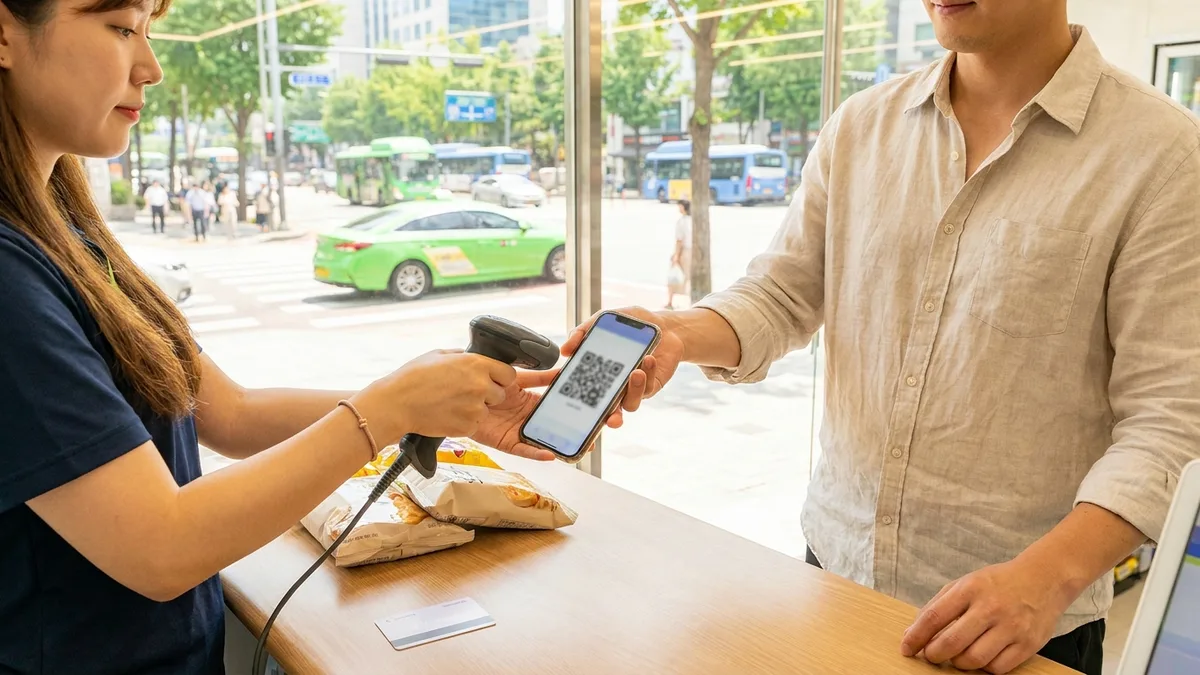
Apple Pay works at merchants that have an NFC contactless terminal. The catch is adoption. As of 2026, the NFC terminal adoption rate at Korean stores is reported to be around 10% (it's in the 90s in the UK and Singapore), so don't assume it "works everywhere." That said, that 10% tends to be concentrated in the places foreigners visit often.
- Works well at: convenience stores like CU, GS25, 7-Eleven, and eMart24; Starbucks; Lotteria; large discount stores (many lanes at Lotte Mart and Homeplus); department stores like Hyundai and Lotte
- Doesn't work well at: small restaurants and street stalls without an NFC terminal, and many self-order kiosks that only accept domestic cards
Linking a Foreign Card
If a Visa, Mastercard, or American Express card you used abroad is already registered in Apple Wallet, it often works at Korea's Apple Pay merchants (with an NFC terminal) without any extra setup. That said, Amex has limited merchant acceptance in Korea itself, so it can be blocked even where there's an NFC terminal. Whether it works varies by card issuer, merchant, and timing.
3. Using Korean Transit (T-money) With Apple Pay
The biggest change in 2025–2026 was transit. Two paths opened up.
(A) Apple Wallet T-money (2025-07~)
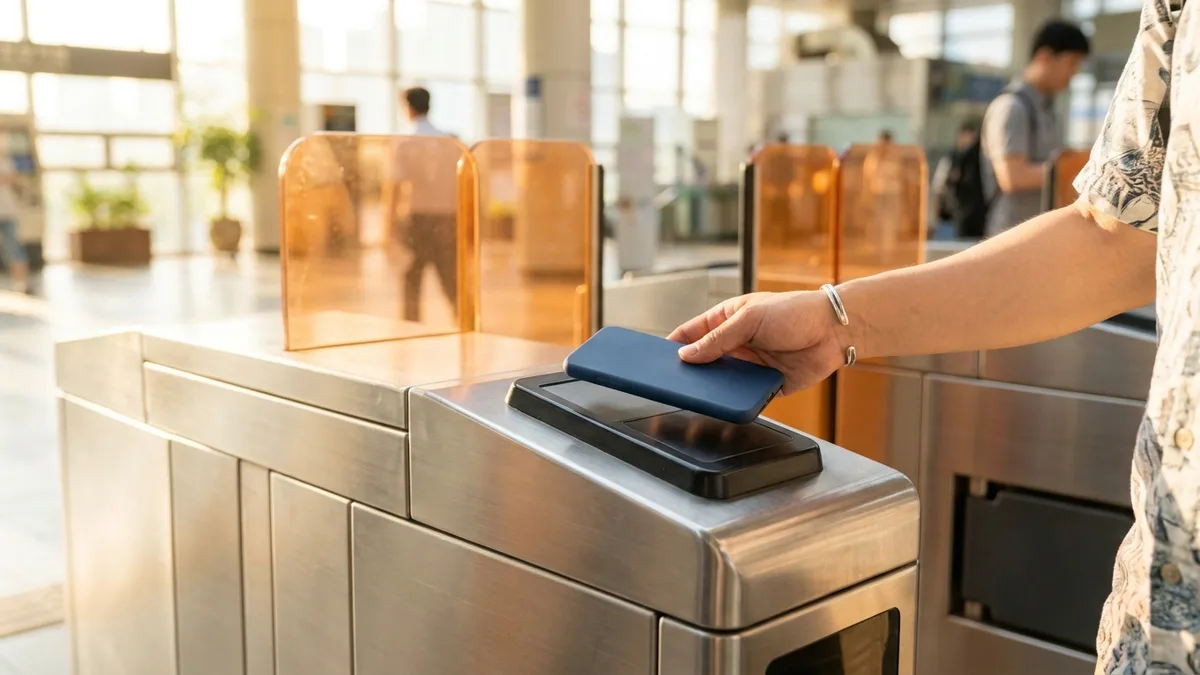
Starting July 22, 2025, you can add a T-money transit card to Apple Wallet. At subway turnstiles and on most buses, you just hold your iPhone or Apple Watch up to pay.
- Express Mode: no Face ID or unlocking needed each time — just tap.
- Battery reserve: it works even in Low Power Mode, and even for a certain period (up to about 5 hours) after the battery drains and the phone powers off.
- Top-up note: When issuing or topping up T-money inside Apple Wallet, a credit/debit card issued in Korea may be required. If you only have a foreign card, this top-up method may be blocked, so check the alternatives below as well (which cards and methods work for top-up change over time).
(B) Topping Up Wallet T-money With an Overseas Mastercard (2026-04~)
From 2026-04-09, if you hold a Mastercard, you can top up your T-money balance inside Apple Wallet using an overseas-issued Mastercard through the Mobile T-money app. With the topped-up T-money, just tag your iPhone or Apple Watch on subway, bus, and taxi terminals nationwide (no physical T-money card needed — but you do have to issue and register Mobile T-money).
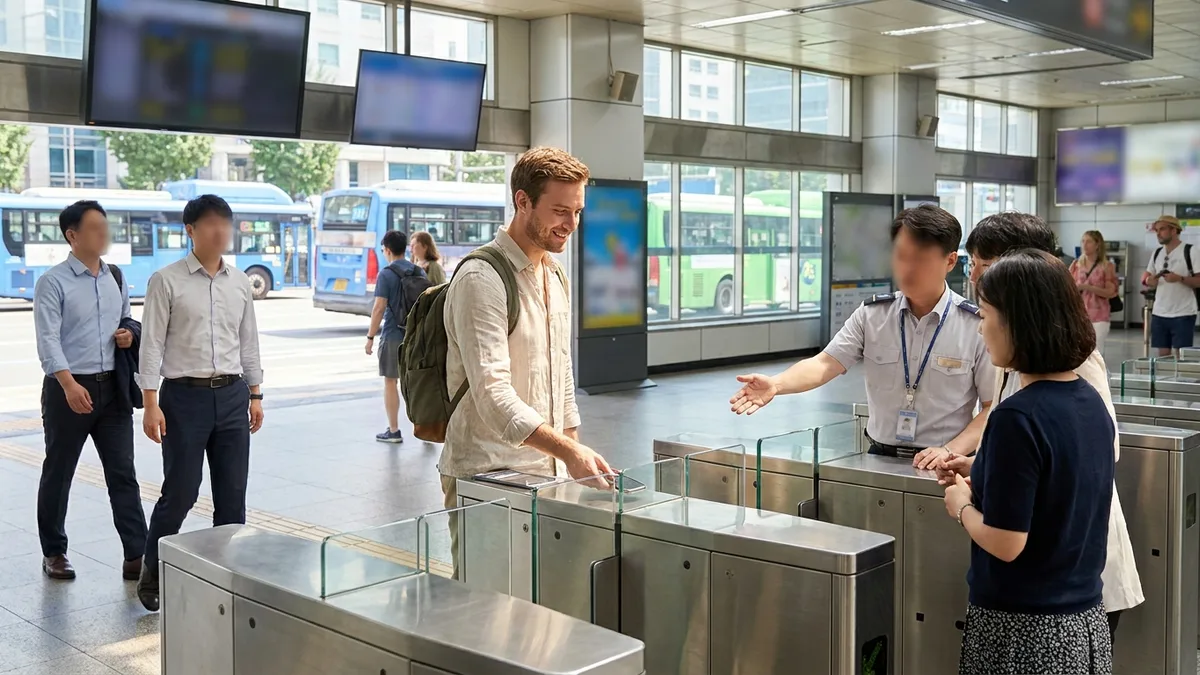
There's one thing to watch out for. Tagging the card itself directly at the turnstile (EMV open loop) isn't available yet. Seoul is rolling out open loop in this order: buses (terminal build-out 2025–2026) → subway Lines 1–8 terminal replacement (2027) → metro-area expansion (2028–2030), and as of July 2026, direct tagging at subway turnstiles hasn't opened yet.
To sum up, Apple Pay transit works via (A) Wallet T-money (topped up with a Korean card) or (B) Wallet T-money + overseas Mastercard top-up (2026-04~). Either way, the first step is adding T-money to your Wallet.
4. Google Pay / Google Wallet — The Reality in Korea
Google Pay is not officially launched in Korea as of 2026-07.
- In stores: A foreign card registered in an overseas phone's Google Wallet can sometimes be attempted at some NFC terminals, but consistency is low. It runs straight into the same NFC adoption limits as Apple Pay.
- Transit: With a foreign card, it's effectively unusable for subway and bus transit. Korean transit is T-money-based, and support for registering foreign cards on Android isn't as open as it is on iPhone.
- Kiosks: At self-order machines that only accept domestic cards, mobile wallets linked to foreign cards are often blocked too.
Android users should not rely on Google Pay — it's safer to prepare the alternatives below in advance.
5. When Apple Pay/Google Pay Don't Work — Alternatives for Foreigners
(1) Seoul Subway Self-Service Ticket Machines (2026-03-17~)
440 new ticket machines have been installed at 273 stations on Seoul Subway Lines 1–8, so you can buy or top up single-journey tickets and short-term Climate Card passes (1-, 2-, 3-, 5-, and 7-day passes) with an overseas-issued Visa, Mastercard, and more. Kakao Pay and Naver Pay are also supported. Paying with a foreign card adds an average fee of about 3.7%. Buying and topping up a regular T-money card isn't available for foreign cards yet, so use cash purchase at a convenience store for that.
(2) Mobile T-money App Foreign Card Registration (2026-03~)
Starting March 2026, the Mobile T-money app for iPhone began supporting foreign card registration (Mastercard, Amex, and UnionPay supported; Visa not supported). Android isn't at the same level yet, so a physical T-money card may be safer.
(3) Physical T-money Card
Buying one with cash at a convenience store and topping it up with cash or a domestic card is the most common method. Even when phone payment is blocked, this reliably works.

Stuck on payments or bookings without a Korean phone or bank account? Check out LACHA.
Built to work without a Korean phone number or bank account, with overseas payment methods like Alipay, WeChat Pay, and Apple Pay. Taxi hailing plus KTX, express bus, and airport railroad (AREX) booking — all in one app.
Download now


Frequently Asked Questions (FAQ)
Q1. Can I just tag the Apple Pay I used abroad at a Korean subway gate? A. Tagging the card itself at the turnstile isn't available yet. The setup is to add T-money to Apple Wallet, and from 2026-04 you can top up that T-money with an overseas Mastercard. Check your own card brand and top-up method against on-site and official notices.
Q2. Can I ride Korean buses and subways with Google Pay? A. With a foreign-card Google Wallet, it's effectively hard to do, because Google Pay hasn't officially launched in Korea. Use physical or Mobile T-money, or a subway ticket machine (which supports foreign cards).
Q3. Do I absolutely need a Korean card to top up Apple Wallet T-money? A. A Korea-issued card may be required for in-app top-ups. If you only have a foreign card, top-up may be blocked, so prepare alternatives like the subway ticket machines (foreign card) or cash top-up of a physical card. Which cards and methods work changes over time.
Q4. Apple Pay doesn't work at a store — why? A. Korea has a low NFC contactless terminal adoption rate (around 10% in 2026), so many stores simply don't have the terminal. It mainly works at convenience stores and large chains, while small stores and some kiosks only accept domestic cards.
Q5. What should Android users prepare? A. Don't rely on Google Pay — make a physical T-money card (bought at a convenience store, topped up with cash) your baseline. If you need intercity travel, taxis, or foreign payment methods, it's safer to pair it with a foreigner-focused app like LACHA.
Note: This article is general information as of 2026-07 and is not legal or financial advice. Apple Pay, Google Pay, T-money, Seoul's open-loop policy, and card support ranges vary by card issuer, station, terminal, and timing, and change often. Always confirm whether payment and transit work, and the fees, via the app screen right before you pay, the on-site signage, and official channels such as Apple, Google, T-money, and Seoul Metro.
Reference sources: Apple Wallet T-money support (MacRumors) · Nationwide Apple Pay & T-money use (AppleInsider) · Seoul's open-loop & ticket machine rollout (Seoul Metropolitan Government) · Climate Card & single-journey ticket foreign card payments (Seoul Metropolitan Government) · Plan to allow foreign cards on buses & subways by 2030 (The Korea Times)