Last updated 2026-06. Prices and coverage change often. Please double-check on each official site or app right before you travel.
At Incheon Airport, one level of the arrivals hall packs in all the mobile carrier booths, transit card kiosks, currency exchange counters, and bus and train ticket windows. Which line you join first here can shape how your whole first day plays out.
A clean order to follow is SIM (internet) → payment methods → getting around.
You need the internet working so that maps, translation, booking apps, and payment apps all run, and you need your payment methods sorted before you can buy transport tickets. Korea has a fairly dense card and mobile-payment infrastructure, but there are a few spots where foreigners get tripped up — like foreign-issued cards being declined, or being asked for identity verification tied to a Korean phone number or an ARC. Let's go through, one by one, the order that keeps things flowing as you make your way from the airport to your accommodation in the city.
Step 1 — Get the internet (SIM/eSIM) running first
Before you even leave the arrivals hall, you want the internet working so that maps, translation, booking apps, and payment apps all function.
| Option | Features | Rough price (2026-06) |
|---|---|---|
| eSIM (bought in advance) | Install during the flight → activates the moment you land. Your device must support eSIM | Varies by data plan |
| Airport SIM (physical) | Buy and activate on the spot at booths in the arrivals hall (KT, LG U+, etc.) | 30-day unlimited data about ₩33,000–55,000 |
| Pocket Wi-Fi | Can be shared across multiple devices, must be returned | Rented by the day |
An eSIM that you install ahead of time and turn on the moment you land is the most convenient, since you don't have to wait in line. Travel (short-term) SIMs and eSIMs are usually activated with just your passport and sold as 1- to 90-day passes. They're data-only, so you may not get a Korean phone number, but that won't get in the way of using KakaoTalk or booking apps.
There's one catch. Services that require SMS identity verification received on a Korean phone number (some banks, carrier billing, etc.) can be blocked by a data SIM activated with only your passport. This verification barrier is also the spot where foreigners most often get stuck in the "payments and getting around" steps that follow.
Step 2 — Sort out your payment methods
Korea leans heavily on cards and mobile payments, yet foreign-issued cards get declined surprisingly often (it depends on the merchant, the terminal, and the issuer's policy). For your first day, we recommend the combination below.
A little cash + a prepaid transit/payment card
- Cash: Just grab a small amount from a currency exchange counter or ATM. It's a backup for vending machines and small shops.
- Prepaid reloadable cards (e.g., WOWPASS, T-money): Top these up at airport kiosks with cash or a foreign card. They cover both transit and payments at convenience stores and vending machines in one go, so they cause the least friction on your first day. The WOWPASS card itself costs about ₩6,000.
Overseas mobile payments (Alipay+/WeChat Pay, etc.)
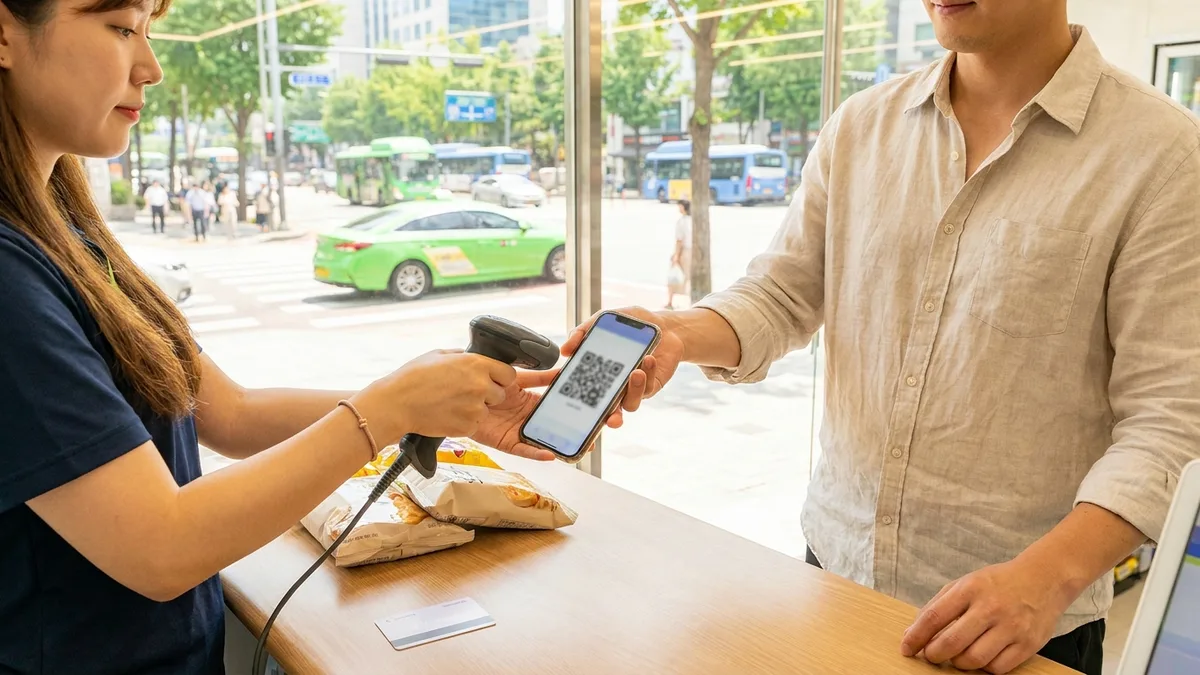
The number of Korean retail merchants accepting Alipay+ and WeChat Pay has grown a lot. But transit payments where you tap directly at subway or bus gates are still centered on the T-money family. It's safer to prepare a separate transit card for getting around.
Apple Wallet / Mobile T-money (iPhone)
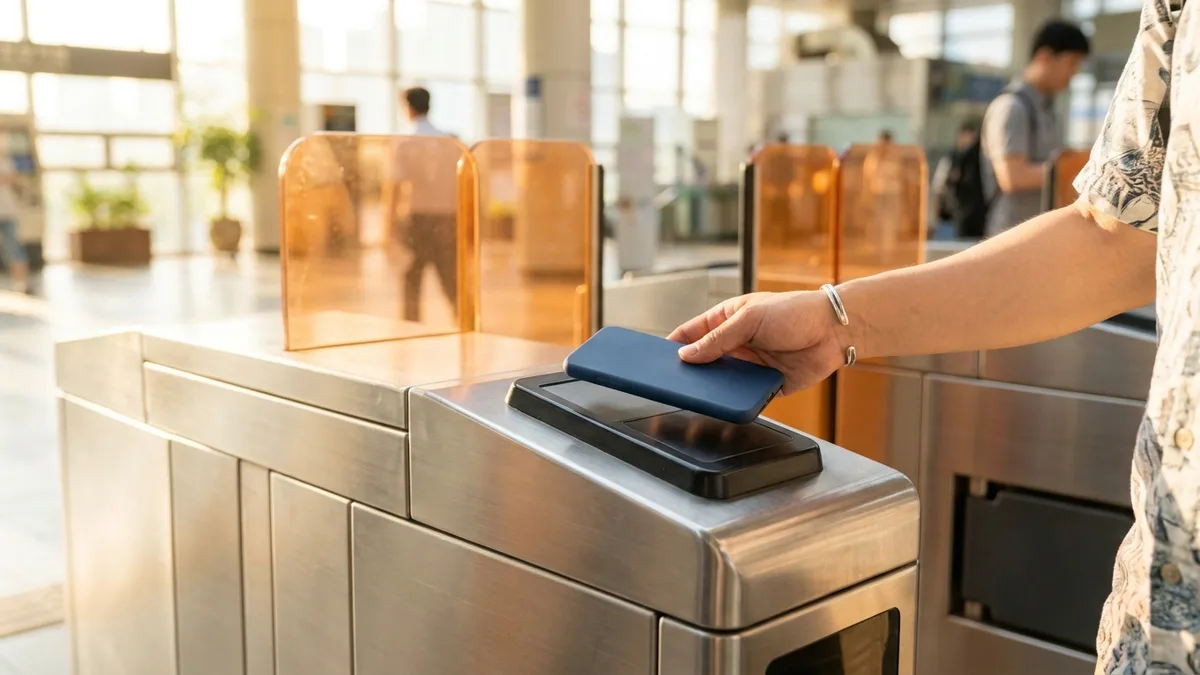
- Apple Wallet T-money has been supported since July 2025.
- As of March 18, 2026, the Mobile T-money app has opened up to foreign iPhone users. On the app's login screen, tap "Foreigners" to add a T-money card to Apple Wallet and top it up with a foreign-issued Mastercard, Amex, or UnionPay (Visa was not supported at launch, with plans to expand later). Note that topping up with a foreign card may incur a fee of about 4.5%.
- Google Pay had not launched in Korea as of 2026, so Android users are better off preparing mainly physical cards.
Even with the same Visa/Mastercard, the outcome can differ depending on the card company, the terminal, and the station. So it's best to always carry at least two payment methods.
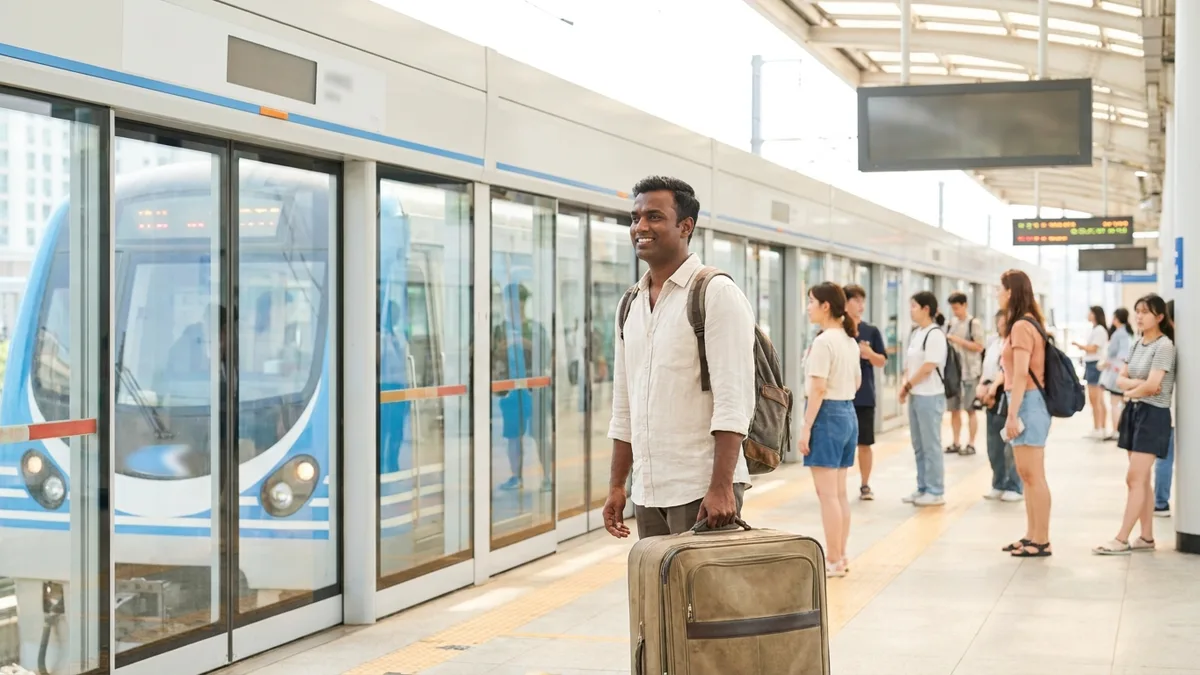
Step 3 — Getting from the airport into the city
| Option | Time (to Seoul Station) | Fare (2026-06) | Paying with a foreign card |
|---|---|---|---|
| AREX Express Train | about 40 min | about ₩13,000 | Vending machines often decline foreign cards → paying at the counter recommended |
| AREX All-Stop Train | about 60 min | about ₩5,350 from Terminal 2 | Tapping a transit card recommended |
| Airport Limousine Bus | about 60–80 min | about ₩16,000–18,000 (standard about ₩17,000, premium about ₩18,000) | Ticket windows take cash and cards; vending machines take cards only |
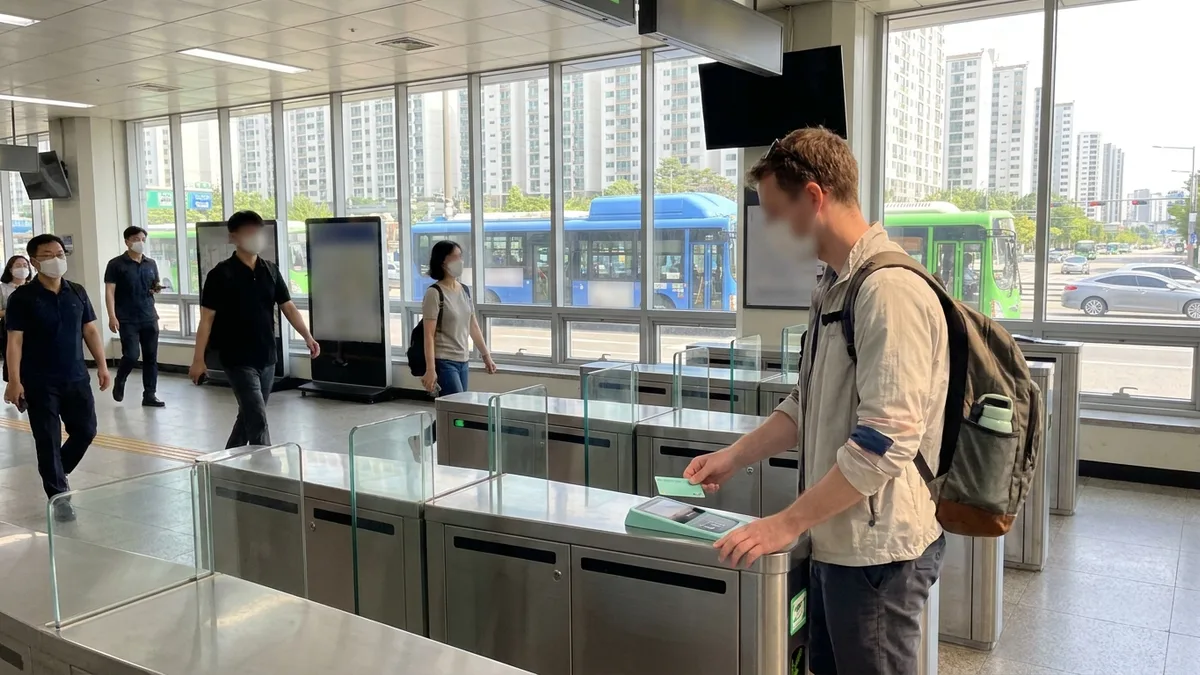
Don't panic if your foreign card is declined at the AREX Express vending machine. You can just go to the staffed counter next to it. For the all-stop train, city subway, and buses, tapping the prepaid transit card you set up in Step 2 at the gate is the smoothest way.
Since March 2026, the Seoul subway has allowed buying single-journey tickets and topping up transit cards with international cards (Visa/Mastercard/UnionPay, etc.) at kiosks in major stations (this varies by station and timing). However, full rollout of the EMV open-loop system, where you tap a card directly at the gate, is planned to proceed in stages going forward.
Frequently Asked Questions (FAQ)
Q1. Can I get through the first day without a Korean phone number? A. Yes, you can. With a data SIM/eSIM activated using your passport, maps, translation, booking apps, and messengers all work. That said, some services that require SMS identity verification on a Korean number may be limited.
Q2. I couldn't buy a transit card in advance — can I just tap my foreign credit card at the gate to ride? A. As of June 2026, tapping a card directly at the gate is not yet fully in effect. Some station kiosks do let you buy single-journey tickets or top up with international cards (it varies by station), but the surest approach is to prepare a prepaid transit card at the airport.
Q3. How do I book intercity travel like the KTX or express buses? A. For the KTX, you can book as a non-member on the official Korail site or the KorailTalk app using your passport and a foreign card. That said, foreign payments sometimes get blocked partway through due to 3D Secure verification or app errors. It's a good idea to confirm that your card has overseas payments enabled before ticketing.
Q4. What's the safest payment combination for the first day? A. We recommend a three-way combo: a little cash + a prepaid transit/payment card + a foreign credit card (as backup).

Want to handle everything from your first ride after landing in one app? Check out LACHA.
Built to work without a Korean phone number or bank account, with overseas payment methods like Alipay, WeChat Pay, and Apple Pay. Taxi hailing plus KTX, express bus, and airport railroad (AREX) booking — all in one app.
Download now