Last updated: 2026-06 · Fares and app support change often, so please double-check on the official site or app before you actually book.
"You Can Book an Express Bus in English… Sort Of" — Where Foreigners Actually Get Stuck
The official sites clearly support English. But the moment you hit the payment button, they only recognize Korean cards, or you get stuck at the identity-verification step. For foreigners, the sticking point with Korean express buses is almost never searching for routes — it's right here.
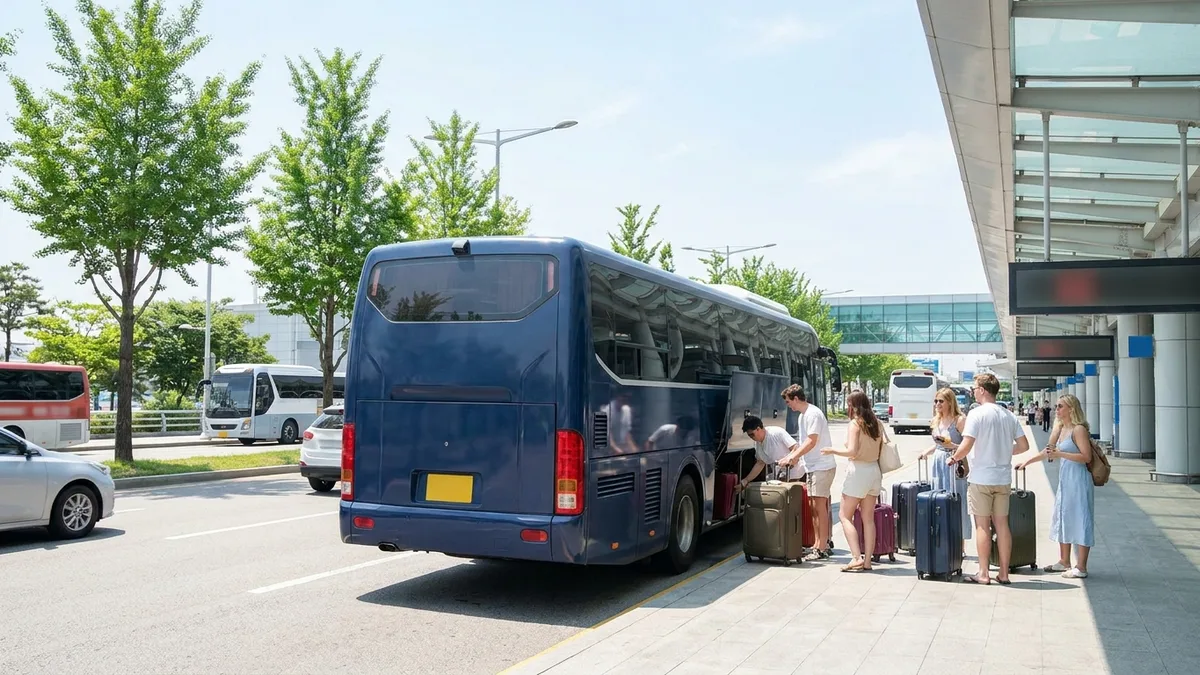
Express buses are cheaper than the KTX and cover a dense network of routes. They're especially handy for traveling between cities like Busan, Jeonju, and Gangneung. So all you really need is a ticket — but when you don't have a Korean phone number and your card keeps failing 3D Secure (overseas verification), you start wondering, "Do I just have to go to the terminal in person?"
Below, we'll walk through each way to book an express bus in English. We'll also look at exactly where foreigners tend to get stuck, and how to work around it when you do.
First, Know This: Express Buses and Intercity Buses Run on Different Systems
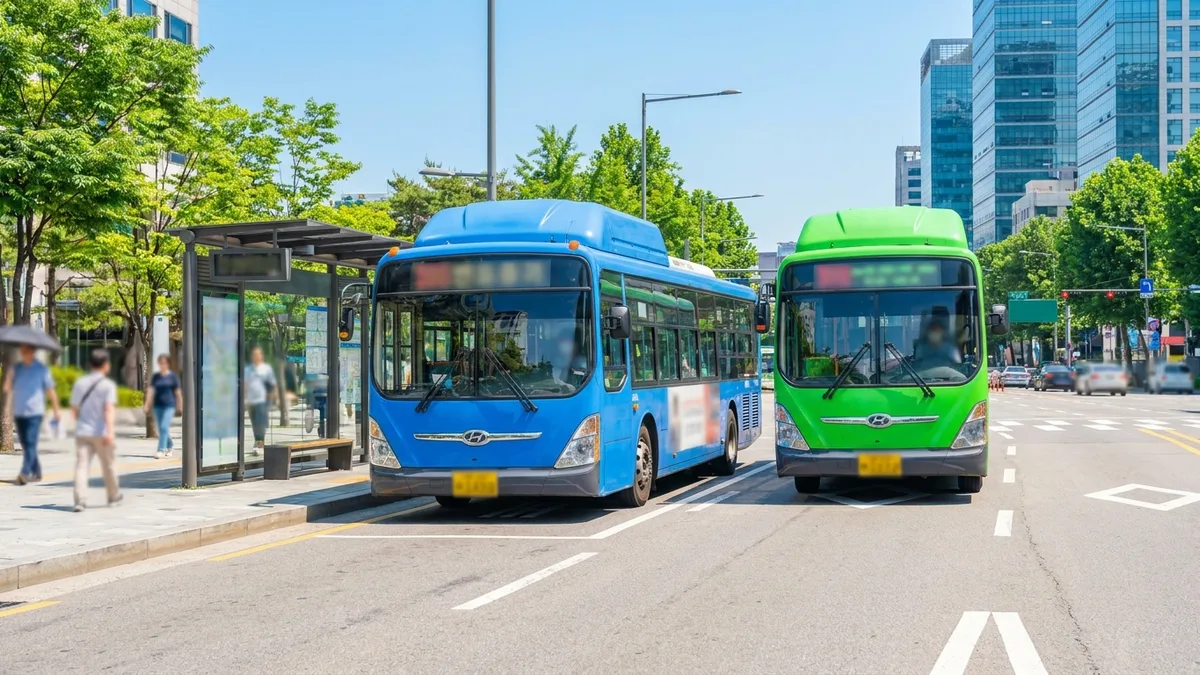
Long-distance buses in Korea fall into two main types. Their booking sites and apps are different, too.
| Type | Use | Main booking platform | English support |
|---|---|---|---|
| Express Bus (고속버스) | Direct service between major cities, e.g. Seoul↔Busan | Kobus (kobus.co.kr), the "Express Bus T-money" app | Yes (English, Japanese, Chinese, Korean) |
| Intercity Bus (시외버스) | Routes serving smaller cities and stopping at multiple terminals | Bustago (bustago.or.kr), TxBus | Yes |
Even for the same destination, a ticket may appear on only one platform depending on which bus company runs that route. If you can't find the route you want on one site, check the other one too.
Method 1. Official Sites (Kobus, Bustago) — English Supported, but the Card Is the Catch
- Kobus (kobus.co.kr) — the official integrated express-bus booking site. It supports Korean, English, Japanese, and Chinese.
- Bustago (bustago.or.kr) — the intercity-bus booking site. It likewise supports multiple languages.
The catch is payment.
- The Kobus site's checkout is designed mainly around Korean-issued cards, so when you select an overseas card, it may ask for Korean-card details like a PIN or password and get stuck.
- Even when an overseas card (Visa/Mastercard) is accepted, payment sometimes stops with a "3D Secure Verification Failed" error. This varies by card issuer, issuing country, and timing.
In short, you can book through the official sites. But whether it works — or gets blocked — depends on your card and the timing, so it's hard to guarantee it will always go through.
Method 2. The "Express Bus T-money" App — QR Mobile Boarding
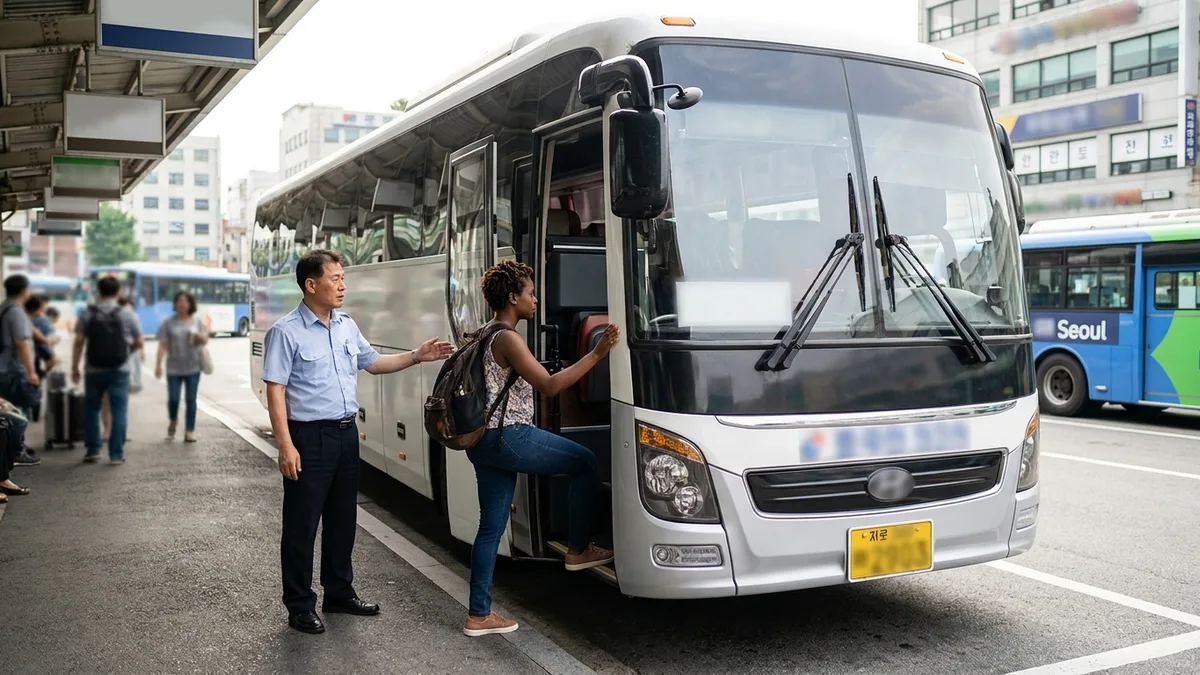
The "Express Bus T-money" app, operated by T-money in partnership with the Korea Express Bus Association, supports seat selection and QR mobile boarding passes. Once your QR code is issued after booking, you just scan it at the reader at the boarding gate — no paper ticket needed.
The upside is clear. You don't need to print a paper ticket, and you can pick your seat in real time.
There are things to watch out for, though. This app also accepts overseas cards, but 3D Secure verification tends to be finicky, and parts of the UI are mostly in Korean, so foreigners can find it confusing. If the QR code isn't issued properly, you may have to get a physical ticket at the terminal counter.
Method 3. A Foreigner-Focused All-in-One App (LACHA) — Overseas Payment Methods, No Identity Verification
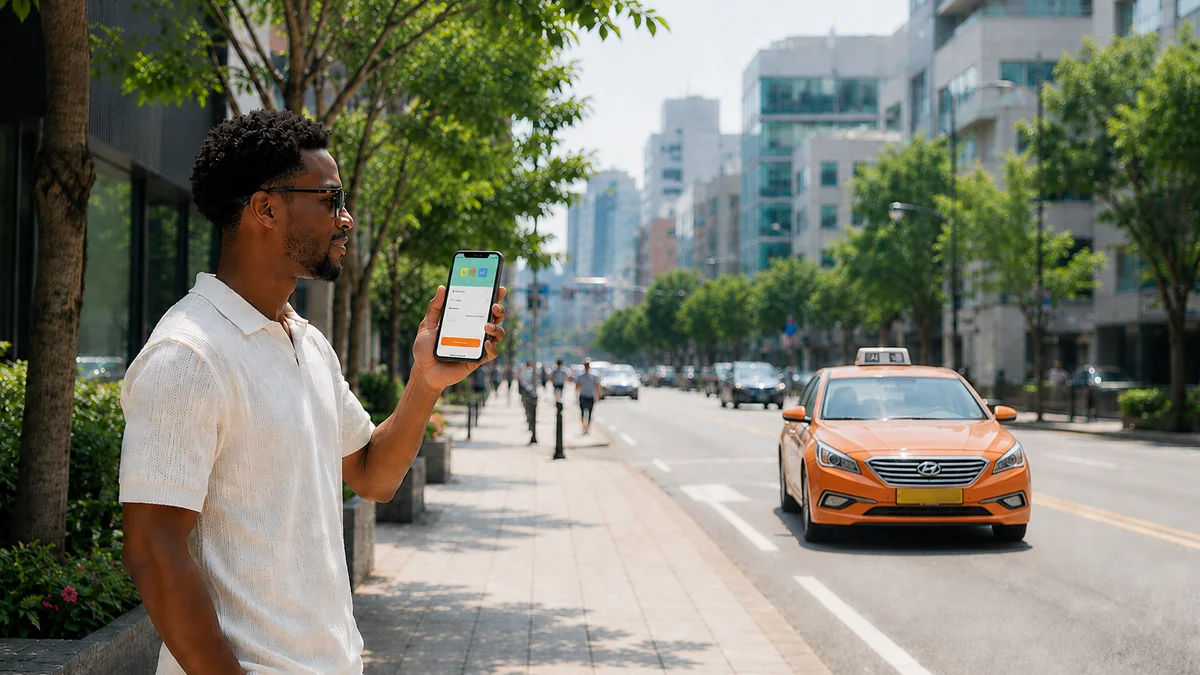
LACHA is an all-in-one transport app designed from the ground up for foreigners. You can sign up without a Korean phone number or identity verification, and it supports 17 overseas easy-payment methods — including Alipay, WeChat Pay, Apple Pay, and ZaloPay — plus overseas cards like Visa and Mastercard. Beyond express buses, taxi hailing and KTX and airport railroad bookings are all handled in the same app.
Foreign cards often get blocked at the 3D Secure step on the official sites, but LACHA supports easy-payment options like Alipay, so the payment goes through without that step. Even if your card was declined on an official site, you can route around it and book with an easy-payment method.
Method 4. Buying at the Terminal Counter — the Most Reliable Backup
If everything online is blocked, buying at the terminal ticket office on the day of departure with an overseas card or cash is the most reliable option. Even if your Korean is shaky, showing the name of your destination city on your phone screen usually does the trick. Some terminals' self-service ticket machines support foreign languages too.
That said, popular routes during peak season, weekends, or holidays can sell out. Just keep in mind that buying on the spot doesn't guarantee you a seat.
Frequently Asked Questions (FAQ)
Q1. Can I book without a Korean phone number or identity verification? A. The official sites support guest booking, but you'll often get stuck on overseas-card verification (3D Secure) at the payment step. If you want to book and pay right away without separate identity verification, an app designed from the ground up for foreign payments (such as LACHA) tends to have fewer roadblocks.
Q2. If I have an overseas card (Visa/Mastercard), will payment always go through? A. Not necessarily. Whether you pass 3D Secure depends on the card issuer, country, and the time of payment. If one card gets blocked, try another card, a global platform, or buying at the counter.
Q3. Can I pay for an express bus with Alipay or WeChat Pay? A. Official bus sites are basically built around credit-card payment, and whether overseas payment methods like Alipay or WeChat Pay are directly supported varies by platform and timing. To use these methods, your surest bet is to book through an app that supports those payment methods, like LACHA.
Q4. With a mobile QR ticket, do I still need a separate paper ticket? A. If your QR code was issued properly, you just scan it at the reader at the boarding gate — no paper ticket needed. If the QR doesn't come through, you can get a physical ticket at the terminal counter.

Want to search and book KTX and express buses in one app? Check out LACHA.
Built to work without a Korean phone number or bank account, with overseas payment methods like Alipay, WeChat Pay, and Apple Pay. Taxi hailing plus KTX, express bus, and airport railroad (AREX) booking — all in one app.
Download now


Last updated 2026-06. Fares, routes, and whether apps support overseas cards can change, so please double-check on the official sites (kobus.co.kr · bustago.or.kr) or in the app right before you book.