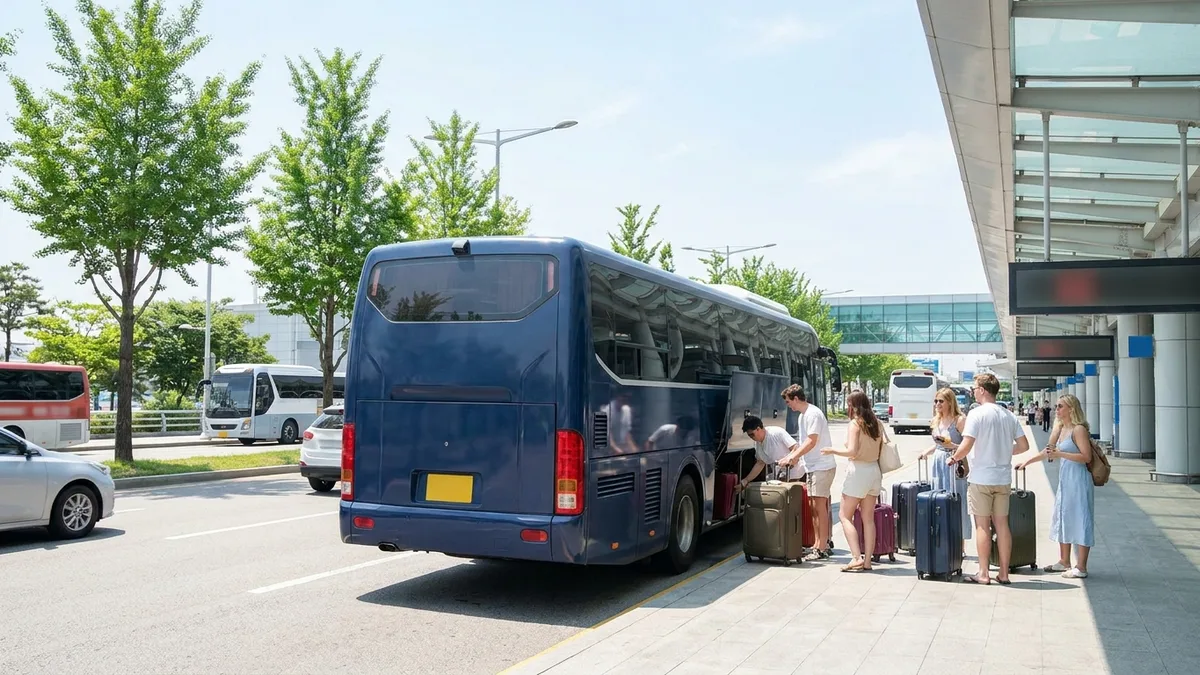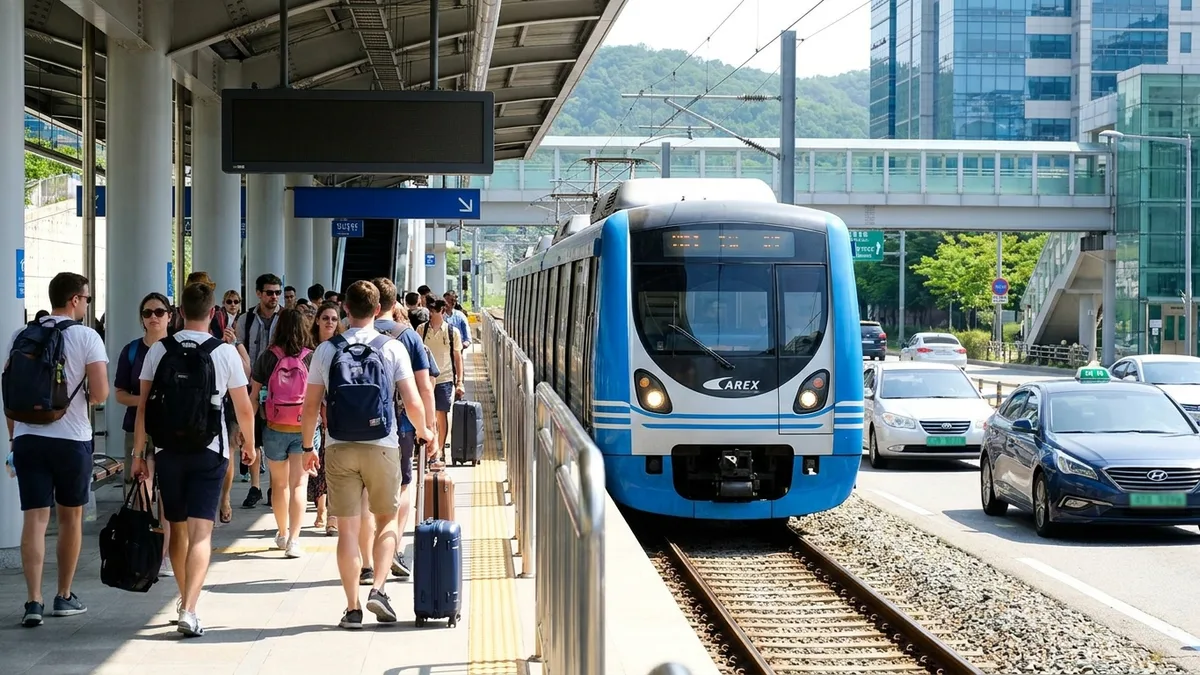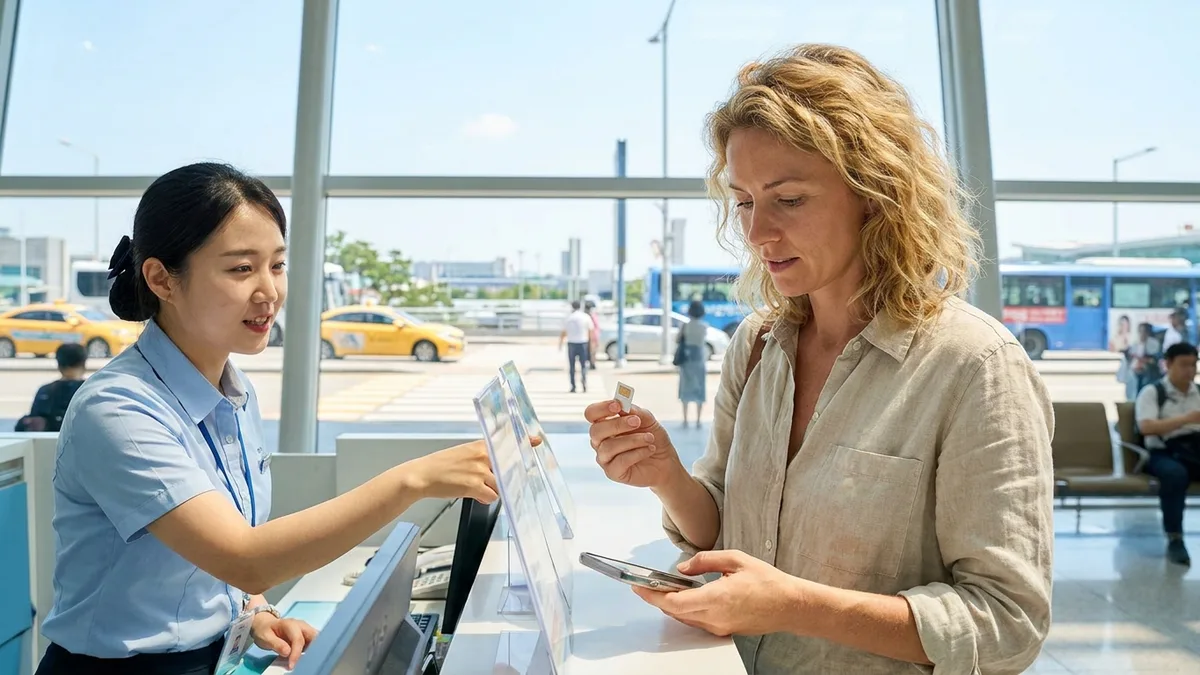
On-site SIMs start at about ₩6,600 for a 1-day pass, and short-term eSIMs start at around $5.9 for 3 days. At Incheon Airport arrivals, the three carriers — SK Telecom, KT, and LG U+ — have booths clustered on the arrivals floor, and the booths near Exit 13 in T1 and near Gate 3 in T2 run 24 hours.
The tricky part is that you end up weighing three things at once, standing right in front of the booth: SIM or eSIM, whether you need a passport, and whether your phone even supports eSIM. Pricing, locations, and hours here are as of June 2026, so it's worth double-checking the official airport and carrier pages before you go.
First Decision: SIM (USIM) vs eSIM
There's a single starting point: does your phone support eSIM?
| Category | SIM (physical) | eSIM (built-in) |
|---|---|---|
| Form | You insert a physical card | You download it by scanning a QR code |
| Where to get it | Airport counter / online pickup | QR delivered by email (no booth visit needed) |
| Your existing number | You have to remove your home-country SIM | Keep your home line + a Korean line at once (dual) |
| Supported devices | Almost all phones | Only relatively recent models |
| Loss risk | It's a tiny chip, so losing or replacing it is a hassle | No physical chip |
The decisive reason eSIM is convenient is that you can keep your home number active. You don't have to pull out the home line tied to your KakaoTalk verification or bank OTP — you just add a Korean data line on top. The catch is device dependence. Let's look at the compatibility list first.
eSIM-Supported Devices (as of June 2026)
- iPhone: XR / XS / XS Max and every model after (including the 11, 12, 13, 14, 15, and 16 series)
- Galaxy: S20, S21, S22 and later, plus the Z Fold and Z Flip series
- Google Pixel: Pixel 3 and later
Watch out for just two things. First, mainland China iPhones mostly don't support eSIM (Hong Kong and Macau versions work on only some models). The China-market iPhone Air released after October 2025 is an exception and is eSIM-only, but mainland models up to the iPhone 17 still don't support it, so you'll need to check by model. Second, a carrier-locked (SIM-locked) device may have its overseas eSIM profile blocked, so confirm your phone is unlocked before you leave. To be safe, verify final compatibility through the manufacturer's or carrier's official guidance.
Incheon Airport (ICN) Counter Locations & Hours
All three carriers keep booths in the arrivals hall on the arrivals floor (1F) of both Terminal 1 and Terminal 2.
Terminal 1 (T1)
- The three carrier booths are clustered near Exits 10–11 after immigration (to the left after you clear customs).
- LG U+ has two booths in T1 — in front of Exits 10–11, and in front of the relatively quieter Exits 6–7 (Arrivals Hall C).
- The booth near Exit 13 runs 24 hours and handles all three carriers.
Terminal 2 (T2)
- The KT counter is on the arrivals floor between Exits 4 and 5.
- There's a 24-hour counter near Gate 3 (relocated as of March 2026).
Regular booths are generally open 06:00–22:00. Aside from the 24-hour booths noted above, far fewer places are open if you arrive late at night.
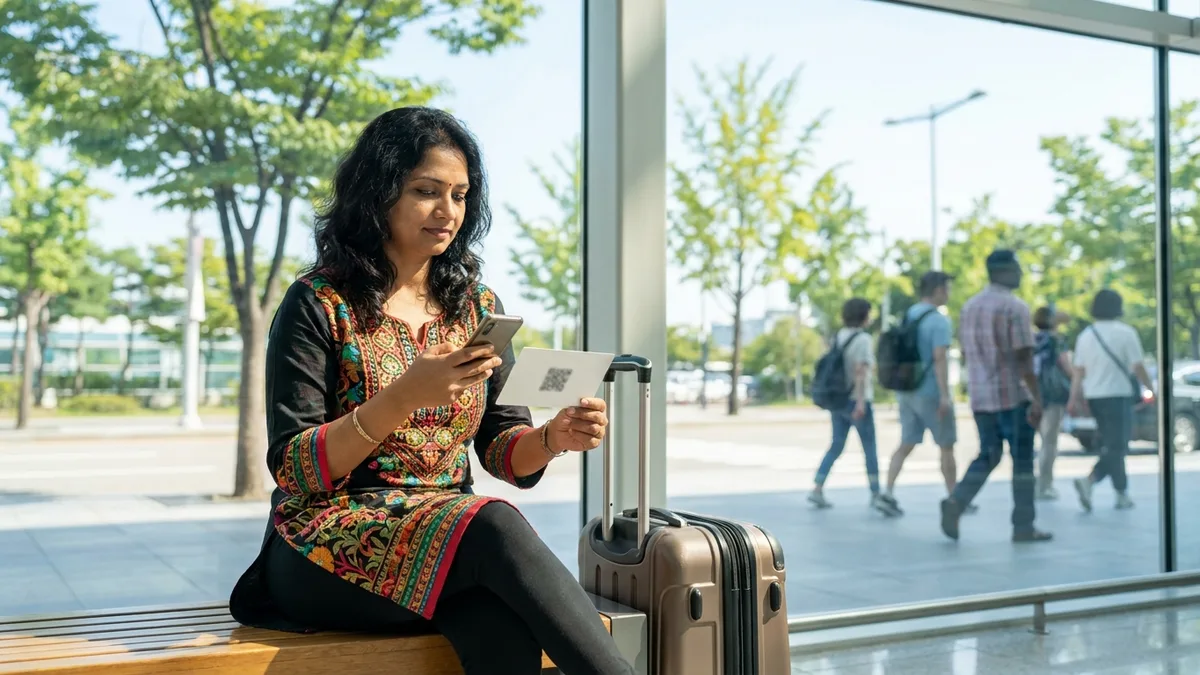
If you're on an early-morning flight, buying an eSIM online before departure is the safest bet. Once you have the QR, you don't need to stop by a booth at all.
Pricing, locations, and hours can change with airport renovations and carrier policy, so re-check the official airport (airport.kr) and carrier pages before you go.
Carrier & Pricing Comparison
Most traveler plans sold at the airport come with unlimited data by default. That said, some "unlimited" plans throttle your speed once you pass a certain volume, so it's worth reading the fine print.
- On-site airport SIM: from about ₩6,600 for a 1-day pass, with the daily rate dropping the longer the term. The overall price range runs roughly ₩6,600–₩143,000 (including long-term, high-volume plans). Typically, 1–30 day passes land around $10–$30 (about ₩13,000–₩40,000).
- eSIM: short-term 3-day passes start around $5.9, and you can choose 7, 14, 30, or 90-day terms. Many are data-only.
- Calls & texts: SK Telecom often sells data-only plans, so even if you're assigned a Korean number (+82), outgoing calls/texts and top-ups may not work. KT and LG U+ tend to allow credit top-ups for outgoing calls and SMS. If you specifically need to call and text with a Korean number, choose a KT or LG U+ plan that includes voice.
KT 5G is reported to reach up to 1 Gbps in urban areas like Seoul, with real-world use around 200–500 Mbps (it varies by network conditions and device).
On-Site Purchase vs Online Pre-Booking
Booking ahead on platforms like Klook or Trazy is often cheaper than buying on-site, and sometimes comes with bonus data. After booking, show the voucher (QR / booking number) at the airport booth to receive your SIM. With eSIM, you get the QR by email and don't even need to stop by a booth.
ID & Passport Requirements — Know This Exactly
A lot of people get confused here.
- Physical SIM (activated on-site): In Korea, signing up for telecom service legally requires real-name identity verification. So to receive a SIM at an airport booth and activate it on-site, you need your passport. This isn't a specific carrier's policy — it's a regulatory requirement.
- eSIM (bought online): Many eSIM sellers issue the QR using just an email address and operate in a way that doesn't require you to submit a passport (centered on data-only profiles). You can start using data right away without any identity documents.
In short: bring your passport — but if you just want fast data and don't really need a Korean number, the eSIM route has a lighter process. Requirements can differ by seller, so check the product details before you buy.
eSIM Setup & Activation Steps (example: via a Korean carrier app)
- Check compatibility: Verify your model against the list above and confirm it's unlocked.
- Buy: Choose your number of days and data online (carrier or travel platform), pay, and you'll receive the QR by email.
- Download: With an internet connection (in-flight Wi-Fi, free airport Wi-Fi, home-country roaming data, etc.), install the eSIM profile.
- If you've already arrived, you can connect to the free Wi-Fi at Incheon or Gimpo Airport to install it.
- Activate: In Settings, set the Korean eSIM as your data line. Confirm that data roaming is ON and the APN is set automatically.
- Verify: Once the carrier signal registers, test the connection with a map or messenger app.
iPhone and Galaxy let you keep your home line (eSIM or physical SIM) and the Korean eSIM on dual at the same time. That way you can receive verification texts on your home number while using Korean data.
When You Don't Have Data Yet — What About Transit & Payments Right After Arrival?
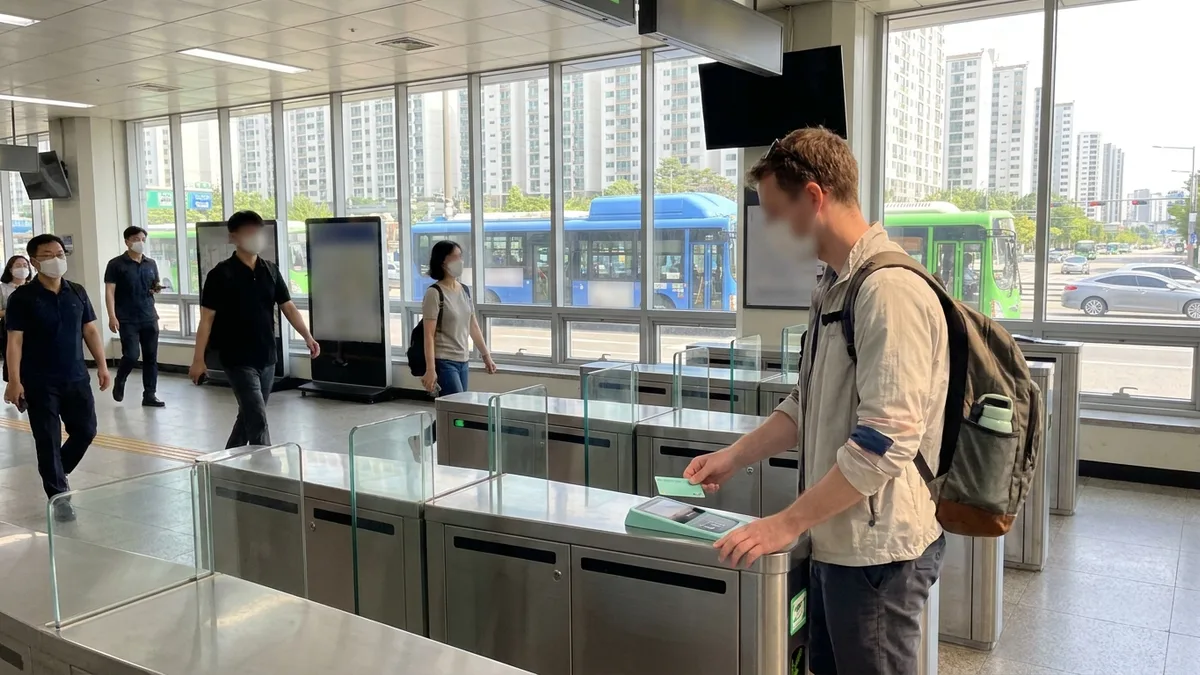
Activating a SIM or eSIM can take a few minutes, or the booth may be closed late at night, leaving you briefly without data. But the real barrier foreigners run into in Korea isn't the data itself. It's that without a Korean phone number or bank account, transit and payment apps won't get past identity verification. Apps like KorailTalk and Kakao T often get stuck at Korean mobile identity verification or overseas-issued card payments (3D Secure).
Want to handle everything from your first ride after landing in one app? Check out LACHA.
Built to work without a Korean phone number or bank account, with overseas payment methods like Alipay, WeChat Pay, and Apple Pay. Taxi hailing plus KTX, express bus, and airport railroad (AREX) booking — all in one app.
Download now


Frequently Asked Questions (FAQ)
Q1. I'm arriving at Incheon Airport in the early morning — can I still buy a SIM? A. Yes. There are 24-hour booths near Exit 13 in T1 and near Gate 3 in T2, so you can buy one even late at night. That said, regular booths are often open only 06:00–22:00, so to be safe I'd recommend buying an eSIM in advance.
Q2. Which is cheaper, an eSIM or a SIM? A. Short-term eSIM passes start around $5.9 for 3 days, so for short trips they're often cheaper. However, if you need to call and text with a Korean number, a KT or LG U+ SIM that includes voice may be better. It comes down to your itinerary and the features you need.
Q3. Can I buy one without a passport? A. Activating a physical SIM on-site requires a passport. Online eSIMs, on the other hand, are often issued via a QR using just your email, so you can use data without any separate documents. Check the requirements for each product before buying.
Q4. Does my iPhone support eSIM? A. iPhone XR/XS and later models mostly support it. However, mainland China iPhones mostly don't support eSIM (only the China-market iPhone Air from October 2025 onward is an exception), and carrier-locked devices may be blocked.
Q5. Do I really need a Korean number (010)? A. For tourism and data-focused use, you don't really need one. That said, some Korean apps require Korean-number identity verification. If you use a transit and payment service like LACHA, which is designed so that no separate identity verification is required, you can use the core features without a number.
The pricing, locations, hours, and device compatibility in this article are as of June 2026 and may change with carrier policy, airport operations, and exchange rates. Before buying, we recommend making a final check on the official pages of Incheon International Airport (airport.kr) and each carrier or seller. This article is for general information only and does not guarantee or promote signing up for any specific telecom product.