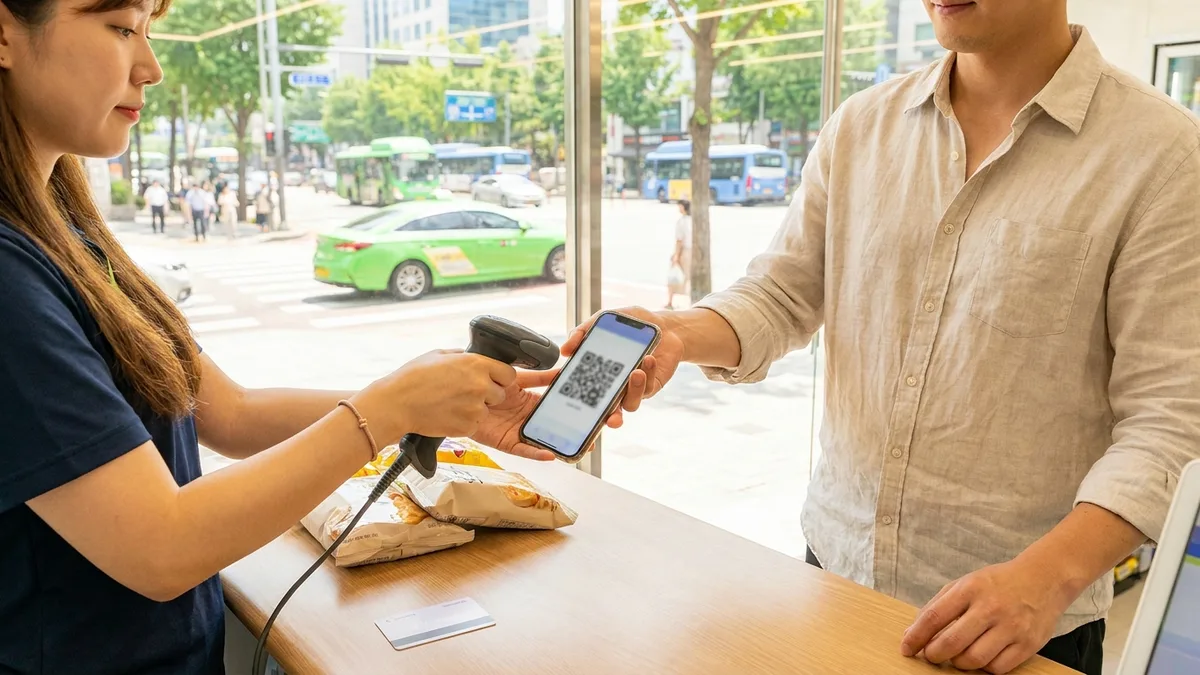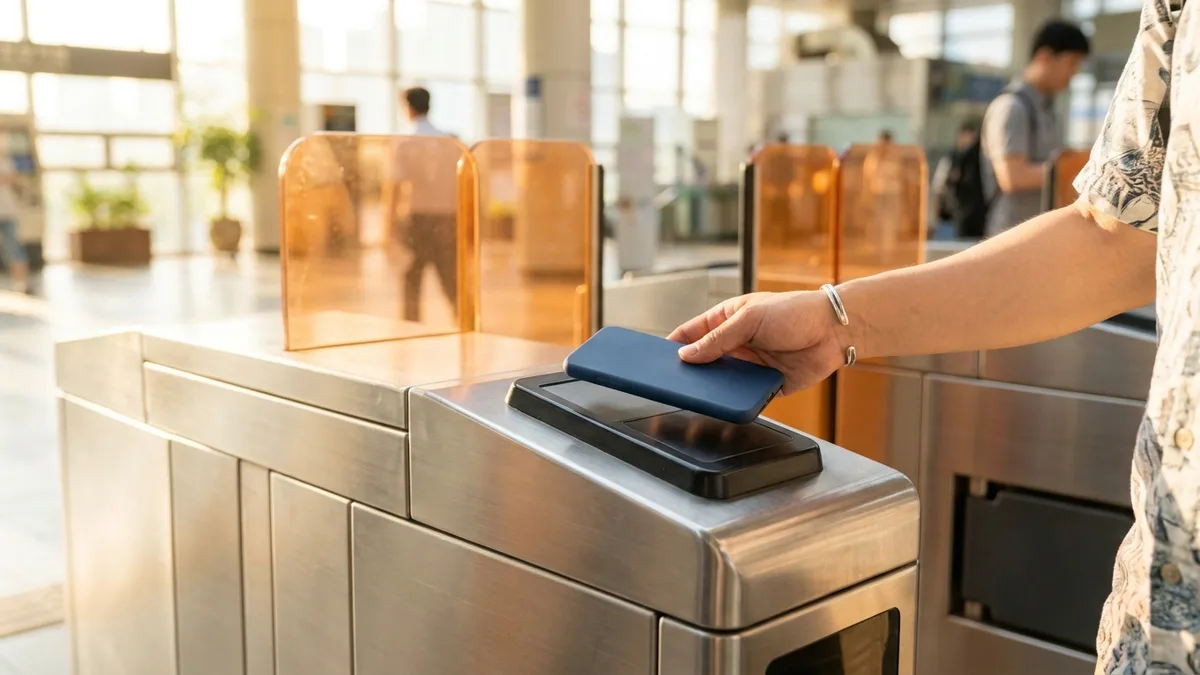
"I installed Kakao Pay at the airport, but I got stuck at identity verification." This is the most common wall that foreigners who have just arrived in Korea run into.
Korea is a country where you can pay for almost anything without cash. But Kakao Pay, Naver Pay, and Toss — the apps Koreans use every day — all require three things: an Alien Registration Card (ARC), a Korean mobile number (010), and a Korean bank account. Right after you arrive, you usually have none of these, which creates the irony of not being able to pay in a cashless powerhouse.
There are two paths. (A) Setting up Korean payment apps properly once your registration card comes through, and (B) methods you can use today even without a registration card, bank account, or phone number. Path (B) is designed so that no separate identity verification is required, so if you secure it first, you can cover the transport and payment gap from your very first day.
Fares and policies are as of June 2026, so they may change depending on the card issuer, station, or timing. Check whether a payment method works through official channels (the app, the station, or the store) right before you use it.
Two Categories to Know First
Korean mobile payment methods fall into two groups: "those that require identity verification" and "those that don't."
| Category | Payment method | Requirements | Works on day one? |
|---|---|---|---|
| Verification required | Kakao Pay / Toss / Naver Pay | ARC + Korean bank account + Korean number (010) | ✕ (after receiving your ARC) |
| No verification | Apple Wallet T-money | iPhone + overseas card (some) | ○ |
| No verification | WOWPASS | Passport only (cash top-up) | ○ |
| No verification | Alipay / WeChat Pay | Your home-country app as-is | ○ |
| No verification | Overseas credit/debit card, direct | The card itself | ○ (varies by terminal and station) |
Just because Korean payment apps don't work doesn't mean you can't pay at all.
Path (B) alone is enough to handle transport, convenience store, and restaurant payments from day one.
(A) After Your Registration Card Arrives — Setting Up Korean Payment Apps Properly
Kakao Pay, Toss, and Naver Pay are designed to require identity verification under Korea's electronic finance regulations. You need all three of the following to sign up properly.
- Alien Registration Card (ARC) — You apply at an Immigration Office after entering the country. From application to receiving the card usually takes more than a month. You can check the procedures and timelines by residence status on official government guidance such as HiKorea.
- Korean mobile number (010-XXXX-XXXX) — It must be activated in your own name. OTP verification won't pass with a tourist eSIM or an overseas number.
- Korean bank account — Most accounts require an ARC + passport + Korean number to open.
Features by App
- Toss: For foreigners who have an ARC, identity verification is relatively simple, making it convenient to open a digital account and make payments all in one app. It also supports an English UI.
- Kakao Pay: Based on KakaoTalk. Once you link a Korean number and account, transfers, QR payments, and transit are bundled into one. You can't sign up with a tourist SIM or an overseas number.
- Naver Pay: Requires a full set — Naver account verification + a Korean bank account + a Korean carrier number. It tends to be strong for online shopping payments.
The ARC and residence reporting (the F-4 overseas-Korean residence card) are separate systems. Check the registration procedure that matches your residence status at HiKorea (hikorea.go.kr) or the Immigration Contact Center (dial 1345, no area code). This guide is for general information only and is not legal advice.

(B) Payments You Can Use Today, Without a Registration Card or Bank Account
This is where the real deal begins right after arrival. The methods below are designed so that no separate identity verification is required in the formal process, so anyone can use them right away.
1) Apple Wallet T-money (iPhone)
Since July 2025, iPhone users can register a digital T-money either by adding it directly in Apple Wallet (+ → Transit Card → T-money) or through the MobileTmoney app. Top-ups default to domestically issued cards, but since March 18, 2026, you can top up with overseas Mastercard, Amex, and UnionPay in the MobileTmoney app (Visa not supported, fee about 4.5%).
Since April 2026, you can top up your mobile T-money balance with a Mastercard registered in Apple Wallet and ride by tapping your iPhone or Apple Watch (no physical card needed). Note that this is not open-loop, where you tap the card itself at the gate — under the Seoul city roadmap, tapping the card directly on the subway is expected to be introduced in stages after the terminal replacement in 2027.
2) Physical and Digital T-money (for everyone, including Android)
Since March 17, 2026, at about 440 kiosks across 273 Seoul subway stations, you can buy and top up single-journey tickets and short-term Climate Card passes (1, 2, 3, 5, and 7-day passes) with an overseas-issued credit or debit card (service fee about 3.7%). Buying and topping up a regular T-money card isn't yet available with overseas cards, so buying one with cash at a convenience store is the sure route, while for topping up a regular T-money with an overseas card you can use the MobileTmoney app (Mastercard, Amex, UnionPay).
The method of topping up with cash at convenience stores (GS25, CU, Seven Eleven, etc.) has been available to everyone for a long time.
3) WOWPASS — A Prepaid Card That Needs Only Your Passport
With just your passport, you can get one issued at a kiosk (card issuance fee ₩6,000, one-time — the current official price). This is an issuance fee, not a deposit.
At the same kiosk, if you insert foreign banknotes such as USD, EUR, JPY, or CNY, they are charged to the card in Korean won, and the loaded balance can be swiped like a card anywhere in Korea.
If you choose the T-money-embedded version, one card handles your transit card too (same price). Note that there are usage restrictions on some online payments, such as delivery apps.
4) Alipay / WeChat Pay — Your Home-Country App As-Is
You can use the Alipay and WeChat Pay you already used at home for QR payments in Korea just as they are. Acceptance is wide — Olive Young, Starbucks, Shinsegae, The Hyundai Seoul, Lotte Duty Free, Emart24, GS25, CU, and more.
They are especially strong at duty-free shops, cosmetics stores, and tourist districts, and some subway and taxi payments work too.
Local government promotions (for example, an Alipay payment discount at Zero Pay merchants in Suwon) run at certain times, so check whether it applies right before you pay.

Stuck on payments or bookings without a Korean phone or bank account? Check out LACHA.
Built to work without a Korean phone number or bank account, with overseas payment methods like Alipay, WeChat Pay, and Apple Pay. Taxi hailing plus KTX, express bus, and airport railroad (AREX) booking — all in one app.
Download now


Recommended Combinations for Day One
Bundling them like this by situation lets you start off without any snags.
- iPhone + Mastercard: Add T-money to Apple Wallet → top up with Mastercard in the MobileTmoney app → ride by tapping your phone + pay at stores with an overseas card / Alipay.
- If you're on Android or top up often: Get a WOWPASS (with T-money built in) → handle transit and stores together.
- Greater China users: Use Alipay / WeChat Pay as your default, and supplement transit with T-money.
- If you travel a lot between cities or long-distance: Book and pay for KTX and express buses all in one place with LACHA.
Frequently Asked Questions (FAQ)
Q1. On my first day in Korea, with no bank account or phone number, can I use mobile payments? A. Yes. Kakao Pay and Toss require a registration card, account, and number, but Apple Wallet T-money, WOWPASS, Alipay, WeChat Pay, and direct overseas card payments are designed to be usable right away without identity verification.
Q2. Can I use Google Pay in Korea? A. As of June 2026, Google Pay has not officially launched in Korea. For Android users, WOWPASS, a physical T-money, an overseas card, and Alipay/WeChat Pay are the more reliable options.
Q3. Can I top up a subway T-money with an overseas credit card? A. Overseas card payments at station kiosks (from 2026-03-17) are for single-journey tickets and short-term Climate Card passes, so for topping up a regular T-money you can use the MobileTmoney app's overseas card top-up (Mastercard, Amex, UnionPay; Visa not supported) or a cash top-up. It may be blocked in some cases depending on the card issuer, station, or timing, so it's good to keep cash as a backup.
Q4. Can I sign up for Kakao Pay with a tourist SIM? A. No. You need a Korean number (010) in your own name, and OTP verification won't pass with a tourist SIM or an overseas number. Once you receive your registration card and have a Korean number and account in place, you can sign up.
Q5. Can I pay for KTX and express bus tickets by mobile too? A. Yes, you can. However, non-member overseas card bookings with Korail often get stuck at 3D Secure verification. Using an app like LACHA, which supports overseas payment methods and offers KTX and express buses together, makes it easy to handle everything at once without the verification barrier.
Note: This article is for general information purposes as of June 2026 and is not legal, financial, or immigration advice. Fares, payment availability, and policies may change depending on the card issuer, station, store, or timing. For sensitive procedures such as alien registration and residence status, always check official government channels (HiKorea hikorea.go.kr, Immigration Contact Center 1345).