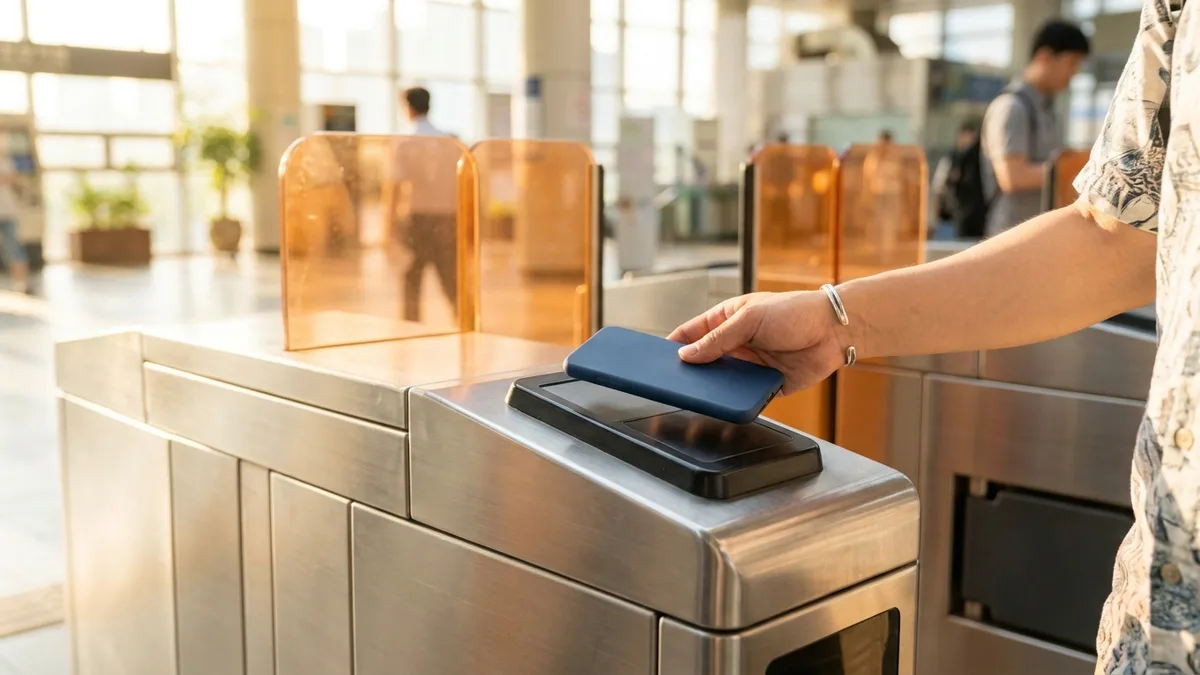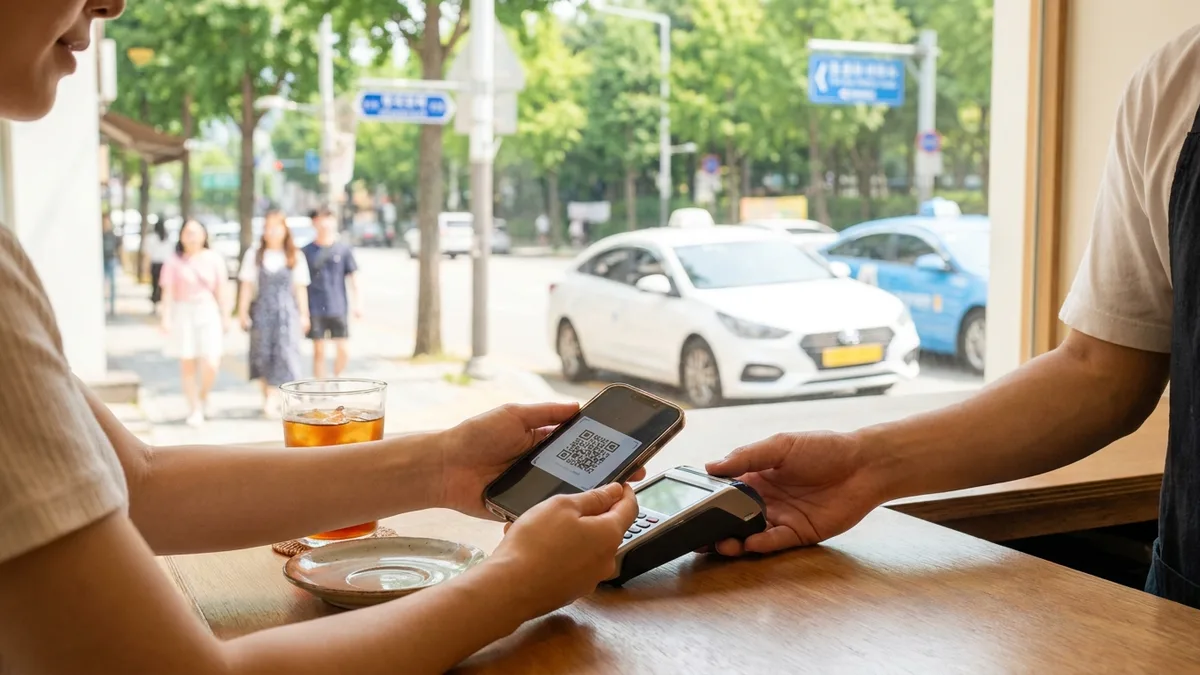
When you shop online in Korea, or use taxis, delivery, or Ttareungi (the bike share), Naver Pay and Kakao Pay almost always appear right at the top of the checkout screen. They are the most common payment methods for Koreans, but foreigners usually get stopped at the wall of "identity verification." When you tap the sign-up button, you see messages like "This is not a phone registered under your name" or "Verification could not be completed," and you can't go any further.
The heart of this article is understanding where this wall comes from and in what order to break through it. We'll also walk through the workarounds you can use even without a Korean bank account or card, and the alternatives for when nothing works.
Note on fees and policies: The procedures and conditions below are current as of 2026-06 and may change depending on app updates, card issuers, mobile carriers, and the time of payment. Please check each app's official guidance and your own card issuer's policy directly before signing up or paying.
First, Understand This: How "Identity Verification" Works in the Two Apps
Naver Pay and Kakao Pay aren't just payment apps — they're financial services. Because of that, they go through an identity-verification process required by Korean law. For foreigners, three things matter most.
| Element | What it is | How it applies to foreigners |
|---|---|---|
| Identity verification | Cross-checks your name, date of birth, phone ownership, and carrier registration info | A Korean phone activated under your own name is effectively required |
| Identification number | Koreans use a Resident Registration Number; foreigners use the Alien Registration Number | Both Kakao Pay and Naver Pay support entering an Alien Registration Number (varies by point in time) |
| Payment method | Korean bank account, debit/credit card, prepaid balance, or overseas card | Use by linking an account/card or by topping up a balance |
Of these three, the one that trips you up is almost always phone-based identity verification. So we'll break it down separately in the next section.
The Biggest Hurdle: Korean Phone Identity Verification
Both apps are asking the same thing during identity verification: "Is this phone number registered normally with a carrier under your own name?"
What Works / What Usually Doesn't
- ✅ A postpaid (contract) plan under your own name — A line activated under your own name using your Alien Registration Number through SKT, KT, LG U+, etc. has a high chance of passing identity verification.
- ⚠️ Prepaid / tourist SIMs bought at the airport or a convenience store — In many cases your name and identity aren't registered under your own name in the carrier's database. When that happens, there's no information to cross-check when verification is requested, so it tends to fail.
- ⚠️ Some MVNO (budget carrier) lines and eSIMs — Depending on the type of line and how it was registered, identity verification may not go through.
Practical tip: Even if you updated your line's registration to your Alien Registration Number at the carrier right after receiving your Alien Registration Card (ARC), it takes a few days for that information to be reflected in the carrier's system. During this period, identity verification can keep failing, so if you get repeated verification errors, try again a day or two later, or contact your carrier's customer service to check the registration status.
If You Don't Have an Alien Registration Card Yet
After entering Korea, it usually takes more than a month to receive your Alien Registration Card (ARC). During this gap, identity verification based on the Alien Registration Number is difficult in itself. When that's the case, you have two paths to choose from.
- Use only some features in a limited way with the top-up (balance) method (see the "Without an account or card" section below)
- Also use a payment service designed so that no separate identity verification is required — using a service that lets you handle transport and payments without a Korean bank account or phone-based identity verification can bridge the gap.
How to Sign Up for Naver Pay
Naver Pay is tied to your Naver account. The order is: ① create and verify a Naver account → ② activate Naver Pay → ③ register a payment method.
Step 1 — Create and Verify a Naver Account
- When signing up, foreigners generally verify their identity with a Korean phone number + Alien Registration Number.
- As of June 2026, Naver officially introduced "passport verification," which lets you verify your identity directly in the app using an overseas-issued passport (no need to go through customer service). For now it's being applied first to some services, such as Naver Map reservations, ordering, and payment, and the scope is gradually expanding. That said, it doesn't unlock all of Naver Pay's features, so it's a good idea to check the supported scope before using it.
Step 2 — Activate Naver Pay
Naver app (or the Naver Pay app) → menu at the bottom right → enter Pay → agree to the terms → verify your identity → set a payment password (6 digits).
Step 3 — Register a Payment Method
| Payment method | Feasibility for foreigners | Notes |
|---|---|---|
| Korean bank account | Possible (account verification required) | Most reliable |
| Korean debit/credit card | Possible | A card in your own name is recommended |
| Top-up (Naver Pay Money/Points) | Partially possible | There are routes that work even without an account or card |
| Overseas-issued Visa/Mastercard | Varies by card issuer and point in time | May be registered and used at some merchants |
For overseas cards, "it depends on the card" is exactly the right answer, just as the table says.
Naver Pay is reported to have somewhat broadened its acceptance of overseas cards since late 2025, but you can't assume it works with every merchant and every card. American Express is often declined. Whether registration works depends on the timing, the card issuer, and the merchant, so the accurate way to find out is to actually try registering once and see.

How to Sign Up for Kakao Pay
Kakao Pay is based on your KakaoTalk account. The order is: ① sign up for and verify KakaoTalk → ② activate Kakao Pay → ③ link an account/card.
Step 1 — Sign Up for and Verify KakaoTalk
- KakaoTalk identity verification also ultimately comes down to a Korean phone number under your own name.
- Kakao Pay supports entering an Alien Registration Number (applied roughly since around 2020). However, your phone line must be registered with the carrier under your own name for it to pass.
Step 2 — Activate Kakao Pay
KakaoTalk → More (···) → pay → agree to the terms → verify your identity → set a payment password.
Step 3 — Link an Account or Card
- Link a Korean bank account (account verification) or register a Korean card.
- Whether you can link an overseas card varies by card issuer and point in time. If direct registration is blocked, some people try first linking the card to a service like PayPal and then connecting it, but this may not work depending on your environment and policies, so it isn't guaranteed as an officially supported method.
Once you have everything ready (a Korean phone in your own name + an Alien Registration Number + an account/card to link), the activation itself takes only about 10 minutes. Almost everything that gets stuck is at the "phone ownership registration" step.
When You Don't Have a Korean Account or Card — The Top-up (Balance) Method
There's a way to use these apps even without an account or card, by topping up a balance in advance.
If you top up Naver Pay Money/Points or Kakao Pay Money, you can pay within that limit. Some convenience stores (GS25, CU, Seven Eleven, etc.) are reported to allow cash top-ups (varies by store and point in time). You ask the store clerk to top up the relevant pay balance and show the top-up code from the app.
The top-up method comes with amount and feature limits, and until identity verification is complete, high-value or sensitive features like transfers and withdrawals may be blocked. Please check the actual limits and supported stores through each app's official guidance.
Common Problems and the Order to Fix Them
Here's a rundown of causes and next steps by symptom.
| Symptom | Possible cause | What to try |
|---|---|---|
| "This is not a phone registered under your name" | Prepaid SIM, name not registered, MVNO | Switch to a postpaid line in your own name, retry after a few days, check registration status with the carrier |
| Verification fails after entering the Alien Registration Number | Carrier reflection delay right after ARC issuance | Retry after 1–3 days |
| Overseas card registration fails | Card issuer policy, merchant restriction, billing address mismatch | Enter the address and postal code exactly as on your card statement (don't translate), try a different card or a different merchant |
| The card issuer's verification page won't load | Overseas bank domain access delay on some networks | Switch between Wi-Fi and mobile data, then retry |
| ARS verification demanded due to suspicious activity | Risk-transaction detection | Complete ARS verification with a phone in your own name, then use again |
The fixes above won't work in every case. If you keep failing, it's often faster to contact each app's customer service.
Transport and Payments Without Identity Verification — LACHA
The biggest wall for Naver Pay and Kakao Pay is Korean phone identity verification in your own name. But right after entering Korea, before you've received your Alien Registration Card, or while you don't yet have a line activated in your own name, this wall is hard to get over.
LACHA is a Korea transport and payment app made specifically for foreigners, designed to fill exactly this gap.
- Designed so that no separate identity verification is required in the standard process — use it right after signing up, without a Korean bank account or phone-based identity verification
- Supports foreign payment methods — pay with Alipay, WeChat Pay, and more
- Integrated KTX + express bus booking (a first in Korea) — both trains and buses in one app
- Multilingual support — English, Vietnamese, Russian, Thai, and Traditional Chinese
During the gap until your Naver Pay/Kakao Pay identity verification clears, or when you don't yet have a Korean payment method, you can handle transport and payments right away with LACHA.

Stuck on payments or bookings without a Korean phone or bank account? Check out LACHA.
Built to work without a Korean phone number or bank account, with overseas payment methods like Alipay, WeChat Pay, and Apple Pay. Taxi hailing plus KTX, express bus, and airport railroad (AREX) booking — all in one app.
Download now


Frequently Asked Questions (FAQ)
Q1. Can I sign up for Naver Pay or Kakao Pay without an Alien Registration Number? A. Full use based on identity verification is difficult. However, some payments may be possible in a limited way with the top-up (balance) method. Sensitive features like transfers and withdrawals only unlock after you complete identity verification.
Q2. My sign-up doesn't work with the prepaid SIM I bought at the airport. Why? A. Prepaid and tourist SIMs are often not registered in the carrier's database under your own name. Even when the app requests identity verification from the carrier, there's no information to cross-check, so it tends to fail. A postpaid line in your own name is the most reliable.
Q3. Can I register an overseas-issued Visa/Mastercard? A. It varies by card issuer, merchant, and point in time. At some places registration and payment work; at others they're declined (Amex is often declined). Since you can't assume anything, try registering once and see for yourself.
Q4. I just received my Alien Registration Card, but verification isn't working. A. Right after ARC issuance, it can take a few days for your Alien Registration Number to be reflected in the carrier's system. Try again after 1–3 days, or check the registration status with your carrier.
Q5. Between Naver Pay and Kakao Pay, which is easier for foreigners? A. The requirements (a Korean phone in your own name + an Alien Registration Number + a payment method) are effectively identical. Since the identity-verification wall is the same, it's easiest to choose based on the app you already use (Naver for shopping, KakaoTalk for messaging).
References
- This document is general guidance written based on public information current as of 2026-06, and is not legal or financial advice.
- Sign-up requirements, the scope of overseas card acceptance, top-up-eligible stores, and the like can change from time to time depending on app updates, card issuer and carrier policies, and the time of payment. Before paying or signing up, please check each service's official guidance and your own card issuer's and carrier's policies directly.
- The "works / doesn't work" descriptions in this text are general tendencies, and don't definitively state success or failure in every case.
- For administrative matters like residency and visas, please check the government's official channels (HiKorea hikorea.go.kr, the Foreigner Comprehensive Information Center ☎1345).