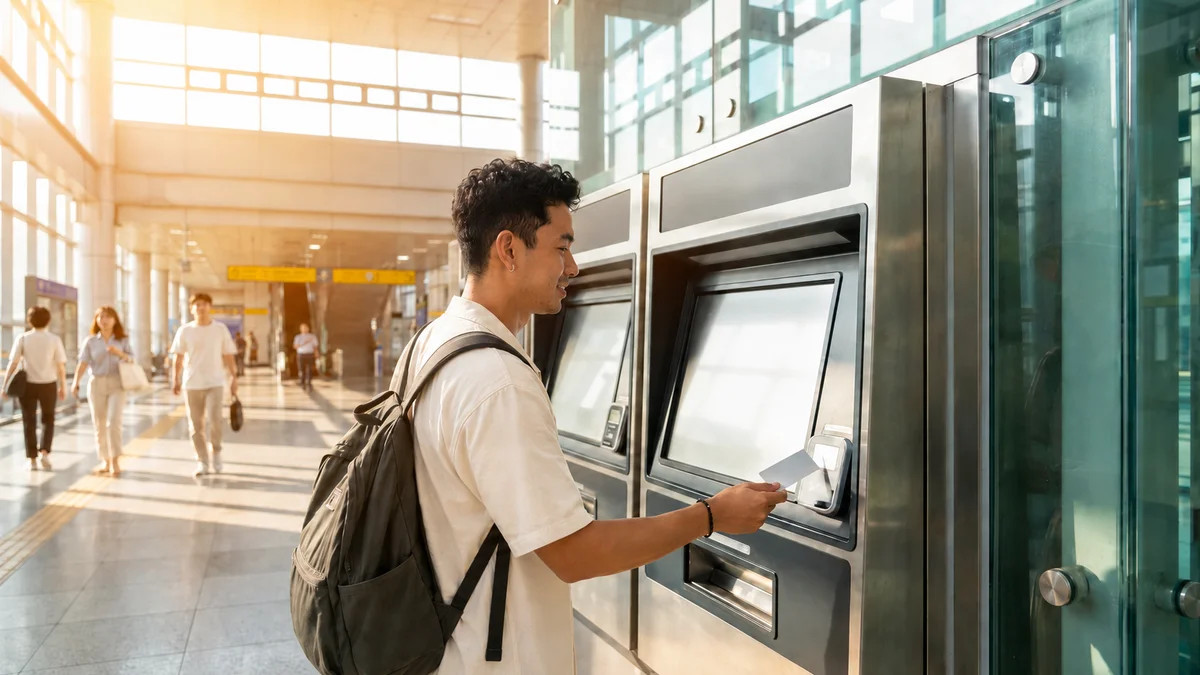
Have you ever picked up a T-money card at a convenience store, only to be told "cash only" when you tried to top it up? You don't have a Korean card or a Korean phone number, so you're probably wondering whether there's really no way to load a transit card with your overseas credit card.
There are ways. Things changed quite a bit over 2025 and 2026. It used to be that cash was basically the only option, but with Apple Wallet T-money arriving in July 2025 and new ticket machines that accept overseas cards installed at 273 stations from March 2026, several paths opened up for using a foreign card. That said, whether it works depends on your card brand (Visa, Mastercard, Amex, UnionPay), the type of terminal, and the specific station and timing. The key is knowing what works where before you go.
The fees and supported options below are current as of June 2026, and policies change often. It's a good idea to double-check the official T-money or Seoul Metro guidance, or ask a station attendant, before you use them.
Recharge Methods at a Glance
| Method | Foreign card top-up | Supported brands | Fee | Notes |
|---|---|---|---|---|
| New station ticket machine | Limited (single-journey tickets and short-term Climate Card passes only) | Visa, Mastercard, etc. | No currency exchange needed | At 273 stations since March 17, 2026; regular T-money top-up not available |
| Apple Wallet T-money (in-app) | Available | Mastercard, Amex, UnionPay | About 4.5% or so | Direct top-up in Wallet requires a Korean-issued card — overseas cards go through the Mobile T-money app (since March 18, 2026; Visa not supported) |
| Convenience store (CU, GS25, 7-Eleven, etc.) | Not available | — | None | KRW cash only |
| Station charging machine (cash) | Not available | — | None | KRW banknotes only |
| Prepaid cards like WOWPASS / NAMANE | Workaround available | Visa, Mastercard | Varies by card | Top up in the app, then convert to a transit balance |
Loading a physical T-money card by swiping a foreign card directly is still a narrow path. The mobile route (Apple Wallet) and foreigner-focused prepaid cards (WOWPASS, NAMANE) are far more reliable.
Method 1 — New Station Ticket Machines (March 2026 Overhaul)
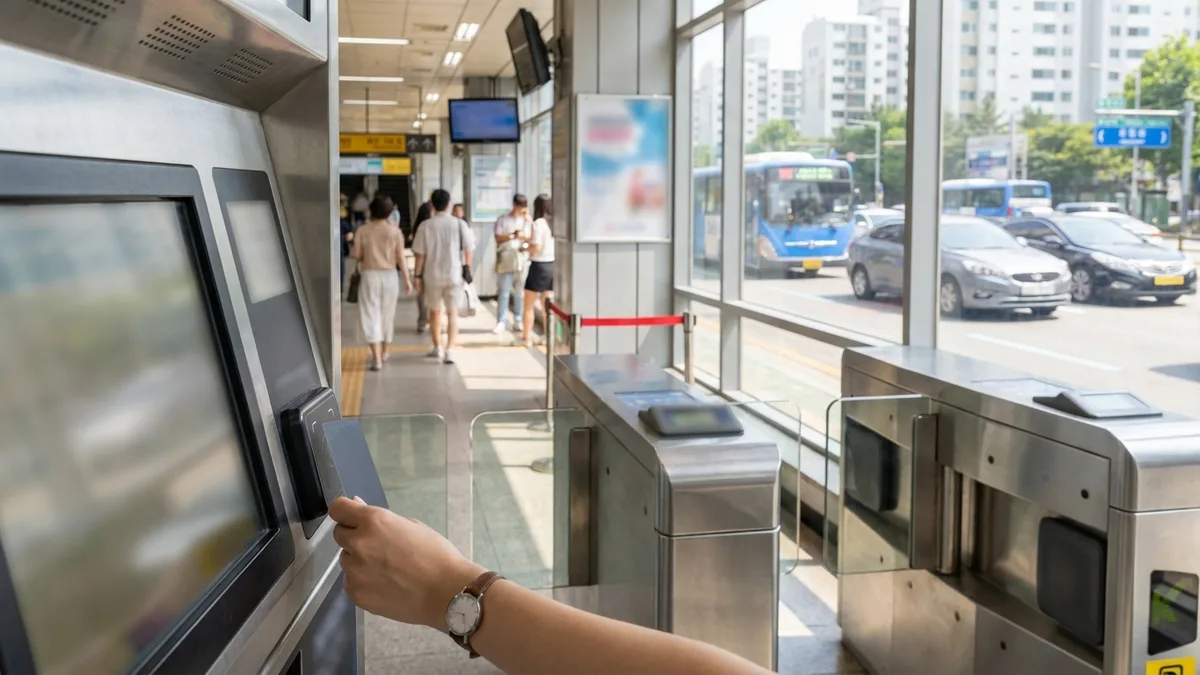
Starting March 17, 2026, new ticket machines that accept overseas-issued cards were installed at 273 subway stations in Seoul. The advantage is that you can pay directly with an overseas card like Visa or Mastercard, with no currency exchange.
That said, it's important to know the scope. Overseas-card payment at these new station ticket machines is for single-journey tickets and short-term Climate Card passes only; regular T-money top-up is available through the MobileTmoney app (Mastercard, Amex, UnionPay — Visa not supported).
Also, not every station and not every machine supports it. Older charging machines still take cash only. Start by checking whether the machine has a card-payment icon on it.
Seoul has announced that by 2030 it will gradually expand an open-loop system that lets you tap an overseas card directly at bus and subway fare gates. If that happens, the whole step of "recharging" could eventually disappear (for now it's limited to some lines and pilot stages).
Method 2 — Add T-money to Apple Wallet (iPhone) and Top Up
iPhone users can add a digital T-money card through the MobileTmoney app or by adding it directly in Apple Wallet (+ → Transit Card → T-money) (introduced July 2025). Note: Tmoney GO is a separate app for taxis and intercity buses.
Device requirements (confirm officially)
- iPhone Xs/Xr or later, iOS 17.2 or later
- Apple Watch Series 6 / SE (2nd generation) or later, watchOS 10.2 or later
Setup flow
- Install the MobileTmoney app from the App Store
- Follow the app's prompts to issue a digital T-money card → add it to Apple Wallet
- To pay, double-click the side button and tap the terminal
Foreign-card top-up is the key part.
Using the "Foreigner" button inside the app is designed so that you can proceed without any Korean identity verification or login. From here, you can top up with Mastercard, Amex, or UnionPay.
Visa is a bit different. As of the March 2026 update, in-app top-up doesn't support Visa (a payment gateway limitation). If Visa is all you have, use the "cash → Apple Wallet" workaround below. For foreign-card top-ups, the fee is quoted at about 4.5% or so (charged in USD; it varies by card issuer and timing).
Workaround for Visa users (cash → Apple Wallet)
- Insert cash at a T-money charging machine in a subway station
- Select "Apple Wallet card top-up"
- On your iPhone, go to Wallet > T-money card > Card details > turn on Service Mode, then tap the terminal
Android (Galaxy) users can do foreign-card top-ups in some T-money-family apps. Google Pay isn't available in Korea, so you can't use Google Pay to load T-money.
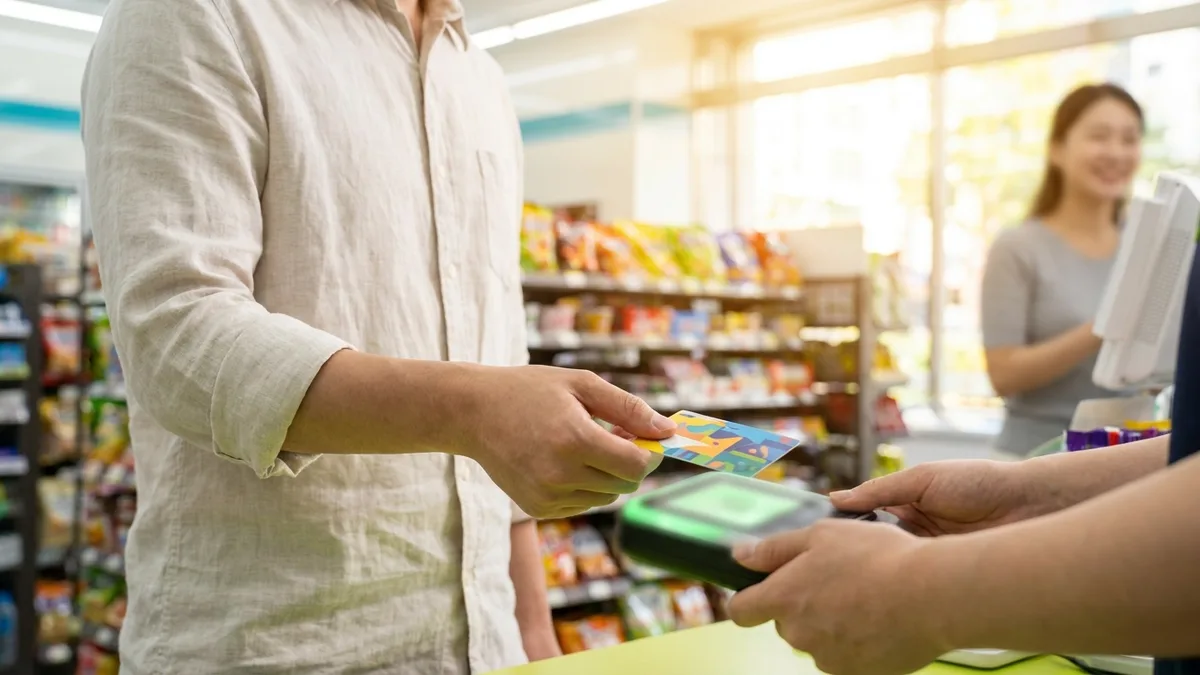
Method 3 — Convenience Store / Cash Top-Up (Most Reliable, but Cash Only)
This is the simplest method and works almost anywhere. The trade-off is that it takes KRW cash only.
- Convenience stores: Any store with a T-money mark works, such as CU, GS25, 7-Eleven, or Emart24. Just say "Charge T-money, please" and hand over the cash.
- Subway station charging machines: Insert KRW banknotes.
Convenience stores and station cash machines don't accept overseas cards or foreign currency. If you want to top up with a card, this isn't the method for you.
Method 4 — Foreigner-Focused Prepaid Cards like WOWPASS and NAMANE
If you want the most flexibility with a foreign card, a foreigner-oriented prepaid card is an alternative.
WOWPASS
- It's a card that bundles a prepaid debit function, T-money transit, and currency exchange into one. You can get one from the orange kiosks at Hongik Univ. Station, Myeongdong, Seoul Station, Incheon Airport, and some hotels.
- In the app, you top up a "shopping balance" with an overseas Visa or Mastercard, then convert it to a T-money transit balance via NFC.
- Note, though, that you can't top up the transit (T-money) balance directly with foreign currency. You have to go through KRW cash (at a station or convenience store) or an in-app conversion. The foreign-currency top-up limit is ₩2,000,000 per day.
NAMANE
- It's a prepaid card you can design with a custom look. You can get one from kiosks at Incheon Airport, Myeongdong, and Hongdae.
- In the app, you can top up with an overseas credit card, Apple Pay, or Google Pay.
- The "Pay balance (shopping)" and "Transit balance" are separate, so you have to convert manually in the app. It runs on the Rail+ system rather than T-money, but since it's on the nationwide-compatible (One Card All Pass) standard, it works on most subways and buses in the Seoul metropolitan area and major cities (some regional buses and small-payment merchants may be exceptions).
Prepaid cards may add a per-card fee when you top up or convert. For a short trip, weigh convenience; for a long-term stay, weigh how the fees add up, and choose accordingly.
Frequently Asked Questions (FAQ)
Q1. Can I recharge T-money with a Visa card? A. In-app top-up (Apple Wallet T-money) doesn't support Visa. Overseas-card payment at the new station ticket machines (273 stations since March 2026) is also limited to single-journey tickets and short-term Climate Card passes, so it can't top up regular T-money either. If Visa is all you have, the "cash → Apple Wallet" workaround or a WOWPASS app top-up solves it.
Q2. Can I recharge a transit card with an overseas credit card at a convenience store? A. No. Convenience stores and station cash machines take KRW cash only. To top up with a foreign card, use the MobileTmoney app or prepaid card routes.
Q3. How much is the foreign-card top-up fee? A. Foreign-card top-up for Apple Wallet T-money is quoted at about 4.5% or so (charged in USD; it varies by card issuer). Prepaid cards (WOWPASS, NAMANE) may add separate top-up or conversion fees, so check the exact rate on the screen right before you pay.
Q4. Can I recharge T-money with Google Pay? A. Google Pay isn't officially available in Korea, so you can't use it to top up T-money. On iPhone, use Apple Wallet; on Galaxy, use a T-money-family app.
Q5. Can I top up without a Korean phone number or bank account? A. The "Foreigner" route in Apple Wallet T-money, the new station ticket machines, and WOWPASS/NAMANE are all designed to be used without a Korean account or phone number. The most reliable option is still a cash top-up at a convenience store.
Q6. Beyond recharging a transit card, can I also book KTX or express buses with an overseas payment method? A. Yes. With LACHA, you can book KTX and express bus tickets without a Korean phone number or identity verification, paying with Alipay, WeChat Pay, and more.

Want to search and book KTX and express buses in one app? Check out LACHA.
Built to work without a Korean phone number or bank account, with overseas payment methods like Alipay, WeChat Pay, and Apple Pay. Taxi hailing plus KTX, express bus, and airport railroad (AREX) booking — all in one app.
Enter code GUIDE3 at sign-up for 3,000P instantly
Download now