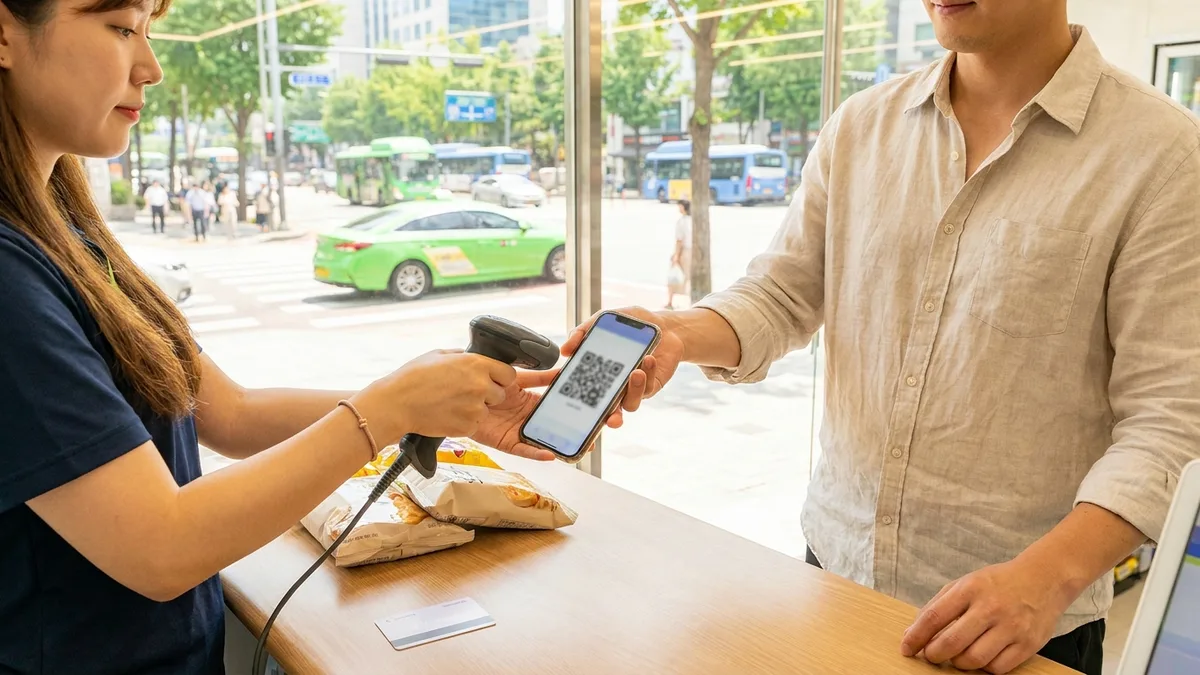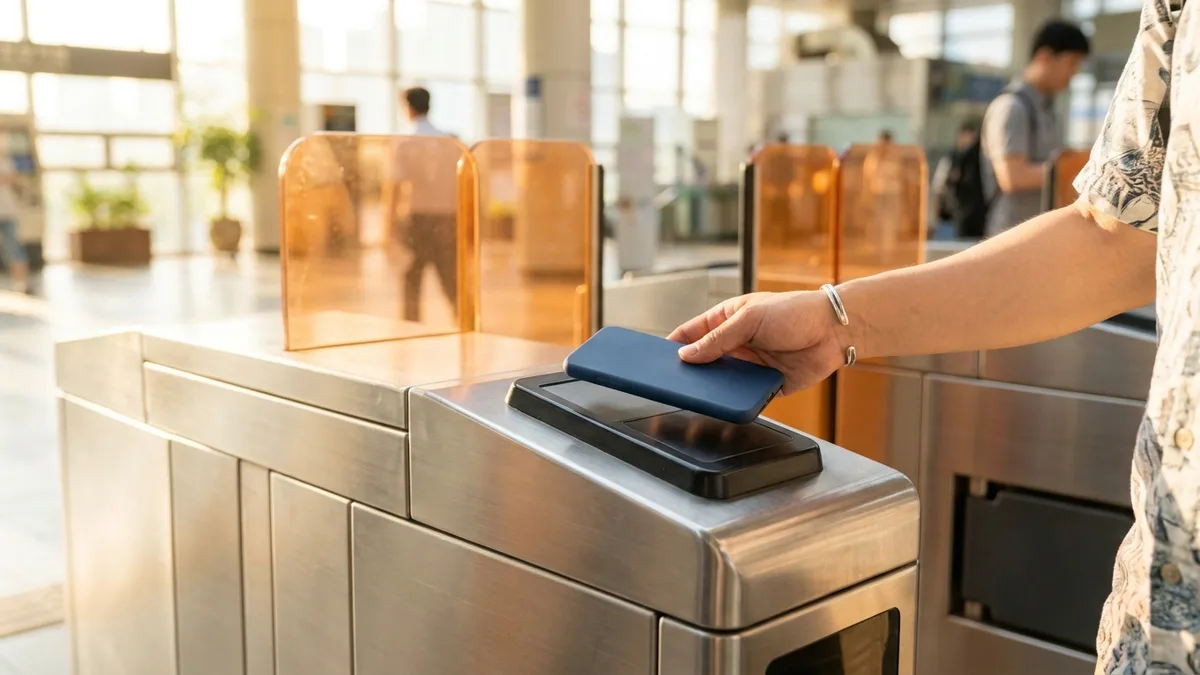
In Taiwan, paying with LINE Pay is second nature—from convenience stores to night markets. So when planning a Korea trip, many people naturally think, "Can't I just open LINE Pay in Seoul too?" But the reality hits when you show your barcode at a Korean checkout counter and hear, "Sorry, we don't accept that."
If you're traveling from Japan, the situation is completely different. Japan's LINE Pay ended service entirely on April 30, 2025. Any plan to use "the LINE Pay I used before" in Korea no longer works.
So let's start with what Taiwan LINE Pay can actually do in Korea.
The information below is based on publicly available data as of 2026-08. International mobile payment partnerships change frequently with merchants and promotions, so please verify through the LINE Pay app announcements and individual store notices before your trip.
Bottom Line First — The Answer Varies by Country
| Your LINE Pay | Can You Use It in Korea? | Notes |
|---|---|---|
| Taiwan LINE Pay | ○ Works at select merchants | Mainly duty-free shops, convenience stores, beauty stores, etc. Not accepted everywhere |
| Japan LINE Pay | × Not Available (Service Ended) | Ended April 30, 2025. Alternative: PayPay overseas payment mode |
| Thailand LINE Pay (formerly Rabbit LINE Pay) | △ Unconfirmed (Check official sources) | Service continues in Thailand, but Korea payment support hasn't been officially confirmed |
○=Available, △=Unconfirmed/Varies, ×=Not Available
Here's the key: LINE Pay is operated by different companies in each country as separate services—it's not a universal global wallet. The Taiwan version continues expanding Korea partnerships, while the Japan version shut down completely.
Japan LINE Pay Ended in 2025
- According to official announcements from operator LY Corporation, Japan LINE Pay service ended on April 30, 2025.
- The window to transfer balances to PayPay for free was open only from January 27 to April 23, 2025, and has since closed. Remaining balances are processed only through bank account refunds under Japan's Payment Services Act, and a claim deadline may apply. To check if claims are still accepted, visit the LINE Pay Japan official site (pay.line.me) service termination page or contact customer service through the LINE app. (As of 2026-08)
- Refunds go to Japanese bank accounts, so without a Japanese account, processing may be difficult. If you've already closed your account, contact customer service before attempting to claim. (Requires official confirmation)
- This termination applies only to Japan. Taiwan and Thailand LINE Pay are separate entities and were unaffected.
So what should Japanese travelers use in Korea? The de facto successor service PayPay is your answer. PayPay launched its "overseas payment mode" for Korea on September 30, 2025, enabling QR payments at Alipay+ and Zero Pay network merchants. Just note that a 3.85% overseas transaction fee (tax included) is added to the converted exchange rate. (As of 2026-08)
For Japanese Travelers — Setting Up PayPay Overseas Payment Mode
Step 1 — Complete identity verification (eKYC) in Japan before departure. Overseas payment mode requires verified accounts. Identity verification requires Japanese ID/documents, making it difficult to complete after arriving in Korea, so confirm your account shows "identity verified" in the app before leaving. Skipping this step means getting blocked at Korean checkout counters. (Requires official confirmation)
Step 2 — Switch to overseas payment (海外支払い) mode after arriving in Korea. You need to enable overseas payment mode in the payment screen to unlock QR payments for Korean merchants. Location verification and data connection are required, so set up roaming, SIM, or eSIM first (Airport SIM/eSIM Guide). Check the app guidance to confirm whether payment source is PayPay balance or linked payment method. (Requires official confirmation)
Step 3 — Pay at stores displaying Alipay+ or Zero Pay stickers. Check payment method stickers at the register first, then show your app screen or scan the store's QR according to their system. Keep in mind the 3.85% fee (tax included) is added to the converted amount. (As of 2026-08)
Taiwan LINE Pay — Where Does It Work in Korea?
Taiwan LINE Pay partnerships have been rapidly expanding since 2024 as Korean retailers target Taiwanese tourists. New merchant announcements continue through 2026. Based on publicly disclosed partnerships, here's the breakdown: (As of 2026-08, may vary by store/location)
| Category | Major Merchants |
|---|---|
| Duty-Free | Shilla Duty Free (July 2024~), Lotte Duty Free (July 2025~ all offline branches), Shinsegae Duty Free (announced March 2026, rolling out to Myeongdong, Incheon Airport locations, etc.) |
| Convenience Stores | 7-Eleven (April 2026~ QR payment introduced), CU, emart24 |
| Supermarkets/Department Stores | Lotte Mart, Lotte Department Store, and other Lotte affiliates |
| Beauty/Fashion | Olive Young, Innisfree, ABC Mart, SPAO, etc. |
Conversely, assume it won't work at ordinary restaurants, cafes, markets, or taxis not on the partnership list. Think of it as a "Myeongdong/duty-free shopping payment method" and prepare other options for the rest of your itinerary.
Even within the same brand, acceptance can vary by location, so here's how to verify in 5 seconds on-site:
- Before paying, check if payment method stickers near the register show the LINE Pay logo. If only Alipay+ logo appears, LINE Pay may not be accepted.
- When asking, simply say "Line Pay doenayo?" (라인페이 되나요?) and most will understand. At duty-free shops and Olive Young with frequent foreign customers, just "LINE Pay?" in English usually works.
Merchant and promotion lists are available in the Taiwan LINE Pay app's "Overseas Payment (韓國)" event page.
Step-by-Step Payment Process
Step 0 — Complete These in Taiwan Before Departure
It's often difficult to add Taiwanese cards or renew verification after arriving in Korea. Complete these three things while in Taiwan:
- Verify a credit card with international payment capability (VISA, Mastercard, etc.) is linked in the app. LINE Pay overseas payments are typically charged to linked credit cards. Whether LINE Pay Money (balance) can be used abroad varies by account and country. (Requires official confirmation)
- Check if your card issuer's overseas payment block (lock) is disabled. Your app may show normal status, but if the card company blocks it, you'll get declined at Korean registers.
- Check if your card qualifies for this season's promotions and whether pre-registration is required. Registration-required events often don't retroactively apply after payment. (Requires official confirmation)
From here on, these are steps after arriving in Korea.
Step 1 — Verify Data Connection & Enable Location Services
LINE Pay requires real-time barcode generation, so you need Korean data (roaming, SIM, or eSIM) first. See the Airport SIM/eSIM Guide for setup instructions. With data connected and location services enabled in app settings, the payment barcode should automatically switch to Korea mode.
Step 2 — Confirm Payment Screen Country Shows "Korea"
If auto-switching doesn't work, manually change the country to "Korea" in the payment screen. Getting into the habit of checking the country/currency display above the barcode before checkout prevents register-side confusion.
Step 3 — Present Barcode/QR at Store
Simply saying "Line Pay" at the register works, but the scanning direction varies by store, which confuses many people. Some stores (CPM) scan your app barcode, while others like 7-Eleven (MPM) have you scan a QR on their register screen with your app. Just showing the barcode and waiting might not work, so follow staff instructions.
Step 4 — Confirm Payment Completion
A completion notification appears in the app immediately after payment. If no notification appears but staff says it's complete, check your app's transaction history before trying again to avoid duplicate charges.
When Payment Is Declined — Check These Within 30 Seconds at the Register
- First check if the payment screen country switched to "Korea" (display above barcode).
- Without data, the barcode won't refresh. Check your WiFi/roaming status.
- If it still doesn't work, don't waste time—switch to an international credit card (chip insert) or cash to complete payment first. Card issuer overseas payment blocks or limit issues can be investigated after leaving the store.
- If the same card keeps getting declined at different stores, see When Card Payments Fail in Korea for cause-specific solutions.

Exchange Rates & Fees — It's Not Always a Better Deal
- Overseas transaction fees follow the rules of your linked card issuer. Taiwanese card issuer overseas transaction fees typically run around 1.5% (varies by issuer, requires official confirmation). Using LINE Pay doesn't eliminate this fee.
- Exchange rates are based on card brand (VISA, Mastercard) settlement rates, which may be better or worse than cash exchange at private exchange offices in places like Myeongdong. Just factor in the card issuer's overseas transaction fee on top. The amount shown at payment and the actual card charge may differ slightly due to exchange rate timing differences, so compare with your card statement after your trip. (As of 2026-08, varies by issuer, requires official confirmation)
- So the real benefit of Taiwan LINE Pay isn't exchange rates but points promotions. Basic reward programs have been reduced/revised since 2026 (detailed terms require official confirmation), so real value comes from designated card + designated merchant promotions. Designated cards change seasonally, so check the app's event page for this month's eligible card issuers and set that card as your default payment method before departure. Convenience stores, Olive Young, and duty-free shops sometimes offer up to 20-25% point cashback events, but many require pre-registration (clicking a participation button), meaning post-payment enrollment doesn't work. Also check monthly point caps. (As of 2026-08, varies by store/card, promotions change frequently)
In summary: LINE Pay offers advantages at stores with active promotions; without promotions, it's essentially equivalent to regular international credit card payments.
When LINE Pay Doesn't Work
Here are options to cover routes outside LINE Pay merchants (restaurants, cafes, markets, transportation).
| Method | Where It Works | Fee/Cost Sense | Best For |
|---|---|---|---|
| International Credit Card (VISA/Mastercard) | Most card merchants (chip insert basis) | Overseas fee ~1-2% | Most versatile — essential to have one |
| Alipay+ Network Apps (PayPay for Japan) | Alipay+ partner QR merchants | Varies by app (PayPay 3.85%) | Those wanting to use their existing app |
| TWQR Network (Taiwan Pay, EasyWallet) | Convenience stores, Daiso, major duty-free shops, etc. | Varies by service | Prefer Taiwan bank-based payments |
| WOWPASS | Card merchants + works as transit card | Foreign currency prepaid (separate issuance fee) | Want cash/transit card in one |
| Cash (Korean Won Exchange) | Everywhere | Exchange fee | Backup for markets/street vendors |
※ Contactless terminal availability is still limited, so international card tap payments mainly work at convenience stores and major retailers (as of 2026-08). For WOWPASS issuance/withdrawal fee comparisons, see 3 Transit Card Comparison.
A common combination for Taiwanese travelers: "LINE Pay (duty-free/convenience store promotions) + international credit card or WOWPASS (everything else)." For cards, bring a physical card for chip insert as backup when tap doesn't work.
If you're a Taiwan/Japan native living in Korea, the combination changes. Taiwan LINE Pay is still "overseas payment," meaning issues like linked card expiration or identity verification renewal must be handled in Taiwan. For long-term stays, aim to transition to Korean accounts/mobile payments after receiving your Alien Registration Card (ARC), and bridge the gap period (typically over a month) with international credit cards and services that work without ARC.
If you already use Alipay or WeChat Pay, they have fairly broad Korean merchant coverage. See Alipay Korea Transit & Payment Guide and WeChat Pay Korea Usage Guide for details.
Transit & Payment Connection Tips
If everything above covered "store payments," the unexpected snag is often transportation. LINE Pay barcodes won't get you on Korean subways or buses, and while KTX booking through the official Korail app/website works with passport and international cards, many Korean apps are designed around Korean phone number-based identity verification, frequently blocking foreign travelers mid-process.
In these situations, having one transit/payment app designed to work without identity verification makes your itinerary much smoother. Apps like LACHA that let you book KTX, express buses, and taxis in one place using foreign payment methods like Alipay—without requiring a Korean phone number or card—fill the mobility gaps LINE Pay can't cover.

Stuck on payments or bookings without a Korean phone or bank account? Check out LACHA.
Built to work without a Korean phone number or bank account, with overseas payment methods like Alipay, WeChat Pay, and Apple Pay. Taxi hailing plus KTX, express bus, and airport railroad (AREX) booking — all in one app.
Up to 60% off Korea transit with a coupon (max ₩3,000): enter code at sign-up. KTX gets up to 18% off on top
Download now


Frequently Asked Questions (FAQ)
Q1. Can I load Korean won onto Taiwan LINE Pay to use it? No, there's no pre-loading of won balance. Overseas payments are typically charged to linked credit cards, with the won amount converted at the card issuer's exchange rate on your statement. Whether LINE Pay Money (balance) can be used for overseas payments varies by account and country, so check in the app before paying. (Requires official confirmation)
Q2. I have a Japan LINE Pay account—can I use it in Korea? No. Japan LINE Pay ended service on April 30, 2025. Japanese travelers should follow the 3-step PayPay overseas payment mode setup above. Remaining balance refunds may require a Japanese bank account, so contact customer service first.
Q3. Can I reload transit cards at convenience stores that accept LINE Pay? Usually not. Transit card (T-money, etc.) reloading at convenience stores typically accepts cash only, blocking mobile payments and cards. LINE Pay barcodes also can't be used directly at subway/bus gates. See T-money Purchase, Reload & Refund Guide for reload/refund methods, and International Card Transit Payment Guide for open-loop card tap payments. (Requires official confirmation)
Q4. Can I link a family member's or friend's card to pay on their behalf? Not recommended. If the account name and linked card name don't match, anti-fraud policies may decline payments or restrict account usage. Overseas payments especially undergo strict screening, so using your own name card is safest. (Requires official confirmation)
Q5. What if app login or verification doesn't work in Korea? Taiwan LINE Pay accounts may require SMS verification to a Taiwan number. If you can't receive those texts in Korea, you might get blocked during re-login or device changes. During travel, avoid logging out and keep roaming active to receive Taiwan number texts. If already blocked, contacting app customer service is fastest. (Requires official confirmation)
Disclaimer: This article provides general information and does not guarantee the availability, exchange rates, or fees of any payment method. International mobile payment partnerships, promotions, and fee rates change frequently and vary by store, card issuer, and account status. Content is current as of 2026-08; verify through official channels before actual use, including Taiwan LINE Pay official app/announcements, PayPay official guidance, and linked card issuer customer service. LACHA does not act as an agent for third-party payment services, guarantee payment success, or accept liability for outcomes arising from this guidance.