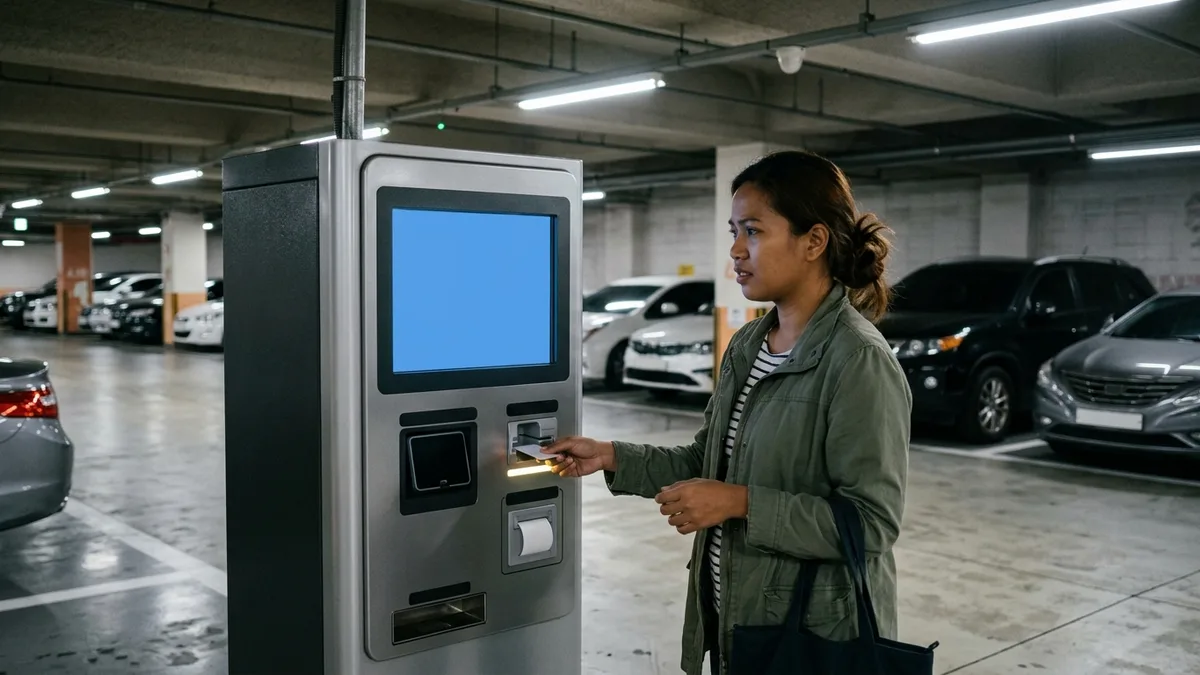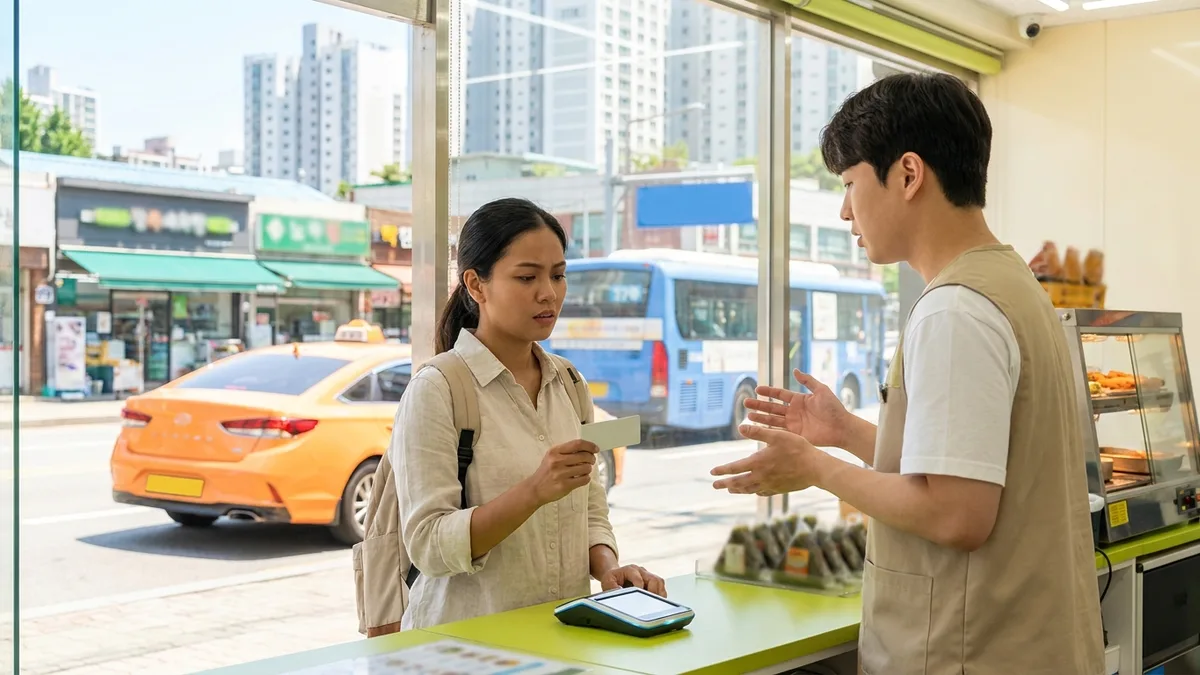
You have plenty of balance, the card worked fine in other countries, but in Korea you keep getting "Payment Failed." Online shopping sites reject your card at the final step after you've entered all the details, and café kiosks just keep saying "Approval Failed." This happens to so many people.
First thing to know: this is usually not your card's fault—it's a structural issue with Korea's payment infrastructure. Much of Korea's online payment network and terminals are designed with domestically-issued cards in mind, so foreign-issued cards get structurally blocked at certain points. In other words, if you figure out "where it got blocked" rather than just "why won't it work," you can often fix it on the spot.
Let me help you pinpoint where the block is happening in 30 seconds.
The information below is based on publicly available information as of 2026-08. Payment acceptance varies by card issuer, card network, merchant, terminal, and timing, so always double-check with your card issuer's app/customer service and merchant notices for your actual situation.
30-Second Diagnosis
| Where It's Blocked | Most Common Cause | What to Do Right Now |
|---|---|---|
| Online shopping sites/apps | Domestic PG doesn't support foreign cards / 3D Secure authentication failure / Korean phone verification required | Causes 1·2 — Look for "overseas-issued card" option in payment screen first; if not available, try global payment methods or global version of site |
| Offline staffed stores | Issuer's overseas payment block / Terminal doesn't support contactless (need IC insertion) | Causes 3·4 — Insert card (IC chip) instead of tapping and retry; if still fails, try different network card |
| Unmanned kiosks | Kiosks designed primarily for domestic card networks | Cause 5 — Request payment at staffed counter; if unmanned-only store, use prepaid card or cash |
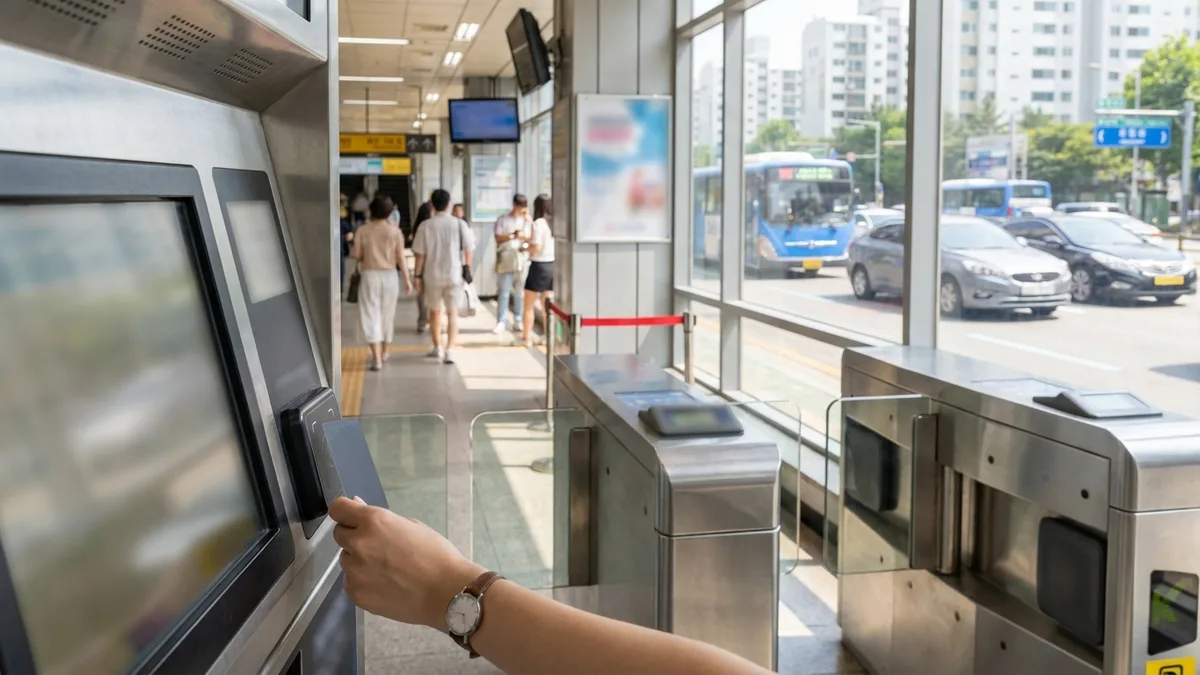
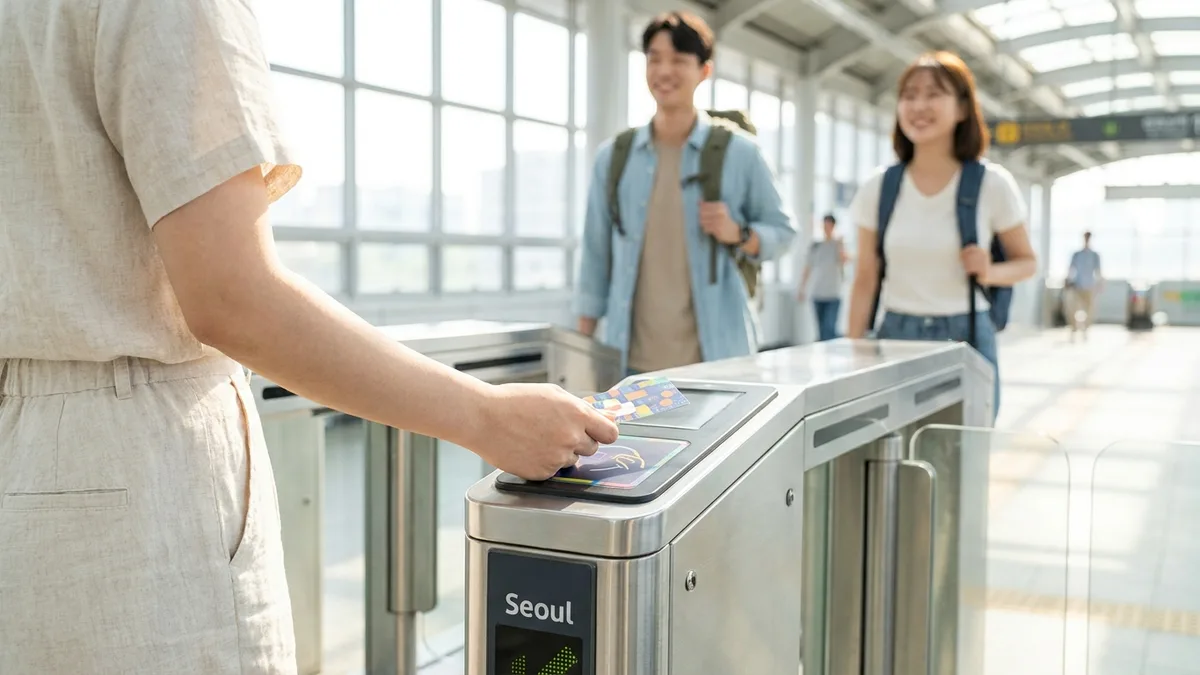
| Subway/bus gates | Foreign card tap-to-ride (open-loop) not yet nationwide (as of 2026-08, needs official confirmation) | Use prepaid transit card like T-money (Transit Payment Guide) |
| Repeated rejections everywhere | Issuer block, limit exceeded, fraud auto-lock | Cause 3 — Don't keep retrying in same place; check locks and limits in banking app |
How to Confirm the Cause — Is There an Authorization Attempt Record?
There's one surefire way to tell if it's a card problem or a merchant problem: call your issuer's customer service (international number on back of card) and ask first if there's any authorization attempt record.
- If there's a record, the request reached your card. Ask for the rejection reason code to narrow down whether it was limit/block/authentication failure.
- If there's no record at all, the request never even made it to your card—it was blocked at the merchant/PG level. This isn't a card problem, so contacting your issuer won't help.
5 Causes of Rejection
Cause 1 — Domestic Online Payment (PG) Doesn't Accept Foreign Cards
If you're blocked online, nine times out of ten this is why. Your card is fine, but the shopping site's settings won't accept it—many people feel frustrated after calling their card company only to find this out.
Most Korean online shopping sites process payments through domestic payment gateways (PGs) like KG Inicis, NHN KCP, or Toss Payments. The problem is that accepting foreign-issued cards is a separate contract/configuration item, and sites that haven't set this up simply won't authorize foreign cards. The typical pattern is entering all your card details only to fail at the final step.
- First check if the payment screen has a separate "Overseas-Issued Card" / "해외발급 카드" option. For example, Coupang requires selecting "Overseas-Issued Credit Card" rather than the default "Credit Card" to route to the foreign card payment path. (As of 2026-08; payment screen structure and option names change frequently with app updates)
- If the payment screen requires Korean phone number verification, you'll be blocked at that step regardless of your card. In this case, it's faster to find that site's global version (e.g., Gmarket Global) or use a different payment method.
Cause 2 — Failure at 3D Secure (Overseas Authentication) Stage
If you successfully selected "Overseas-Issued Card" but the authentication window opened and just closed, you're blocked here. 3D Secure (3DS) is an international identity verification process like Visa Secure or Mastercard Identity Check, and if the authentication connection between the Korean merchant and your issuing bank fails, payment stops there.
- Modern 3D Secure (3DS 2.x) is usually automatically applied by issuers, so there's rarely a menu you need to turn on. Instead, make sure the phone number and email where you'll receive authentication codes are current, and that banking app push approvals are enabled. If it keeps failing, tell your issuer's customer service "3DS authentication is failing." (As of 2026-08, needs official confirmation)
- If your card sends 3DS authentication codes via SMS to your home country phone number, you need to be able to receive that SMS in Korea. Keep roaming on or switch the authentication method to banking app approval.
- Your issuing bank's automatic security system may classify Korea-originated transactions as suspicious and drop authentication. In this case, calling the bank and requesting they "approve transactions at Korean merchants" often resolves it.
Cause 3 — Issuer Has Blocked Overseas Payments
This is especially common on your first day in Korea. Depending on the card issuer, overseas payments (cross-border transactions) may be blocked by default, or sudden overseas use may trigger automatic fraud locks. If you keep getting rejected everywhere you try, suspect this.
- Check your banking app for an overseas payment toggle and card unlock menu. Many banks nowadays let you unlock in seconds through the app.
- If there's a travel notice menu before departure, register your Korea visit dates. However, many issuers like Chase, Amex, and Capital One have eliminated travel notice systems entirely (replaced with real-time fraud detection). If you don't see a registration menu, instead make sure you have a phone number and email you can receive abroad registered, and turn on real-time payment notifications. (As of 2026-08, needs official confirmation)
- Limit exceeded or deposit holds create the same symptoms. If authorization holds from hotel check-in or car rental tie up your available credit, subsequent payments will be rejected even if you have balance. Check your remaining available credit in the banking app first.
- ⚠️ If your issuer has locked your card, ATM cash withdrawals will also be blocked. Unlock the card before trying to switch to cash.
Cause 4 — Terminal Doesn't Support Contactless, or Prioritizes IC Insertion
This is where people who usually just tap their card everywhere first get confused in Korea. You keep tapping your card but the terminal doesn't respond, making you wonder "is my card broken?"
Korea's offline merchant acceptance of tap payment is still a minority (as of early 2026, an estimated 10% or so of merchants have NFC terminals / needs official confirmation). Most terminals still default to IC chip insertion, so think of tap as the exception rather than the norm and you'll have an easier time.
- Where tap usually works: Convenience stores (CU, GS25, 7-Eleven), McDonald's, Starbucks and similar major chains
- Varies by store: Department stores — Shinsegae Department Store has stated they don't have NFC contactless terminals; Hyundai Department Store and others support it (needs official confirmation)
- Rarely works: Independent cafés, restaurants, traditional markets — terminals often lack contactless functionality entirely
- When tap doesn't work: Don't panic—ask them to try inserting your card (IC chip) in the terminal instead. Tap may not work but insertion payment often gets approved.
- If using mobile wallet: Apple Pay with foreign cards tends to work at merchants with EMV contactless terminals. Google Wallet tap payment isn't officially serviced in Korea so it likely won't work—don't rely solely on Google Wallet, always carry your physical card. (As of 2026-08, needs official confirmation)
Cause 5 — Unmanned Kiosks Are Domestic-Card-Only
Korean restaurants and cafés nowadays default to kiosk ordering, so getting stuck here often means just leaving the store. Many restaurant/café order kiosks and unmanned store payment machines reject foreign cards. Many kiosks are designed around domestic payment networks and domestically-issued cards, so even when you get "Card Approval Failed," it's usually not a card issue.
- The fastest solution is going to a staffed counter. Terminals at staffed registers often accept foreign cards.
- If it's an unmanned store (no staff at all), you may have no payment option at that location. Prepare the backup options explained below for situations like this.
What to Set Up with Your Issuer — 5-Minute Checklist (Works Even If Already in Korea)
Below are things good to do before departure, but most can be done right now in your banking app even if you're already in Korea. Just checking these off greatly reduces rejection chances.
| Item | What to Do |
|---|---|
| Overseas payment authorization | Turn on International/Overseas toggle in banking app |
| Travel notice | If registration menu exists, register travel notice for Korea visit dates (many issuers have eliminated this system) |
| 3D Secure | Rarely anything to turn on — confirm phone/email for authentication codes and banking app push approval settings |
| Contact info update | Confirm phone number and email you can receive abroad are registered |
| SMS reception | If authentication codes come via SMS, confirm roaming is active |
| Limits & alerts | Check payment limits, turn on real-time payment notifications |
| Emergency contacts | Save card company lost/stolen report and international call center numbers in offline note |

Backup Options
When your card gets blocked, what you need isn't a "next time I'll remember" list but options you can get your hands on right now. That's why securing cash and internet comes first.
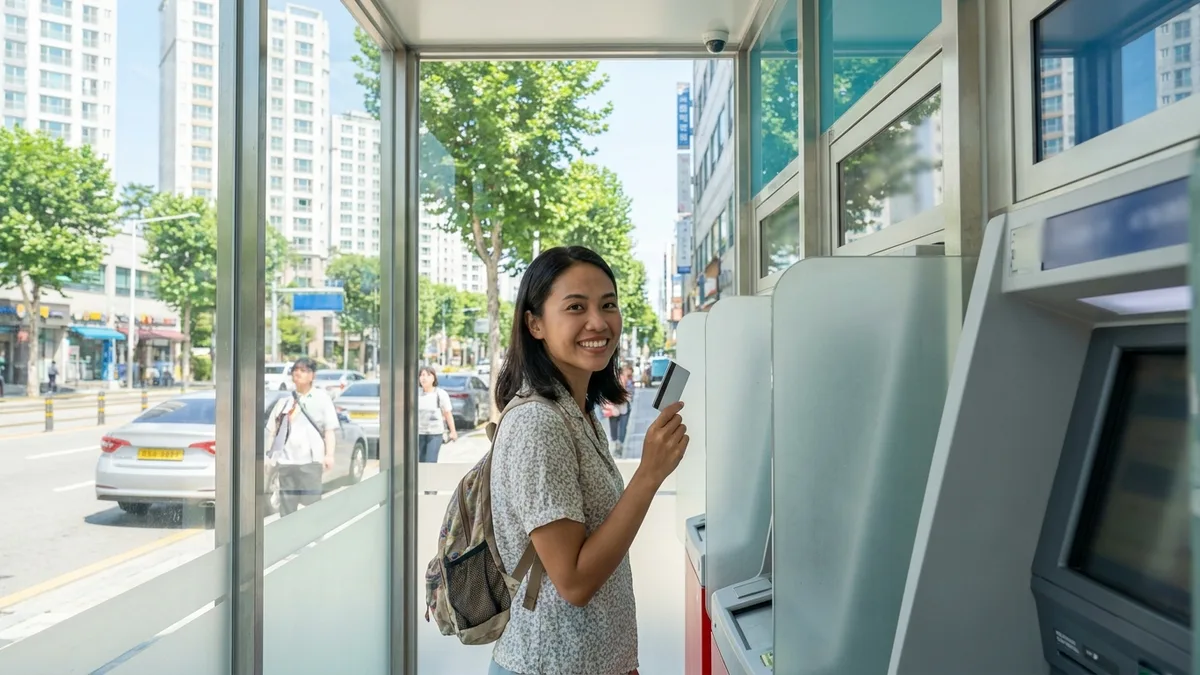
- Getting cash: Not just any ATM works. First check if the machine has Global ATM / Global Service markings or Visa, Mastercard, UnionPay, JCB logos. Machines without these markings are domestic-card-only and will just return your card. You can find them at bank branches, airports, and some convenience store ATMs; withdrawal fees and per-transaction limits vary by machine operator and issuer. Details are in How to Withdraw Cash at Korean ATMs with Foreign Cards. However, if it's Cause 3 (issuer block/lock), ATM withdrawals will also be blocked, so don't waste time searching for ATMs—unlock first.
- Get connectivity: If your banking app won't open and you can't make international calls, get internet first. Even just catching free Wi-Fi at airports, subway stations, or cafés lets you use banking app chat support or internet calls like WhatsApp or FaceTime to contact your issuer. If staying several days or more, getting a SIM/eSIM at the airport is more reliable. Many issuers have 24-hour lost/fraud reporting but general support follows home country business hours, so factor in time differences. (Needs official confirmation)
Then choose what fits your situation from the options below.
| Option | Where to Get | Which Rejections It Solves | Cautions |
|---|---|---|---|
| 2 cards, different networks | Issue before departure — Visa + Mastercard combo | When only blocked at specific merchants/networks | Two cards from same issuer may both get blocked if account is locked |
| WOWPASS | Issue and reload cards at WOW Exchange machines in subway stations and downtown. May require passport info entry when issuing (as of 2026-08, needs official confirmation) | Kiosks, small merchants (pays through credit card merchant network) | Machines inside Incheon Airport only accept KRW cash, no currency exchange — if you only have USD/JPY, go to downtown station machines like Hongdae, Myeongdong, Seoul Station |
| T-money | Buy and reload card with cash at convenience stores (CU, GS25, 7-Eleven) (card costs about 2,500–4,000 KRW) | Subway, bus, taxi, some convenience stores | Reload is primarily KRW cash, so get cash first |
| QR simple payment | Use apps you already have — Alipay (Alipay+), WeChat Pay | Merchants accepting QR payment (growing) | Not all merchants accept yet |
| Cash | Global ATMs above, or currency exchange | Markets, street vendors, T-money reload and other cash-only points | Recommend always keeping 50,000–100,000 KRW in wallet |
For how to choose transit cards, see T-money vs. WOWPASS vs. Climate Card Comparison.
Korean Phrases to Show Staff
Not being able to explain because of language barrier is the most frustrating. Show these phrases on your screen.
- "이 카드는 해외 발급 카드예요. 칩을 꽂아서(IC) 결제해 주시겠어요?" — This is a foreign-issued card. Could you try inserting the chip?
- "혹시 해외카드 결제가 가능한 매장인가요?" — Does this store accept foreign cards?
- "키오스크에서 해외카드가 안 돼서요. 카운터에서 결제할 수 있을까요?" — The kiosk won't take my foreign card. Can I pay at the counter?
- "이 카드가 안 되면 다른 카드로 다시 시도해 주세요." — If this card doesn't work, please try my other card.
If it still won't approve, cleanly give up at that merchant and move to backup options—it saves time.
Days or Months — Your Goal Changes
If you're staying a few days, the answer is surviving your whole stay with the backup option combinations above. Two cards on different networks plus one prepaid card plus some cash gets most people through.
If you're staying several months or more, there's a fundamental solution: after receiving your Alien Registration Card (ARC), open a Korean bank account and get a domestic debit card. Getting the ARC usually takes over a month, so just bridge that gap with this guide's solutions. What works and doesn't work without an ARC is covered in Complete Guide to What Works Without ARC in Korea.
Transit & Payment Connection Tips
Card rejection hurts most not when shopping but when you need to move. Korail allows foreigners to book with passports, but foreign cards often get blocked at 3D Secure authentication. Taxi and express bus booking apps vary by service—some accept foreign card auto-payment, others require Korean phone verification or domestic cards. So when your card gets blocked, your travel plans get shaken first. (Varies by card, app, and timing)
In these cases, it's practical to prepare a transit/payment app designed from the start to work without identity verification. Being able to book and pay for KTX, express buses, and taxis in one app with overseas payment methods (foreign cards, Alipay, etc.) without a Korean account or phone number means you can secure transportation in advance even if your card gets blocked at stores, reducing stress considerably. However, if your issuer has locked the card itself, no app will approve, so issuer confirmation comes first in those cases.

Stuck on payments or bookings without a Korean phone or bank account? Check out LACHA.
Built to work without a Korean phone number or bank account, with overseas payment methods like Alipay, WeChat Pay, and Apple Pay. Taxi hailing plus KTX, express bus, and airport railroad (AREX) booking — all in one app.
Up to 60% off Korea transit with a coupon (max ₩3,000): enter code at sign-up. KTX gets up to 18% off on top
Download now


Frequently Asked Questions (FAQ)
Q1. I entered all my card details but it fails at the final step. Why? This is the typical domestic PG/authentication stage failure. The shopping site either hasn't configured foreign card acceptance, or 3D Secure authentication connection failed. Look for a separate "Overseas-Issued Card" payment option; if not available, try the global version of the site or a different payment method.
Q2. Payment failed but the amount shows in my card app. Was I charged twice? It's likely an authorization hold created during the approval attempt process. It's not an actual charge, just temporarily tying up your limit, and if you retried multiple times the same amount may appear several times. It usually disappears automatically within a few days, but the release period varies by issuer. Rather than arguing at the store, note the payment date, amount, and merchant name, and if it remains after a certain period, contact your issuer. (Needs official confirmation)
Q3. When the terminal or payment screen asks "Pay in KRW (Korean won)?", what should I choose? Choose KRW (Korean won). If you choose your home currency (USD, JPY, etc.), DCC (Dynamic Currency Conversion) gets applied, converting at an exchange rate set by the merchant or terminal operator rather than your card network's rate. The markup is often large, costing you several percent more for the same amount. The same screen appears for ATM withdrawals; tricks for that are detailed in How to Withdraw Cash at Korean ATMs with Foreign Cards.
Q4. ATM cash withdrawal works but payments don't. Why? If withdrawal works, it means your card and issuer side are alive. So issuer block (Cause 3) is less likely, and the probability is higher that you're blocked at the merchant/terminal/PG side. Check in order: payment screen that doesn't accept foreign cards (Cause 1), 3DS authentication failure (Cause 2), contactless-unsupported terminal (Cause 4), kiosk (Cause 5). Conversely, if both payment and withdrawal fail completely, it's the issuer lock side.
Q5. My card keeps getting rejected ever since hotel check-in. Hotels and car rentals often place deposit authorization holds at check-in/pickup. It's not actually withdrawn money, but it ties up that much available credit, so subsequent payments can get rejected even if you have balance. Check remaining credit in your banking app; if the hold amount is large, pay with a different card or request a credit limit increase from your issuer. Holds usually release within a few days after checkout, but timing varies by property and issuer. (Needs official confirmation)
Note: This article is for general informational purposes and is not financial or payment advice. Card payment acceptance varies by card issuer, card network, merchant, payment gateway (PG), terminal, and timing; policies and support status in this article are based on publicly available information as of 2026-08 and may change at any time. Always confirm actual payment acceptance, overseas payment settings, and fees with your card issuer's customer service (international call center number on back of card) and official notices from the relevant merchants/services. For domestic payment/finance disputes or inquiries, contact Financial Supervisory Service Call Center ☎1332; for general life guidance for foreigners, contact the Immigration Contact Center ☎1345 (multilingual support). Check official announcements from Seoul Metro and T-money for latest information on transit card reload and open-loop adoption status. LACHA does not process or guarantee payment approval for any specific card or merchant and assumes no responsibility for outcomes arising from this guidance.