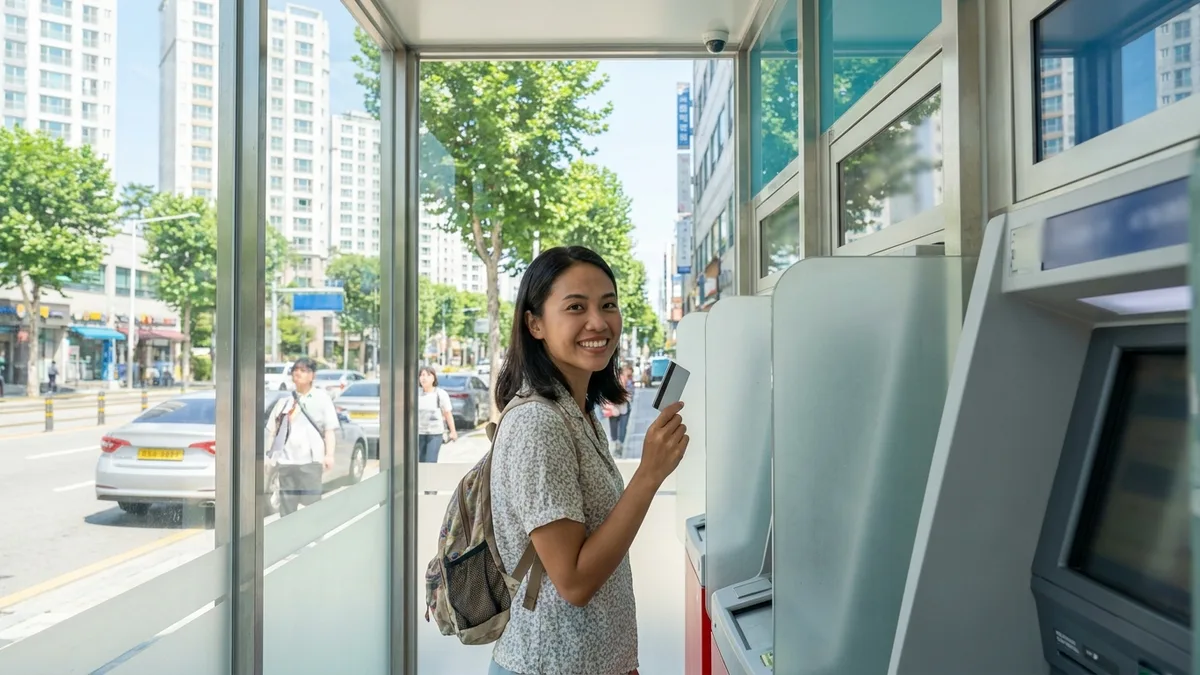
Korea is such a card-friendly country that you can get by without cash most of the time. But there are definitely moments when only cash will do. Like when you need to top up your T-money card at a convenience store, buy something at a traditional market or street vendor, or need emergency cash when exchange offices are closed.
If you just walk up to any ATM with your foreign card, you'll likely end up frustrated. Many Korean ATMs are domestic-only machines—they'll take your foreign card, flash "transaction not possible," and spit it right back out. And even when you finally find a machine that works, one wrong button press (we'll explain DCC later) can cost you several percentage points in exchange rate markup.
This guide walks you through finding ATMs that accept foreign cards, understanding exactly where fees come from, and saving every bit you can along the way.
The fees and limits below are based on publicly available information as of 2026-08. ATM fees and withdrawal limits vary by machine operator, bank, and card product—always double-check the amounts shown on screen and your card issuer's official notices.
Look for "Global ATM" Signs First
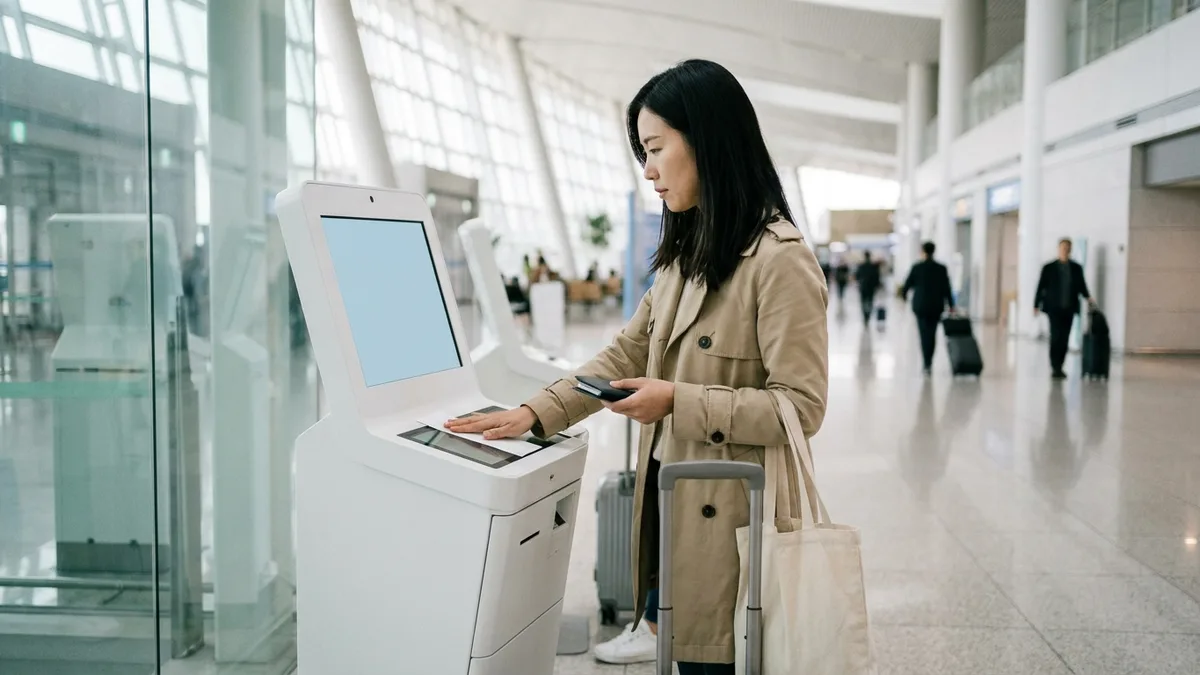
ATMs that accept foreign cards are marked with "Global ATM" or "Global Service" signs. If you don't see those words, look for Visa, Mastercard, UnionPay, or JCB logos on the machine. If there are no logos at all, it's likely domestic-only.
| Location | Fee per Transaction (2026-08 reference) | Per-Withdrawal Limit | Operating Hours | Notes |
|---|---|---|---|---|
| Bank ATMs (Woori, KB Kookmin, Shinhan, Hana branches) | Around 3,000 KRW | Around 1,000,000 KRW | Branch ATM corners often close late evening (varies by branch, check map app hours) | Best for large single withdrawals |
| Convenience Store ATMs (CU, GS25, 7-Eleven, emart24) | Around 3,000–4,000 KRW | Around 300,000 KRW | 24 hours but may pause briefly during overnight maintenance (varies by operator, confirm officially) | Most accessible, lower limits |
| Airport/Hotel ATMs | Varies by machine (confirm officially) | Varies by machine (confirm officially) | Airports often operate on flight schedules | Convenient for small amounts right after arrival |
- English screens are standard. Global ATMs let you select English on the first screen, and some also offer Chinese or Japanese.
- Not every convenience store ATM works. Even within the same chain, machines may be run by different operators—check each machine for Global signage.
- If a convenience store ATM rejects you late at night, it might not be your card—it could be maintenance. Wait a bit and try again.
Scout Locations Before You Go Out
Dragging your luggage from store to store looking for a working ATM is miserable. Scout ahead from your accommodation.
- Map app search: In Naver Map or KakaoMap, search "ATM," "글로벌 ATM" (global ATM), or "bank name + ATM" (e.g., "우리은행 ATM") to see locations and hours.
- Official card network locators: Use Visa ATM Locator (visa.com/atmlocator), Mastercard ATM Locator, or UnionPay app's ATM finder—set country to Korea. (Actual support at listed machines requires on-site confirmation.)
- On your first day, the bank booths and ATM corners in Incheon Airport or Gimpo Airport arrivals are your safest bet.
- If you're heading to a bank branch ATM, check the map app hours first. Late at night, convenience stores or airports are more reliable.
Fees — It Depends Whether You're Using Debit or Credit
Before we get into the math, spend 30 seconds checking your card type. Same ATM, same amount—totally different results.
- Debit card: Withdraws directly from your account balance. Fees follow the structure below.
- Credit card: Typically treated as a cash advance (short-term card loan). Separate cash advance fees apply, plus interest starts accruing from the withdrawal date. And if you haven't set a cash advance PIN with your card issuer beforehand, the ATM will reject you outright. (Varies by card issuer and country; confirm officially.)
If you have both, use your debit card—it's way cheaper. Save credit for absolute emergencies.
Fees come from two layers:
| Layer | Who charges it | Typical level (2026-08 reference, confirm officially) |
|---|---|---|
| Layer 1 — Local ATM Fee | Korean ATM operator | Around 3,000–4,000 KRW per transaction, regardless of amount. The exact fee appears on screen before you confirm. |
| Layer 2 — Card Issuer Charges | Your foreign bank/card issuer | Foreign transaction fee + exchange rate markup, often billed as a single line of 1–3% of withdrawal amount. Some cards also add a flat per-transaction fee. |
| (Credit cards add a third layer) | Card issuer | Cash advance fee + interest from withdrawal date, on top of the above two layers. |
The exchange rate markup is hidden inside Layer 2, but if you select DCC, that markup gets replaced by the ATM operator's rate—which is usually much worse. We'll cover DCC in the next section.
So What's the Actual Cost?
Say you withdraw 100,000 KRW with a debit card at a bank Global ATM—Layer 1 ~3,000 KRW + Layer 2 ~1–3% (1,000–3,000 KRW equivalent) = roughly 4,000–6,000 KRW total. That's about 4–6% of your withdrawal. If you split the same amount into three 30,000 KRW withdrawals, Layer 1 alone becomes 9,000 KRW—more than doubling your effective fee rate. (Varies by card and machine; confirm amounts on screen.)
Here's the baseline for comparing with exchange offices: If you need a small amount urgently or offices are closed at night, use ATMs. For larger amounts during daytime when offices are open, currency exchange or pre-exchanging cash is usually better. Exchange rate comparison is covered separately in How to Get the Best Exchange Rate in Korea.
4 Ways to Minimize Fees
- Withdraw what you need in one go. Layer 1 is per transaction—more transactions = more money lost.
- Use bank Global ATMs when possible. They typically charge lower per-transaction fees than convenience stores.
- Always select KRW on the DCC screen. We'll explain this in detail below.
- Get a card with no foreign ATM fees. Cards with free monthly withdrawal allowances (like Wise or Revolut multi-currency cards, or specialized international debit cards from your home bank) can cut down Layer 2.
Free allowances vary by card. As of 2026-08, Wise offers around €250 monthly, Revolut Standard around £200 monthly (varies by country and plan; confirm officially), with ~2% fees on excess. And Layer 1 still applies no matter which card you use. There's no such thing as a "totally free" card.
Per-Withdrawal and Daily Limits
The limit you hit is whichever is lower—the ATM's limit or your card's limit. For ATM limits, see the table above (banks ~1,000,000 KRW / convenience stores ~300,000 KRW). The easy-to-miss part is your card's limit.
- Your card's daily foreign ATM limit takes priority if it's lower than the Korean machine's limit. Check and adjust it in your issuer's app or by calling customer service before you need it.
- If you hit the limit and have to split withdrawals, you'll pay Layer 1 multiple times. Plan to minimize transactions within your limit.
DCC — Say "No" to "Charge in Your Home Currency"
After you enter the withdrawal amount, some machines will ask: "Would you like to be charged in USD/EUR/JPY...?" instead of KRW (Korean won). This is DCC (Dynamic Currency Conversion)—offering to lock in the amount in your home currency.
Sounds helpful, but if you choose your home currency, the ATM operator applies an unfavorable exchange rate. The markup is typically much higher than the Visa/Mastercard network rate, so you end up paying several percent more for the same cash.
- When the currency selection screen appears, always choose KRW (Korean won). Look for buttons like "Continue without conversion" or "Charge in KRW."
- Don't be swayed by phrases like "guaranteed rate" or "locked-in exchange rate." Letting the card network handle the conversion is almost always better.
- Some machines don't show a DCC screen at all—they just proceed in KRW. That's fine, nothing to worry about.
Step-by-Step Withdrawal Process
Step 1 — Verify Global ATM
Check the machine for Global ATM/Global Service signage or your card brand logo.
Step 2 — Select Language & Insert Card
Choose English (or another language) on the first screen, then insert your card. Some machines require you to select "Overseas Card" first.
Step 3 — Select Withdrawal & Enter Amount
Tap Withdrawal and enter the amount. Korean ATMs typically dispense 10,000 KRW notes.
Step 4 — Enter PIN
Enter your 4-digit card PIN. If it's a credit card withdrawal, this is your cash advance PIN, not your regular purchase PIN. If you think you got it wrong, check the card brand notes below before trying again.
Step 5 — Decline DCC, Choose KRW
If asked about home currency billing, decline it and select KRW.
Step 6 — Confirm Fee & Collect Cash
Review the local fee amount shown on screen, confirm, and collect your cash and receipt. Don't forget your card.
If Something Goes Wrong
If cash didn't come out, or money was deducted but you got nothing, or the machine ate your card, don't leave.
- Keep the receipt. If there isn't one, photograph the transaction time and machine ID on screen. You'll need this as evidence for disputes.
- Call the operator's customer service number posted on the machine immediately. If it's a bank branch ATM during business hours, go straight to the counter.
- Notify your card issuer (number on card back) at the same time—it speeds up resolution.
- If you still can't resolve it, you can contact Financial Supervisory Service at ☎1332 for financial complaint counseling.

Notes by Card Brand
- Visa/Mastercard: Widest acceptance. Work at most Global ATMs.
- UnionPay: Widely supported at major Korean bank and convenience store ATMs. Just check for the UnionPay (银联) logo.
- JCB: Works at machines that list JCB in their Global ATM logo lineup. Slightly fewer machines than Visa/Mastercard.
- Cards with 6-digit PINs: Visa/Mastercard networks may be rejected at Korean ATMs that expect 4-digit PINs. Ask your issuing bank if you can set a 4-digit PIN. However, UnionPay cards often work with 6-digit PINs at UnionPay-logo machines if you select the "Foreign Card (中国银联)" menu—6 digits is standard for UnionPay, so rather than trying to change to 4 digits, it's faster to find a UnionPay-supporting machine. (Varies by issuer and machine; confirm officially.)
- Blocked overseas usage: If "foreign ATM withdrawal" is turned off in your issuing bank's app, it'll be rejected every time. If your bank requires travel notifications, register your destination beforehand.
- Credit card cash advance PIN: If you plan to use a credit card, confirm with your issuer that a cash advance PIN is set up. It's separate from your purchase PIN—without it, you'll be stuck at the machine.
- Just because one machine rejects you doesn't mean it's your card's fault. Try a different operator's machine (bank ↔ convenience store)—it often works.
- ⚠️ But if you think your PIN is wrong, don't keep entering the same PIN repeatedly. Usually 3 failed attempts lock your card, requiring contact with your issuer to unlock. Unlocking from abroad can take days, potentially cutting off your cash access for your entire stay. If you try one more time, use a different operator's machine, lower the amount, and try just once.
If You're Already in Korea
These points might sound like "before departure," but many you can fix right now.
- Unblock foreign ATM withdrawal / raise daily limit: Many banks let you do this instantly in the app or online banking. If not available in the app, call the issuer's international number on the card back. Some cards list a collect call number.
- PIN reset: May take several days due to mail delivery and verification procedures. Until then, you'll need to rely on exchange offices or card/QR payments.
When All Else Fails — Plan B for Getting Cash
If a second machine also rejects you, set aside ATMs for now and take a different route.
- Exchange offices or bank counters: At airports, downtown exchange offices, or bank counters, you can present your passport and exchange foreign currency bills for Korean won. This works even when your cards don't—bills are all you need. (Exchange rates and fees vary by office.)
- If you only need transit fare urgently: Use app payments that accept foreign cards or payment methods like Alipay to handle transportation first, then deal with the cash problem later. Transit card options are laid out in How to Recharge Transit Cards with Foreign Cards.
- If you suspect the card itself: Call the customer service number on the card back to check if overseas usage is blocked or if there's a fraud alert freeze. Only the issuer can unlock those—calling is fastest.
When You Really Need Cash
These four situations are where cards often won't cut it:
- T-money top-up: Convenience store and station cash kiosks accept only Korean won cash to recharge transit cards (as of 2026-08; confirm officially).
- Traditional markets, street vendors, some small restaurants: No card terminals, or strong cash preference.
- Small split bills, peer-to-peer transactions: In Korea where bank transfers are standard, cash is the most reliable method if you don't have a Korean account yet.
- Emergency backup cash: Keep 50,000–100,000 KRW in your wallet in case of card system outages or loss.
If you're visiting for a few days to a few weeks, optimizing foreign card ATM withdrawals as explained here makes sense. But if you're staying several months or more, foreign card ATMs are temporary at best. Opening a Korean bank account with your passport (or Alien Registration Card) and getting a local debit card will drastically cut ATM withdrawal fees. Since it typically takes over a month to receive your registration card, use the methods in this guide to get by until your account opens, then switch over. The process is covered in Opening a Bank Account as a Foreigner in Korea.
Connecting Transit & Payments
A big reason you end up needing ATM cash is that Korean app payments are often blocked. Transit booking apps demand Korean phone verification and domestic cards, forcing you to work around with cash.
Of course, some official channels like Korail's English site (korail.com) let you book with just a passport and foreign card. But handling KTX, express buses, and taxis all in one app is still difficult. If there's a transit/payment app designed to work without identity verification, you can book KTX and express buses and call taxis using your foreign card or payment methods like Alipay—all within the app.

Stuck on payments or bookings without a Korean phone or bank account? Check out LACHA.
Built to work without a Korean phone number or bank account, with overseas payment methods like Alipay, WeChat Pay, and Apple Pay. Taxi hailing plus KTX, express bus, and airport railroad (AREX) booking — all in one app.
Up to 60% off Korea transit with a coupon (max ₩3,000): enter code at sign-up. KTX gets up to 18% off on top
Download now


Frequently Asked Questions (FAQ)
Q1. Do I need my passport to withdraw at an ATM? ATM withdrawals only require your card and PIN. The machine doesn't check ID. However, exchanging cash bills at an exchange office or bank counter does require your passport, so if you're thinking of Plan B currency exchange, bring your passport. (Varies by institution and exchange office; confirm officially.)
Q2. Why can't I check my balance (Balance Inquiry)? Credit cards don't have a "balance" to check. Even debit cards may not support foreign card balance inquiries at some machines/issuers, or may charge a fee for the inquiry itself. Check your balance in your issuer's app—it's reliable and free. (Varies by machine and issuer.)
Q3. The receipt shows only a small fee—will I be charged more later? Yes, possibly. The ATM receipt typically shows only Layer 1 (Korean ATM operator fee). Layer 2 (issuer foreign transaction fee and exchange rate markup) doesn't appear on the spot—it shows up on your card statement days later. If you used a credit card, cash advance fees and interest also get added then. Check your final amount on the card statement.
Q4. Can I get 50,000 KRW bills? Korean ATMs mostly dispense 10,000 KRW notes, and only some machines offer 50,000 KRW notes. For foreign card withdrawals, 10,000 KRW bills are common, so large amounts mean thick stacks of cash. If you really need 50,000 KRW bills, asking a bank counter to exchange them is faster. (Varies by machine and branch; confirm officially.)
Q5. I inserted my card and it was rejected. Why? Common causes: ① Domestic-only ATM (no Global signage), ② foreign ATM withdrawal turned off in your issuing bank's app, ③ 6-digit PIN (Korean machines often expect 4 digits), ④ credit card without cash advance PIN set up, ⑤ machine doesn't support your card brand. For PIN retry warnings, see Notes by Card Brand above first. If the issue is card declines in payment (not withdrawal), causes and solutions are covered separately in What to Do When Your Card Is Declined in Korea.
Disclaimer: This article is for general informational purposes and is not financial or exchange advice. ATM fees, withdrawal limits, supported card brands, and cash advance terms vary by machine operator, bank, card product, and time, and change frequently. The fees and limits in this article are based on publicly available information as of 2026-08. Always confirm actual amounts with the fee notice displayed on the ATM screen before withdrawal and your card issuer's official guidance (customer service number on card back). For disputes in Korea regarding double billing, fees, exchange rates, or other card/ATM issues, contact the Financial Supervisory Service at ☎1332; for general foreigner assistance, call the Immigration Contact Center at ☎1345; for travel inquiries, call Korea Travel Hotline at ☎1330 (operating hours and supported languages require official confirmation). LACHA does not guarantee the availability or fees of any specific bank or ATM and is not responsible for outcomes resulting from this guide.