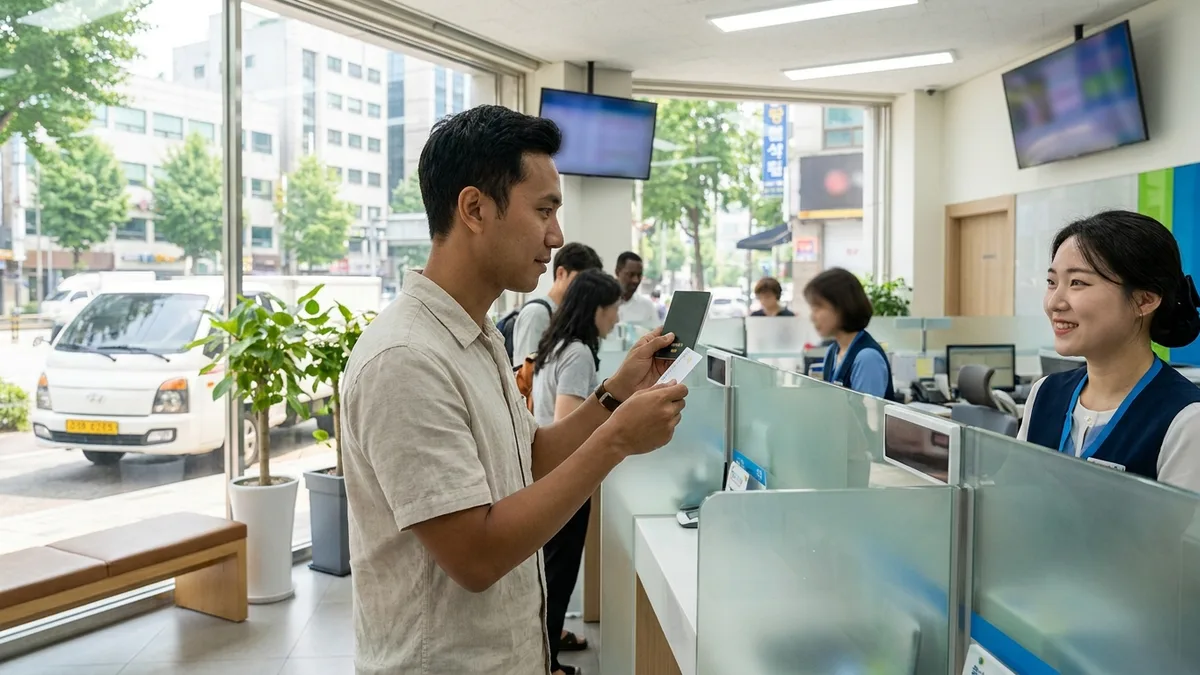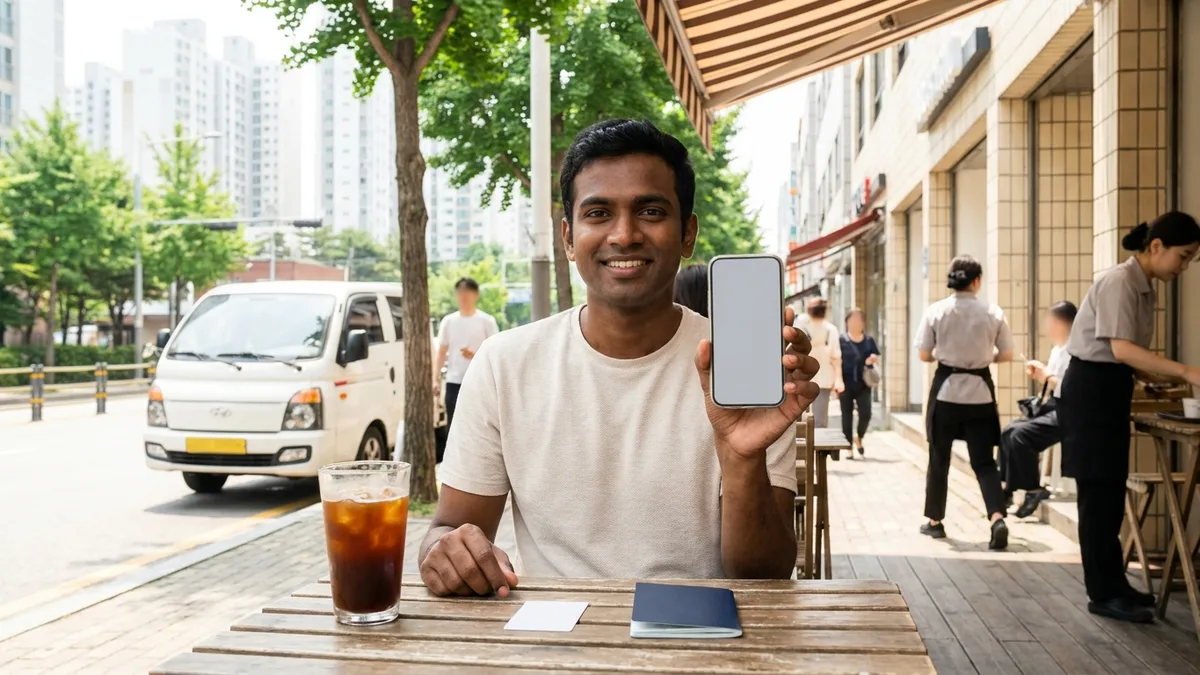
Living in Korea, you'll constantly hear things like "I'll send it via Toss" or "Do you have a Kakao Bank account?" Everything from splitting bills to used-item transactions to monthly rent transfers runs through mobile banking here. But for foreigners, the moment you download an app and tap the signup button, you often hit a wall at the identity verification stage.
Bottom line up front: these three similarly-named services have completely different policies for foreigners. The Toss app is rapidly adding features for foreigners like multi-language support and overseas remittance, but signup barriers remain. Toss Bank allows non-face-to-face account opening if you have an Alien Registration Card (ARC). Meanwhile, Kakao Bank does not currently support foreigner account opening as of 2026-08, though they've announced a foreigner service launch planned for Q4 2026.
The information below is based on publicly available information as of 2026-08. Internet bank policies for foreigners have been changing rapidly in recent years, so always double-check with each app's latest announcements and customer service before attempting to sign up.
At a Glance — Foreigner Signup Availability by Service (2026-08)
| Service | Foreigner Signup | Requirements | Languages | Worth Trying Now |
|---|---|---|---|---|
| Toss App | △ Conditional | ARC + Korean phone number under your name often required (needs official confirmation) | Korean + 5 foreign languages | Prerequisite for Toss Bank — after receiving ARC |
| Toss Bank | ○ Available | ARC·permanent residency card·domestic residence report + Korean phone under your name (essentially required) | Same as Toss app | If you have ARC, try now |
| Kakao Bank | ✕ (Q4 2026 launch announced) | — | Multi-language in preparation (check official announcement) | After launch announcement appears |
| Traditional Bank Foreigner Apps (Shinhan SOL Global, etc.) | ○ Available | ARC + passport + phone under your name | Up to 16 languages (Shinhan SOL Global) | When internet banks don't work |
○=supported, △=conditional/varies by case, ✕=not supported. Signup requirements and screening criteria may vary depending on visa status, nationality, and timing.
Start by figuring out which row applies to you—it'll save you time.
- Short-term visit (90 days or less, no ARC): None of these three services accept you as a customer. Rather than spending time trying to open an account, it's faster to pay with overseas cards or Alipay → What Works Without ARC in Korea
- Waiting for ARC after application: Now's the time to prepare payment methods for the gap period, not account opening. Once your ARC arrives, then move to accounts.
- Have ARC + Korean phone number under your name: Go straight to Toss Bank or traditional bank foreigner apps.
Toss App
Let's clear up confusion first: the Toss app and Toss Bank are different. The Toss app is a financial super-app bundling money transfers, payments, and asset management, while Toss Bank is a separate internet-only bank you access within the app. Their foreigner signup conditions also differ.
Toss keeps expanding features targeting foreign customers. However, many people install it expecting "just need a passport" only to get stuck at identity verification.
- The signup flow goes phone verification → ID verification, and foreigners get filtered at both stages. If you don't have a Korean phone number under your name, you stop at the first step. Even if the number passes, the ID stage often requires an ARC. You might see passport authentication guidance, but that's for Korean nationals living abroad (overseas Koreans), and whether it applies to foreigners is a separate question. The fastest way to know if your case works is to ask Toss customer service (in-app chat) (as of 2026-08, needs official confirmation).
- Language support includes Korean plus 5 foreign languages: English, Chinese, Vietnamese, Thai, and Russian (as of 2026-08). Japanese, Uzbek, Indonesian and others are under consideration but timing is TBD, so check the app settings screen to see if your language is available.
- Overseas remittance for foreigners works through partner Sentbe to 50 countries (as of 2025-12, expanded from 14 countries). Check supported countries and fees in the latest in-app guidance; bank-by-bank fee and exchange rate comparisons are covered in the Remittance from Korea Guide.
In summary, Toss shows its strength after you have both ARC and Korean phone number. Since everything from multi-language interface to overseas remittance works in one app, it's worth preparing ahead based on your ARC receipt timeline.
Toss Bank
Let's nail down the entry path first: Toss Bank accounts open through the 'Toss Bank' menu inside the Toss app. You don't install a separate app—you must complete Toss app signup (identity verification) first before you can reach the account opening screen (as of 2026-08, needs official confirmation). This is why Toss app shows △ while Toss Bank shows ○ in the table above—there's a barrier to app signup, but once you clear it, account opening itself is available to foreigners.
Toss Bank has supported non-face-to-face account opening for Korea-residing foreigners since May 2022. It was the first among internet-only banks, and as of 2026-08, Toss Bank is essentially the only internet-only bank where foreigners can open accounts remotely (needs official confirmation). However, with Kakao Bank's Q4 launch announcement, this landscape may soon change.
Signup requirements are:
- ID: Alien Registration Card (ARC), permanent residency card, or domestic residence report certificate
- Korean phone number under your name is essentially required. Some guidance mentions using an NFC-chip electronic passport as an alternative, but this isn't officially confirmed. If you need to open without a Korean number, always contact Toss Bank customer service before attempting (needs official confirmation)
- Accounts start as limited accounts after opening. This isn't a foreigner-specific rule—it's a system applied to all new accounts (Korean and foreign) before financial transaction purpose verification is complete, limiting transfers to 300,000 KRW per day/transaction (as of 2026-08)
- Foreigners face restrictions on some products like credit loans, and nationals of sanctioned countries may not be able to open accounts
So if "Toss Bank account" is your goal, the proper sequence is to attempt this after receiving your ARC.
Step by Step — Toss Bank Account Opening Flow
Screen names change slightly with app updates, but the sequence itself doesn't change much. If you have the documents in hand, you can finish this sitting in one place (as of 2026-08, detailed screens need official confirmation).
Step 1 — Install Toss App & Set Language
Install the app and switch to your comfortable language on the first screen or settings menu. Reading ID and terms guidance later becomes much easier.
Step 2 — Phone Verification
Verify via SMS using a Korean phone number under your name. If you stop here with "cannot verify name holder" or similar, it's usually a prepaid SIM issue.
Step 3 — Photograph ARC & Enter Information
Photograph your ARC (or permanent residency card/domestic residence report), then confirm the auto-filled registration number, English name, and visa status match. Cross-check spelling against your passport on this screen before proceeding.
Step 4 — Additional Identity Verification
You may encounter 1-won verification from another bank account or face verification (selfie photo). Just follow the on-screen guidance—required methods vary by timing and case.
Step 5 — Account Opening Complete (Limited Account Status)
Once you pass screening, your account number appears immediately. However, at this point the account is a limited account with transfers capped at 300,000 KRW per day/transaction.
Step 6 — Submit Documents for Limit Increase & Apply for Debit Card
Limit increases aren't automatic. Upload financial transaction purpose verification documents via the app photo function, then after screening (usually 2-3 business days) the limit lifts to around 50,000,000 KRW daily (per-transaction limits vary by account/product, check transfer limit screen in app). Which documents to submit depends on your status:
- Employed: employment certificate, pay stub, work contract
- Student/language learner: enrollment certificate, tuition payment certificate — get these from your school administration office or school certificate issuance website
- No income (job seeking, accompanying family, etc.): rental contract, family remittance records, etc. often substitute (varies by bank/screening, needs official confirmation)
- If they request a National Health Insurance qualification certificate, get it from the National Health Insurance Service (www.nhis.or.kr, ☎1577-1000). You can print it from their website/app or visit a nearby branch
Once you open an account, you can also apply for a debit card in the app. Delivery usually takes several days, so enter the receiving address (dorm, office) accurately. Even before the card arrives, you can use account transfers and link simple payment methods, so handle urgent transfers first (as of 2026-08, needs official confirmation). For rent and utility auto-transfers, confirm the account number and payment date from your landlord/management office, register in the app's auto-transfer menu, and just for the first month, check that the transfer went through properly. Conditions for linking Naver Pay and Kakao Pay are covered separately in the Mobile Payment Setup Guide.
Kakao Bank — Not Yet Available, But Q4 2026 Launch Announced
This surprises many people: Kakao Bank does not currently support foreigner account opening as of 2026-08. The real-name verification process is designed around Korean nationals (resident registration card, driver's license), so foreigners can't even proceed through non-face-to-face authentication. K bank has a similar situation (needs official confirmation).
But change is on the horizon. Kakao Bank announced in earnings reports that they'll expand their customer base to foreigners starting Q4 2026. They're preparing deposit/withdrawal accounts, overseas remittance, and debit cards targeting foreigners living in Korea (about 2.5 million people), and plan to lower language barriers with multi-language support (detailed methods need official announcement confirmation).
Build in buffer time for the schedule. News reports indicate Kakao Bank's foreigner service launch date has been delayed several times (based on December 2025 media reports). The fastest way to check launch status is Kakao Bank's homepage (kakaobank.com) announcements and press releases. Even if you install the app, the foreigner signup menu itself won't appear, so waiting inside the app is pointless. Until then, I recommend opening an account first with Toss Bank or a traditional bank foreigner app, then adding Kakao Bank after launch.
If You Keep Getting Rejected Despite Having a Phone Number
For any bank app, the key dividing factors are ultimately Alien Registration Card (ARC)/domestic residence report certificate (receipt takes typically over a month → Foreigner Bank Account Opening Guide) and a Korean phone number under your name (family or company names won't work → Phone Plan for Foreigners Guide).
But some people get stuck even earlier: when the app doesn't even appear in store searches. Apple IDs and Google accounts created overseas have their store country set to your home country, so Korean financial apps either don't show in the list or installation is blocked. This is a completely different problem from "can't signup as a foreigner." If the app doesn't appear, first check your store's country/region setting or try logging in with a Korean account (varies by device/account, needs official confirmation).
If you've passed installation, the next gate is the phone number. If you have the number activated but keep getting rejected, suspect a prepaid SIM (prepaid phone). Prepaid products often don't register your name with the carrier even when the number is active, so financial app identity verification stops with "cannot verify name holder" or similar. If account opening is your goal, before activation ask the store "does this plan register under my real name?" in exactly those words. If you already use prepaid, switching to postpaid (under your name) is the most reliable solution (varies by carrier/product).
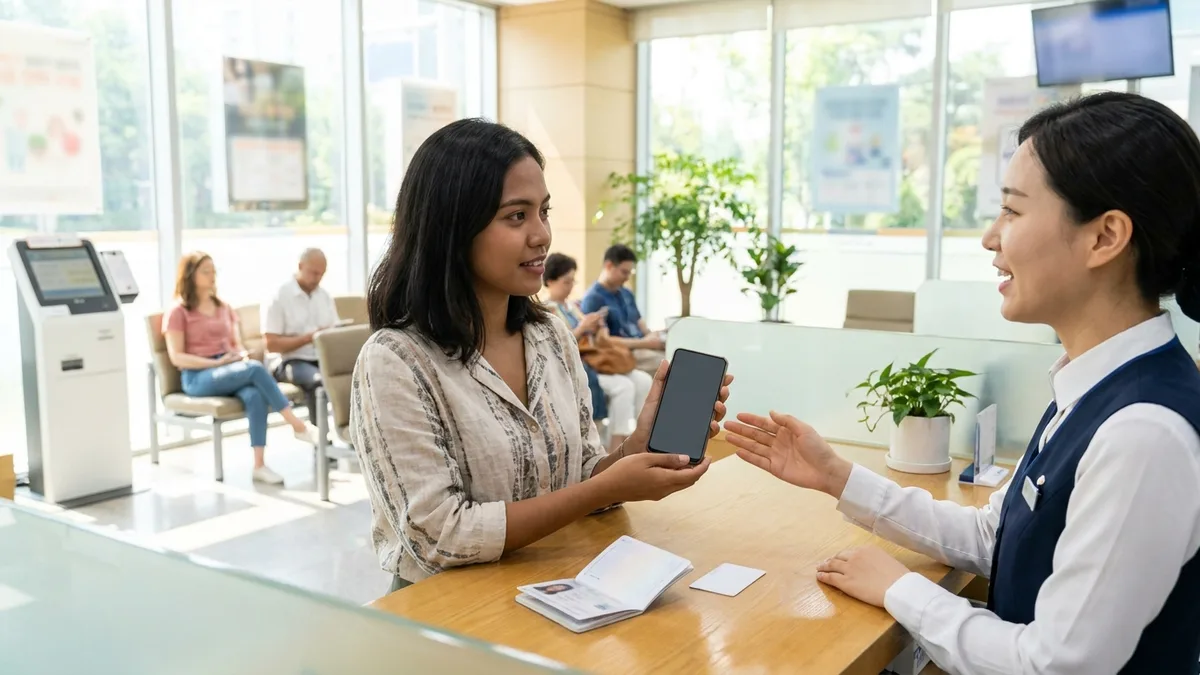
When Non-Face-to-Face Opening Gets Blocked
If You Got Rejected on Screen, Check the Reason First
Non-face-to-face opening often just shows "Denied" in one line and ends, making it hard to know what to fix. Common reasons include:
- ID recognition failure: In a bright location on a matte-finish dark background (dark desk), try photographing again with no shadows or reflections. Remove card cases and plastic covers.
- Name spelling mismatch: If passport and ARC English spelling differ by even one character, ID verification may reject you. Place both documents side by side and cross-check first.
- Repeated face verification failure: Remove hat, glasses, mask, in a location with simple background, slowly retry following on-screen guidance.
- Screening stage rejection: If ID passed but you got blocked at the end, it's often failed financial transaction purpose verification. After confirming the reason, supplement the purpose verification documents and reapply.
- Blocked 3+ times: Rather than repeating the same method, visiting a branch is faster. Accumulated attempt history can trigger additional verification.
The common guideline is one: don't guess the cause yourself—first ask the in-app customer service chat "what reason blocked me?" Once you know the reason, most cases resolve in one try.
Traditional Bank Foreigner-Dedicated Apps
Even when internet banks don't work, traditional banks have built quite robust foreigner-dedicated mobile channels.
- Shinhan SOL Global: Shinhan Bank's foreigner-dedicated app. Supports 16 languages and designs major functions like non-face-to-face account opening and currency exchange for foreigners. A December 2025 full redesign reduced new signup steps from 7 to 4 (as of 2026-08). Non-face-to-face opening requires ARC + passport + Korean phone under your name. Contact Shinhan Bank customer service ☎1577-8000.
- Hana Bank Hana EZ: Hana Bank's foreigner-specialized app offering non-face-to-face account opening and overseas remittance. Contact Hana Bank customer service ☎1599-1111.
- KB Kookmin Bank: Supports foreigner non-face-to-face opening through KB Star Banking. Contact KB Kookmin Bank customer service ☎1588-9999.
- Woori Bank, NH Nonghyup Bank, and other traditional banks: Many operate multi-language banking and foreigner-specialized counters. Non-face-to-face opening availability varies by bank and timing, so check with Woori Bank ☎1588-5000, NH Nonghyup Bank ☎1661-3000.
Detailed requirements, consultation languages, and operating hours vary by bank, so check app announcements or the customer service numbers above (needs official confirmation).
If you're unsure which to choose, divide like this:
- Neither Korean nor English works for you → Start with Shinhan SOL Global (16 languages). Highest chance your native language is on the list.
- Your company specified salary account bank → Prioritize that bank's app. Accumulated salary transfer history makes limit increase documentation easier.
- Non-face-to-face keeps getting blocked → Visit a foreigner-specialized branch near home/work. Check "foreigner service availability" in each bank's homepage branch finder to avoid wasted trips.
Branches in areas with high foreign worker populations sometimes operate multi-language counters, so if non-face-to-face doesn't work, visiting a nearby branch with passport + ARC is the most reliable method. Counter opening procedures and documents are covered in a separate Foreigner Bank Account Opening Guide.
Transit & Payment Connection Tips
From ARC application to receipt, phone activation, and account opening typically creates over a month's gap. During this period you still need to travel between banks, immigration offices, and workplaces, but many Korean transit and booking apps assume Korean accounts and identity verification, creating frequent payment blockages. So there are things to prepare before accounts.
- Overseas-issued credit/debit cards (Visa, Mastercard, etc.) physical cards — even when online payment is blocked, offline often works
- Alipay, WeChat Pay, and other simple payments from your home country — Korean merchant acceptance keeps growing
- Cash-rechargeable transit cards — you can buy immediately at convenience stores without identity verification
- Transit and payment apps designed to work without identity verification — handles booking and calling all at once
What works and what doesn't is itemized in What Works Without ARC.
Among these, what reduces mobility burden most is the last item. LACHA is a transit and payment app designed to work without identity verification, so you can book KTX and express buses and call taxis using overseas payment methods (overseas cards, Alipay, etc.) without Korean accounts or phone numbers. It solves mobility issues before accounts arrive.

Stuck on payments or bookings without a Korean phone or bank account? Check out LACHA.
Built to work without a Korean phone number or bank account, with overseas payment methods like Alipay, WeChat Pay, and Apple Pay. Taxi hailing plus KTX, express bus, and airport railroad (AREX) booking — all in one app.
Up to 60% off Korea transit with a coupon (max ₩3,000): enter code at sign-up. KTX gets up to 18% off on top
Download now


Frequently Asked Questions (FAQ)
Q1. Do signup conditions differ by visa status (E-9, D-2, F-4)? The ID you use differs first. E-9 (employment permit), D-2 (study), etc. use Alien Registration Card, while overseas Koreans (F-4) use domestic residence report certificates. If you select the wrong ID type in the app, you'll get rejected at the recognition stage, so confirm before selecting. Limit increase documents also vary by visa status (employed people need employment certificates, students need enrollment certificates), and depending on the bank, you may need a certain amount of remaining visa validity to open accounts (varies by bank/screening, needs official confirmation).
Q2. I opened one bank account—can I immediately open another bank account? Usually no. A restriction preventing opening new deposit/withdrawal accounts within 20 business days commonly applies across banks. It's for voice phishing prevention and applies to both Koreans and foreigners (varies by bank/product, needs official confirmation). Plans like "open at a traditional bank then immediately Toss Bank" don't work well, so sequence by which account is most urgent first.
Q3. The limited account won't let me transfer rent. What do I do right now? It's a daily limit, so even splitting into two transfers can't exceed 300,000 KRW in one day. Document submission and screening usually take 2-3 business days, so prepare at least a week before the payment due date. If this month is urgent, explain the situation to your landlord to delay a few days, or pay first with cash/existing account then switch to auto-transfer next month—that's more realistic.
Q4. If passport and ARC English name spelling differ, where do I fix it? ARC English spelling corrections happen at the immigration office. Book a visit on Hi Korea (www.hikorea.go.kr), visit with your passport, and get guidance on required documents from the Immigration Contact Center ☎1345. If you already registered with the wrong spelling at a bank, request customer information correction at that bank's customer service or branch (varies by case, needs official confirmation).
Q5. What happens to my account if I leave Korea after opening it? Deleting the app doesn't erase the account. However, when your visa status ends or there's no transaction for a long time, the account may face transaction restrictions or convert to dormant status (varies by bank, needs official confirmation). Before departure, settle balances, complete overseas remittance for money going to your home country, then close accounts you won't use—that's cleanest. If you plan to return, ask customer service about maintenance conditions before closing.
Note: This article provides general information and is not financial, investment, or legal advice. Bank-specific foreigner signup requirements, identity verification procedures, and usage limits change frequently and vary by visa status and nationality. Content is based on publicly available information as of 2026-08; before actual signup, always confirm your case through each service's official channels—Toss customer service (in-app chat), Toss Bank (tossbank.com), Kakao Bank (kakaobank.com), and each bank's foreigner-dedicated app announcements. Visa and immigration matters can be guided by Hi Korea (www.hikorea.go.kr) and the Immigration Contact Center ☎1345. LACHA does not act as agent for bank account opening or financial signup, nor does it guarantee such services, and takes no responsibility for outcomes arising from this guidance.