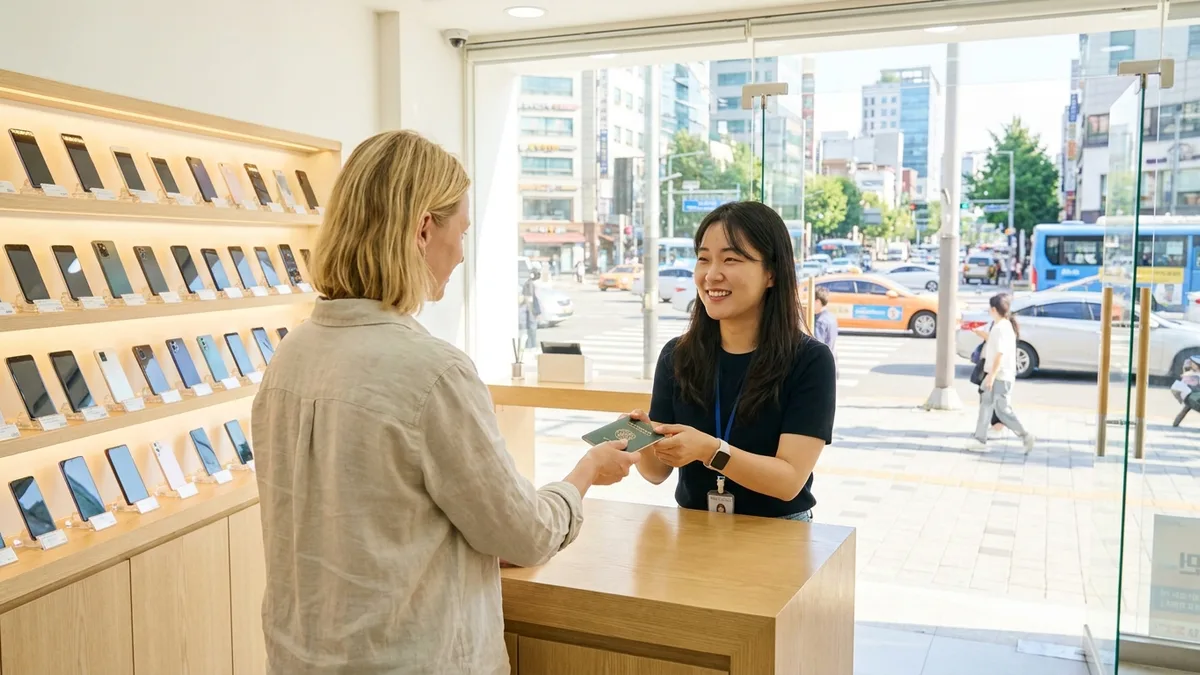
Live in Korea for a few months and you'll discover: ordering daily essentials like bottled water, toilet paper, detergent, and instant rice on Coupang is cheaper and faster than going to the mart. It's called "Korea's Amazon" because of Rocket Delivery—order at night and it arrives at your door the next morning. It's become a must-have app among foreign residents settling in Korea.
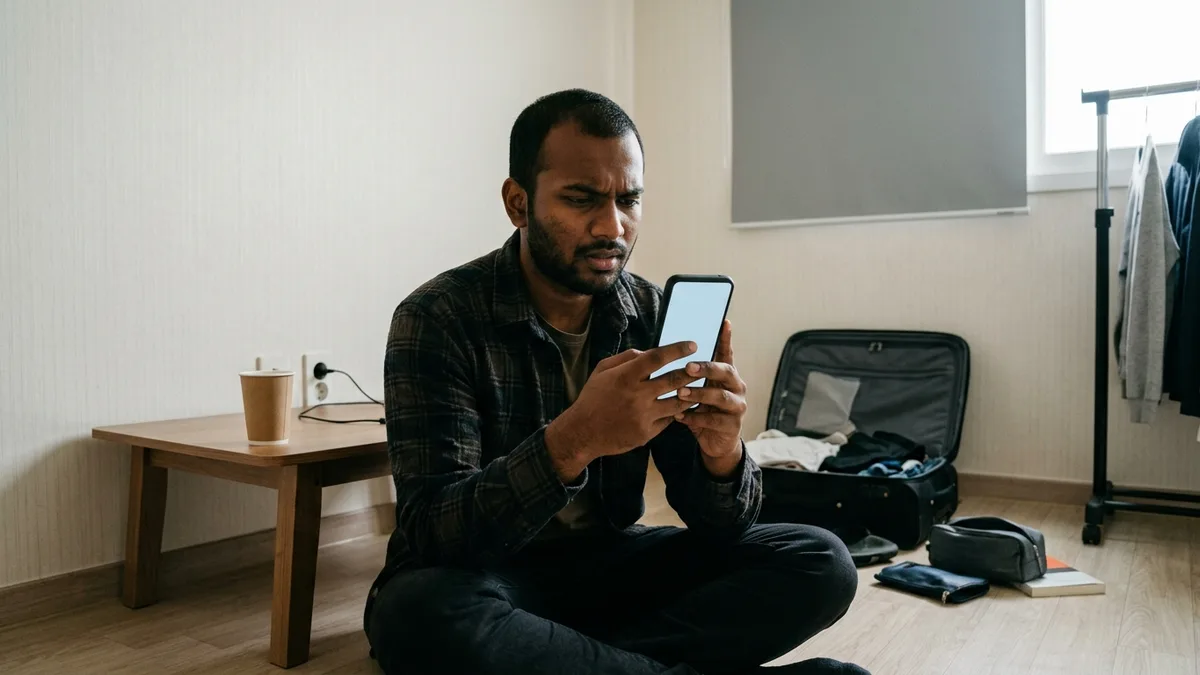
The problem is the first hurdle. When you try to sign up, it asks for phone verification, and when you try to pay, many get blocked because they don't have a Korean card. You'll hear "foreigners can't use Coupang," but that's only half true. If you meet the conditions, you can use it, and most blocked sections can be cleared if you know the steps and prepare. Let's go through where you get stuck and how to get past it, step by step.
The fees and policies below are based on publicly available information as of 2026-08. Coupang frequently changes delivery fees and payment policies, so please reconfirm actual amounts and payment availability with the latest app screen and official Coupang announcements.
Before You Start — What Can I Do With My Current Status?
Coupang has checkpoints in this order: Korean phone number → (if needed) Alien Registration Card (ARC) → Korean bank account. What you can do depends on what you have now, so before reading the whole article, find your row first.
| What You Have Now | Sign-Up | Order & Payment | Coupang Pay Money/Bank Transfer | What to Do Next |
|---|---|---|---|---|
| No Korean number | May get blocked at verification | — | Not possible | Get a prepaid SIM first |
| Korean number O · No ARC | Possible | Possible with overseas card | Not possible | Register overseas card at checkout |
| Korean number O · ARC O · No account | Possible | Possible | Not possible | Open a bank account |
| All three O | Possible | Possible | Possible | Full features available |
(As of 2026-08, official confirmation needed)
If you're here short-term (traveling), just check two more things. Ask at check-in whether your accommodation (hotel/Airbnb) will accept packages for you, and if you signed up for WOW membership, make sure to cancel it before you leave Korea.
What's Coupang Anyway?
Coupang is one of Korea's largest e-commerce platforms. The core feature is Rocket Delivery, where Coupang holds inventory and ships directly—typically orders placed before midnight arrive the next day (as of 2026-08, varies by region and item). Delivery speed and conditions differ by product type.
| Product Type | What Comes | Delivery Speed | Notes |
|---|---|---|---|
| Rocket Delivery | Daily essentials, electronics, etc. shipped by Coupang | Next day (some same-day/dawn) | Blue rocket badge |
| Rocket Fresh | Fresh food, refrigerated/frozen | Dawn/same-day | WOW members only · Minimum order required—if you're short, the amount shows in your cart |
| Rocket Direct | Overseas direct purchase items | Several days | Requires Personal Customs Clearance Code (explained below) |
| Seller Items | Open market seller shipping | Varies by seller | Return policy also by seller |
Rocket Direct items appear mixed in search results, so many people add them to cart without realizing, then get stuck right before checkout. These items require a Personal Customs Clearance Code (12 digits starting with P) before payment. You can get it free from the Korea Customs Service Personal Customs Clearance Code site (unipass.customs.go.kr)—foreigners typically apply with their Alien Registration Number. Whether you can get it with just a passport number if you don't have ARC yet needs to be confirmed with Korea Customs Service Customer Support (☎125) (as of 2026-08, official confirmation needed).
If you can't get the code easily, try searching for the same item as a Rocket Delivery (blue rocket badge) product. Items shipped from domestic inventory don't require the customs code.
The advantages for foreigners are clear. Even if your Korean is limited, you can shop by photos and prices, and contactless door delivery is standard so you rarely have to make phone calls.
App Installation & Sign-Up
Bottom line: having a Korean phone number makes everything smoothest. Coupang's sign-up and usage process is designed around SMS and identity verification based on Korean carriers. However, there are occasional reports of people receiving codes with overseas numbers in the app. Since it varies by number, carrier, and app version, try it first, and if the verification code doesn't arrive, the most reliable approach is to get a Korean number and retry (as of 2026-08, official confirmation needed).
If you don't have a Korean number yet, it splits between prepaid SIM (passport only) and postpaid plans (ARC required). Opening procedures are detailed in the Foreigner Phone Plan Guide.
Step 1 — Install App & Create Account
Download the Coupang app from the App Store or Play Store. Coupang Eats (food delivery) and Coupang Play (OTT) are separate apps with similar names—don't get confused. Create an account with email, password, and name. I recommend using the same romanized spelling as your passport/Alien Registration Card (ARC).
Step 2 — Phone Number Verification
Enter your Korean phone number (010) and receive an SMS verification code. Even a prepaid SIM works as long as it's registered in your name.
Step 3 — (For Payment/Some Features) Identity Verification
Some payment method registrations or features may require additional carrier-based identity verification (PASS, etc.). Here's the process:
- Install PASS (carrier identity verification app) separately from the app store and sign up. It's not built into Coupang—it's a separate app.
- Enter your carrier, name, date of birth, and number—you must use the exact romanized name spelling you registered when opening the line. Even one letter or space difference will cause it to fail.
- If it still doesn't work, visit a carrier store to check and update your registered information. There's one common trap: if you keep using a SIM opened with your passport even after getting your ARC, the identity information registered with the carrier will be different and verification will keep failing. Once you get your ARC, have the store update your registered information based on your ARC.
Even if identity verification keeps blocking you, don't give up here. Overseas card registration and ordering itself may still work, so try the checkout screen first (as of 2026-08, official confirmation needed).
⚠️ A Coupang account should be created with a number in your own name—that's the official procedure. Signing up with a number under someone else's name can result in account suspension for terms violation, so follow the order: "open number in your name → sign up."
Reference: For residence administration like ARC issuance and carrier name registration, check with official government channels (Hi Korea (www.hikorea.go.kr), Immigration Contact Center ☎1345). This article is a Coupang app usage guide, not residence or legal guidance.
Step 4 — Change App Language to English
In May 2025, Coupang introduced an English version (beta) in the app, so you can view product search, order, and checkout screens in English (as of 2026-08). Go to My Coupang menu → Language settings and select English. It's easier to do this after finishing sign-up since it's a post-login screen, and the menu location may vary slightly by app version.
- App only. The PC website remains in Korean.
- Some menus and notices still remain in Korean.
- Image-based descriptions on product detail pages aren't translated. In such cases, use screen translation features like Google Lens for convenience.
Can I Pay With an Overseas Card?
The key question. Sometimes possible, but conditional (as of 2026-08, official confirmation needed).
- Coupang provides an overseas card (Visa, Mastercard, etc.) registration option at the order/checkout stage. It doesn't show in My Coupang's payment method management screen—the overseas card option appears when you add a card during checkout, so it's easy to misunderstand "not in the menu = not possible."
- At this point, you need to select the Overseas Card item in payment methods, not domestic card. If you try through the default domestic card registration path, it gets rejected immediately. This is an easy point to miss and conclude "my card doesn't work."
- Other brands like JCB and Amex may or may not work depending on timing and card issuer. (Official confirmation needed)
If you selected the right option and it still gets rejected, it's likely not a Coupang screen issue but a card-side situation. For diagnosis and solutions by cause, see When Your Foreign Card Gets Declined in Korea first, and if it works elsewhere but keeps blocking only on Coupang, contact Coupang Customer Service (App → My Coupang → Customer Center). In-app chat inquiry is more convenient than phone—records remain and you can use a translator. If you need to write in Korean, two lines with order number + symptom are enough (example: "Order number 1234567890, overseas card payment keeps failing"). Check the app customer center screen for English support availability and operating hours (as of 2026-08, official confirmation needed).
One distinction to make—to use bank transfer or Coupang Pay Money in Coupang's simple payment service Coupang Pay, you need a Korean bank account and identity verification. Account opening procedures are detailed in the Foreigner Bank Account Opening Guide, and until you get an account, using card payment is the realistic approach.
If Overseas Card Also Fails
If even cards don't work, it may seem like there's no way, but there are steps to try in order.
- Check if virtual account/bank transfer options appear on the checkout screen. They sometimes appear depending on product, seller, and timing (as of 2026-08, official confirmation needed).
- Check in the app whether the option to charge and pay with Coupang gift cards/vouchers is available.
- For urgent daily essentials, solving it first through the Korea Convenience Store Guide is faster.
- Once a Korean account opens, switch to Coupang Pay then.
⚠️ Don't borrow someone else's card or account because you're in a hurry—it's a terms violation. If the account gets suspended, even ongoing orders and refunds can get tied up, so don't do it.
WOW Membership — 7,890 KRW/Month, Should I Join?
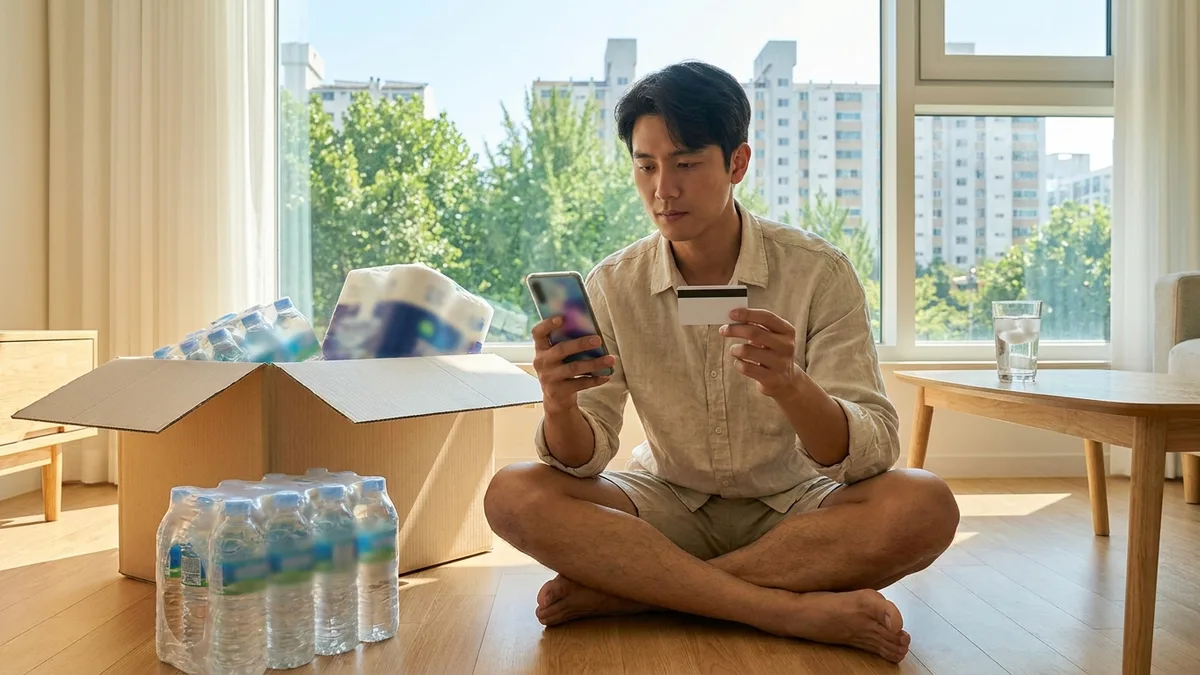
It's Coupang's paid membership. 7,890 KRW per month (as of 2026-08), and if you order daily essentials once a week or more, you'll usually break even.
| Category | WOW Member | Non-Member |
|---|---|---|
| Rocket Delivery shipping | Free with no minimum order | Free on orders over 19,800 KRW (as announced 2026-03, after discount applied) |
| Returns (Rocket Delivery items) | Free returns within 30 days (including simple change of mind) | Simple change of mind within 7 days, return fee may apply |
| Rocket Fresh dawn delivery | Available | Not available (WOW members only) |
| Coupang Play (OTT)/Coupang Eats discount | Included | Not included |
The non-member free shipping threshold changed to "final payment amount after discounts of 19,800 KRW or more" in 2026 and continues to be adjusted. Please check the latest app guidance before signing up.
Sign up at My Coupang → WOW Membership, and you can cancel on the same screen. Free trials usually auto-convert to paid when the period ends, so if you only want to try it out, note the end date in your calendar (as of 2026-08, check app guidance). Whether overseas cards can register for auto-renewal (recurring payment) may vary by card issuer and timing.
Make sure to cancel before leaving Korea. If you don't cancel, your registered card will continue to be charged monthly even after you leave.
By the way, Coupang Eats is a food delivery app from the same company but a separate app. For English settings, overseas card payment, and other delivery app usage, see the detailed coverage in Food Delivery App English Guide for Korea.
Address Entry
Delivery addresses must be entered in Korean road name address (도로명주소). If you write it in English, it causes confusion on the driver's screen. It's convenient to write requests like building entrance code or "please leave at the door" in the delivery memo. Two things to note with Coupang:
- If you don't know your Korean address, you can reverse-convert your English address to Korean road name address at the Road Name Address Guide site (juso.go.kr). When you enter the road name or building name in Korean in Coupang's address search box, it auto-completes for you to select, and you just manually enter the dong and ho number.
- Rocket Delivery defaults to contactless door delivery, so if dong/ho number is empty, it gets misdelivered as-is. If you're in a building with many units like studio apartments or goshiwon, write the ho number accurately.
Returns & Refunds — 3 Steps in the App, But Overseas Card Refunds Are Slow
Coupang returns can be completed in the app even if you don't speak Korean well.
- My Coupang → Order List, select the item → Request Return.
- Select reason (simple change of mind allowed) → Select pickup method. For Rocket Delivery items, the default is leave it at the door and the driver will pick it up. Usually picked up within 2-3 days (excluding weekends).
- Once pickup is confirmed, the refund is reversed back to your original payment method. Domestic cards usually take 3-5 business days, overseas cards go through international settlement and may take 1-2 weeks or more, or be reflected in next month's statement (check with card issuer).
Period guidelines (as of 2026-08, check app guidance): WOW members can return Rocket Delivery items free within 30 days of receipt, non-members can return within 7 days for a simple change of mind but pay the return fee themselves (typically 2,500-5,000 KRW). Seller-shipped items are 7 days by default and seller policies vary. Even members may have exclusions for some items—fresh food, installation items, etc. may be restricted.
If you paid with an overseas card, refunds return to the same card, but just know that the refund amount may differ by a few % from the payment amount due to exchange rate fluctuations.
When the Item Didn't Arrive
When it shows "Delivery Complete" but there's nothing at your door. This happens more often than you'd think with Rocket Delivery's contactless system, but follow these steps:
- First check the delivery completion photo uploaded by the driver in the app Order List. It's often placed on a different floor, neighbor's door, or next to the mailbox.
- If you don't see it in the photo either, report non-receipt at My Coupang → Order List → That Order → Inquire. Leaving a record in the app is more advantageous for processing than calling the driver directly.
- Rocket Delivery items are handled directly by Coupang so they usually lead to redelivery or refund, and seller-shipped items take longer because they require seller confirmation (as of 2026-08, check app guidance).
Transportation & Payment Connection Tips
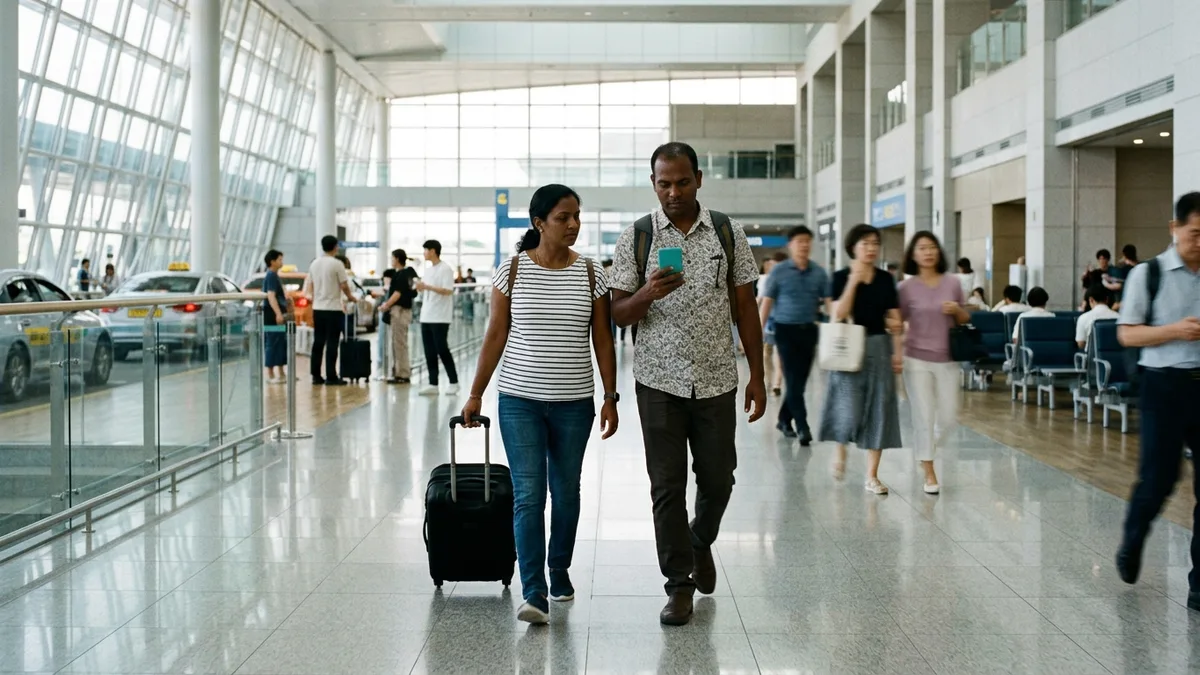
As you saw in the first table, to properly use Coupang, the basics of settling in have to fall into place in order. The problem is right after arrival. Alien Registration Card application typically takes over a month to receive, and during that gap, many domestic apps designed around Korean numbers and Korean cards get blocked in succession. Of course, that doesn't mean there's no way at all—there are routes like Korail's official English site where you can book with just a passport and overseas card.
However, since services have separate sites, knowing one transportation/payment app designed to work without identity verification can significantly reduce mobility burden during this gap period.

Want Korea's transit and payments in one app — without a Korean phone number or bank account? Check out LACHA.
Built to work without a Korean phone number or bank account, with overseas payment methods like Alipay, WeChat Pay, and Apple Pay. Taxi hailing plus KTX, express bus, and airport railroad (AREX) booking — all in one app.
Up to 60% off Korea transit with a coupon (max ₩3,000): enter code at sign-up. KTX gets up to 18% off on top
Download now


Frequently Asked Questions (FAQ)
Q1. Can I create an account before coming to Korea and use it after arrival? You can create the account itself with email first. However, since the order/payment stage often requires Korean number SMS verification or identity verification, it's less hassle to register payment methods and enter delivery address after arrival when you've opened a number (as of 2026-08, official confirmation needed).
Q2. Can I get the Personal Customs Clearance Code needed for Rocket Direct with just a passport, without ARC? Foreigners typically get it with their Alien Registration Number. Whether it works with just a passport number needs to be confirmed with Korea Customs (unipass.customs.go.kr, ☎125). If urgent, you can search for the same item as a Rocket Delivery product and buy it without the customs code.
Q3. It says "Delivery Complete" but there's no item. I can't reach the driver either. First check the delivery completion photo uploaded in the app order list. It's often in front of a different floor or neighbor's door. If it's not in the photo either, reporting non-receipt at My Coupang → Order List → Inquire is more advantageous for processing than calling. Detailed steps are in the 'When the Item Didn't Arrive' section of the main text.
Q4. If I cancel WOW membership, do I get a refund for the remaining period? You can cancel on the My Coupang → WOW Membership screen. Even if you cancel, benefits typically continue through the period you already paid for and billing stops from the next month. Mid-term refund availability and conditions vary by timing, so check with app guidance or customer center (as of 2026-08, official confirmation needed).
Q5. How do I clean up my Coupang account when leaving Korea? There's an order. ① Cancel WOW membership first ② Finish ongoing orders/returns (refunds only go back to the card you paid with) ③ Delete registered payment methods. Returns have time limits after receipt, so if departure is approaching, finishing returns before leaving is safer.
Note: This article is for general informational purposes and does not guarantee the ability to sign up or pay for specific services. Coupang's membership fees, shipping fee standards, and overseas card payment policies change frequently, so please confirm the figures in the main text (as of 2026-08) with Coupang app announcements and customer center before use. For visa, residence, and identity verification matters, check with official government channels (Hi Korea (www.hikorea.go.kr), Immigration Contact Center ☎1345). LACHA is a separate service unrelated to Coupang and is not responsible for outcomes arising from this guidance.