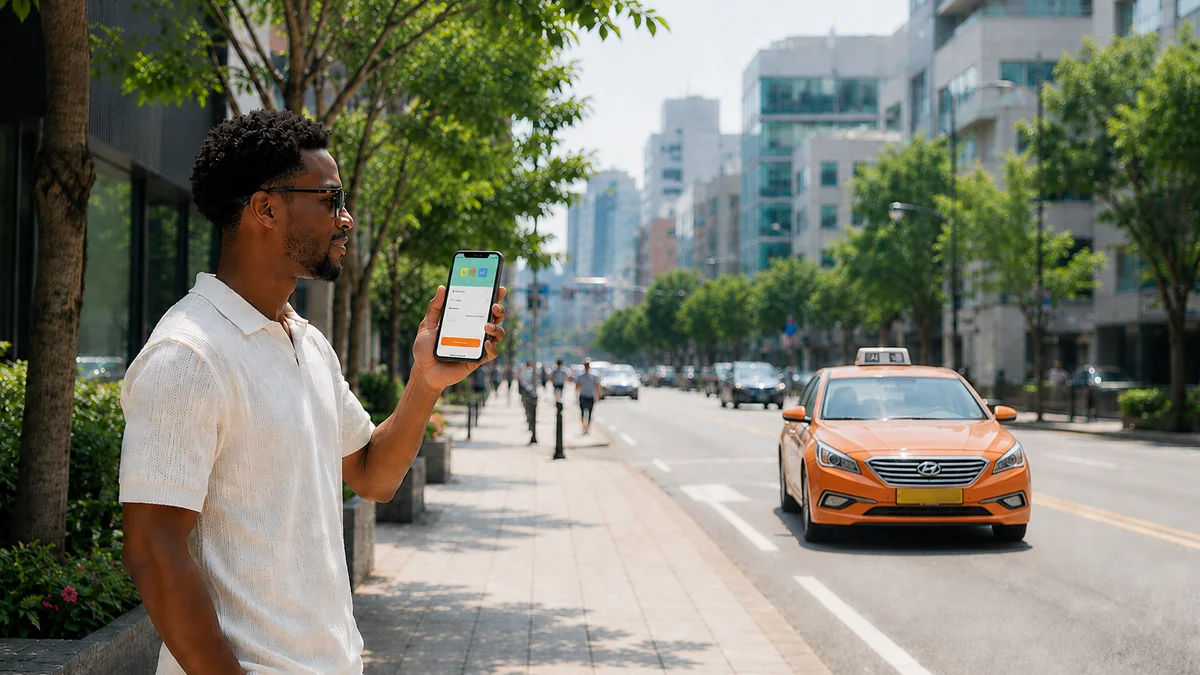
We tested 25 apps across three axes: Korean phone number, Alien Registration Card (ARC), and overseas-issued cards. Apps that pass all three and work straight away for 4–7 day travelers include Papago, k.ride, Uber, Mobile T-money, Climate Companion Card short-term passes, WOWPASS, and Airalo. Naver Map, Kakao Map, and Catch Table Global have no barriers for sign-up and basic use, but when you move to reservations and payments, overseas card approval varies (Catch Table needs confirmation). On the flip side, Tmoney GO, Baedal Minjok, Yogiyo, Coupang Eats, Daangn, Toss Bank, and Kakao Bank install fine but immediately ask for a Korean number on the first sign-up screen, stopping you there.
Travel app lists are everywhere. But the real problem starts when you download everything and sit down at airport Wi-Fi. Right there, facing a screen asking for a six-digit verification code to a Korean number you don't have. So this article's selection criterion isn't "good apps" but "apps you can actually sign up for after downloading."
Let's look at what actually opened in 2026. Mobile T-money started accepting overseas-issued cards (Mastercard, American Express, UnionPay, JCB) for transit card top-ups from March 18, 2026, and Baedal Minjok became the first food delivery app to introduce overseas card payment through Apple Pay from June 2, 2026. Naver introduced passport verification in June 2026, allowing direct identity verification in the app using overseas-issued passports, starting with Naver Map's reservation, order, and payment features.
Some things closed too. Seoul City and Tmoney's initiative to link Apple Pay with overseas card top-ups fell through on February 27, 2026, so foreign iPhone users can't use Apple Pay for subway and bus. The Climate Companion Card 30-day pass is also ending. However, the short-term passes (1, 2, 3, 5, 7 days) that travelers use remain intact, so saying "the Climate Companion Card is gone" isn't accurate.
Two numbers directly affecting itineraries also changed. KTX Seoul↔Busan standard class fare becomes 54,400 KRW from September 1, 2026 (59,800 KRW until then), and the booking app name changed on August 3, 2026 from Korail Talk to 'Korail+'.
Note: The sign-up requirements, payment conditions, and fares below are based on August 2026 public information. App policies and identity verification methods can change without notice, so please reconfirm with each app's official guidance and the Korea Tourism Organization English site (english.visitkorea.or.kr) before installation and payment.
Filtered Through Three Axes
There are really only three points where foreigners get blocked in Korean apps. Know these three and you can evaluate any app yourself.
- Axis 1 · Korean Phone Number: Does sign-up or login require SMS verification to a Korean carrier-registered number? This is the most common and most solid wall.
- Axis 2 · Alien Registration Card (ARC): Does it require the number issued only to registered foreigners? Short-term visitors can't get this at all, so if an app hits this axis, there's no answer for travelers. For reference, ARC issuance costs 35,000 KRW.
- Axis 3 · Overseas-Issued Cards: Can you pay with VISA, Mastercard, JCB, AMEX, or UnionPay issued in your home country? This is where sign-up works but payment blocks.
Why these three axes interlock is because Korean app "identity verification" mostly rides on the telecom carrier real-name verification system. Identity verification apps like PASS only work when your Korean carrier number and the name registered with the carrier match exactly. So without a Korean number you hit Axis 1, and even if you get a number, the real-name verification stage moves to Axis 2 in a repeating structure.
Caution: Kakao strengthened its security policy in 2026. If verification requests repeat in a short time, that number and account get blocked for 24 hours. Frantically tapping the verification button at the airport can blow your entire first day.
Three-Axis Matrix at a Glance (August 2026)
In the table, "Not required" means it doesn't hit that axis, "Partial features only" means installation and basic use work but specific features require it. "Needs confirmation" means it's not confirmed in official documentation so can't be stated definitively, and "N/A" means the app doesn't have that feature at all.
| App (Category) | Korean Number | ARC | Overseas Card | One-Line for Travelers |
|---|---|---|---|---|
| Papago (translation) | Not required | Not required | N/A | Works instantly without login—baseline |
| Naver Map·Kakao Map (maps) | Not required | Not required | Partial support | Search/directions unlimited, only reservations/payment hit walls |
| Google Maps (maps) | Not required | Not required | N/A | Pedestrian/vehicle directions don't work in Korea |
| k.ride (taxi) | Not required | Not required | Supported | All three axes open—foreigner-specific taxi app |
| UT·Uber (taxi) | Not required | Not required | Supported | Use your home account as-is, Seoul metro area focus |
| Kakao T (taxi) | Partial features only | Not required | Partial support | Calling works, card registration varies |
| Mobile T-money (transit card) | Not required | Not required | Supported | 'Foreigner' path · VISA needs confirmation |
| Climate Companion Card short-term (pass) | Not required | Not required | Supported | Physical purchase at station chargers, no app needed |
| Tmoney GO (intercity bus etc.) | Required | Needs confirmation | Needs confirmation | Member-only with identity verification, entry itself blocked |
| K-Pass·Modu Card (refund) | Needs confirmation | Required | Needs confirmation | For registered foreigners only, not for short-term visitors |
| Korail+ (KTX) | Partial features only | Not required | Partial support | Non-member booking and station QR more reliable than app |
| Apple Pay (payment·transit) | Not required | Not required | Partial support | Transit use confirmed impossible as of Feb 2026 collapse |
| WOWPASS (travel payment) | Not required | Not required | Supported | Physical prepaid card + T-money balance combined |
| Travel Wallet (travel payment) | Required | Needs confirmation | Not supported | For Korea residents, not inbound travelers |
| Kakao Pay·Naver Pay (simple payment) | Partial features only | Partial features only | Needs confirmation | Payment method registration essentially for residents |
| Toss Bank·Kakao Bank (banking) | Required | Required | N/A | ARC most clearly required here |
| Airalo (eSIM) | Not required | Not required | Supported | Data only—doesn't create Korean number |
| KakaoTalk (messenger) | Not required | Partial features only | Needs confirmation | Sign up with overseas number, linked payment separate |
| Catch Table Global (restaurant reservation) | Not required | Not required | Needs confirmation | Email-only sign-up, must download Global app |
| Baedal Minjok (delivery) | Required | Not required | Partial support | Payment opened but blocked at sign-up first |
| Yogiyo·Coupang Eats (delivery) | Required | Not required | Partial support | Yogiyo doesn't support overseas cards or PayPal |
| Coupang (shopping) | Partial features only | Not required | Partial support | Approval varies by card issuer |
| Daangn (secondhand) | Required | Not required | Needs confirmation | Two-step gate: number verification + neighborhood verification |
| HiKorea·Gov24 (government) | Partial features only | Required | Needs confirmation | Only HiKorea non-member reservation works with passport |
| PASS (identity verification) | Required | Required | N/A | This is where other apps' blocks converge |
| LACHA (transit·payment) | Not required | Not required | Supported | Taxi·KTX·express bus·transit card without identity verification |
Reading vertically shows the pattern. Maps, translation, taxis, and eSIM are mostly open to travelers, while banking, simple payment, delivery, and secondhand are for residents. Awkwardly in between are transit and payment, but these are unfortunately the most frequently used areas in travel itineraries, so we'll separate them below.
Apps to Download Before Departure vs. After Arrival
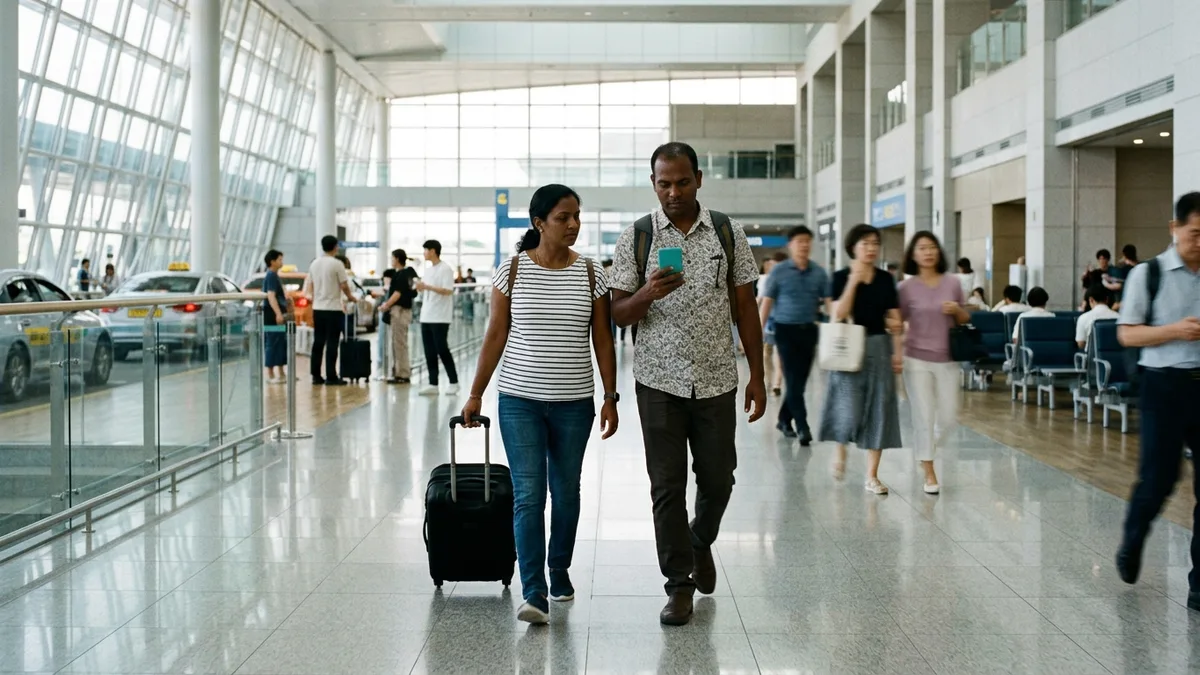
The most common failure is sitting at Incheon Airport arrival Wi-Fi downloading ten apps at once and getting blocked in verification one after another. Some apps take days for account approval, so splitting the sequence avoids this situation.
| App | Timing | Reason |
|---|---|---|
| Airalo etc. eSIM | Before departure essential | QR comes via email after purchase, install on stable Wi-Fi safer |
| Papago | Before departure | Use right away at immigration and airport guidance |
| Naver Map | Before departure | Check airport train/bus times before arrival |
| k.ride or Uber | Before departure | Finish card registration so you can call right from arrival hall |
| Catch Table Global | Before departure | Popular restaurant reservations need days in advance for seats |
| KakaoTalk | Before departure | Overseas number verification needs patience (no button mashing) |
| WOWPASS | After arrival | Must get physical card from kiosk (app can download early) |
| Climate Companion Card short-term | After arrival | Physical card purchase at subway station chargers |
| Mobile T-money | After arrival | Download when transit card becomes needed, not too late |
| Delivery apps | When needed | Only makes sense after getting Korean number |
Tip: Six apps before departure are enough. At the airport, don't install new ones—just check that apps already downloaded open properly.
Maps & Translation — Wall-Free Zone, Except Google Maps
Maps and translation are virtually the only axes in this matrix with no walls, considering just search and directions. Naver Map and Kakao Map let you use search, directions, and real-time arrival info without login. Naver Map supports English, Chinese, and Japanese, and in 2026 expanded multilingual coverage to visitor reviews, place filters, and transit details. Papago offers 14 languages including Korean, English, Japanese, Chinese (simplified/traditional), Vietnamese, Thai, Indonesian, and Russian for free just by installing.
The block comes when moving from maps to reservations, orders, and payments. It rides on Naver Pay, but the passport verification introduced in June 2026 was first applied to Naver Map's reservation, order, and payment features, so this segment is improving. Detailed operation by app is organized separately in Naver Map & Kakao Map Foreigner Guide.
The problem is Google Maps. It's a half-app only in Korea—transit directions work but pedestrian and vehicle directions aren't supported, so routes to subway stations draw straight lines. On February 27, 2026, the government conditionally allowed export of 1:5000 high-precision maps (limited to navigation/directions, reprocessing on domestic servers, excluding security-sensitive data like contour lines), but as of August 2026, the official launch date for pedestrian guidance hasn't been confirmed.
Caution: Travel articles saying "Google Maps now works in Korea" are increasing, but export permission and service launch are different stories. Check after arrival, and plan with the assumption that if it doesn't work, you'll switch to Naver Map.
Taxis — If Kakao T Blocks You, k.ride and Uber Are the Answer
Korean taxi apps split three ways, but priorities are clear for travelers.
| App | Sign-up Condition | Overseas Card | Coverage |
|---|---|---|---|
| k.ride | Phone number input then Google/Apple account or email verification | Registration·auto-payment supported | Domestic calls taxi-only |
| UT·Uber | Use home Uber account as-is | Auto-conversion payment | Seoul metro area focus (check provinces) |
| Kakao T | Install/call works, card registration needs verified Kakao account | Registration·auto-payment rejection common | Nationwide |
k.ride has all three axes open because Kakao made it separately from Kakao T specifically for foreigners. UI supports English, Japanese, and Chinese (simplified/traditional), and destination search and driver chat auto-translate in over 100 languages including Thai and Arabic. Launched June 2024, expanded to 12 countries by March 2025 including US, Canada, Japan, Taiwan, Singapore, Vietnam, Thailand, Malaysia, Indonesia, Philippines, Cambodia, and Saudi Arabia, passing 600,000 domestic taxi calls. However, as of 2026, whether service countries and features remain unchanged needs latest announcement confirmation.
Uber's strength is no need for new sign-up. Bring your home account and registered payment method as-is, so Korean number and ARC issues don't arise at all. Fares are nearly identical to regular taxis, and the limit is coverage. Outside the Seoul metro area, it often doesn't catch—actual call range by provincial city needs confirmation.
Kakao T goes until calling but splits at payment. Registering a card requires a Kakao account opened with a verified Korean number, and overseas-issued cards often get rejected for registration and auto-payment because domestic payment gateways are tied to Korean identity verification. Instead, choose 'Pay to the driver' on the payment screen. Then it stops asking for card registration and you can pay cash, physical overseas card, or T-money when alighting. Detailed screen flow is in Kakao T Foreigner Guide.
Transit Cards & Trains — Mobile T-money, Climate Companion Card Short-Term, Korail+
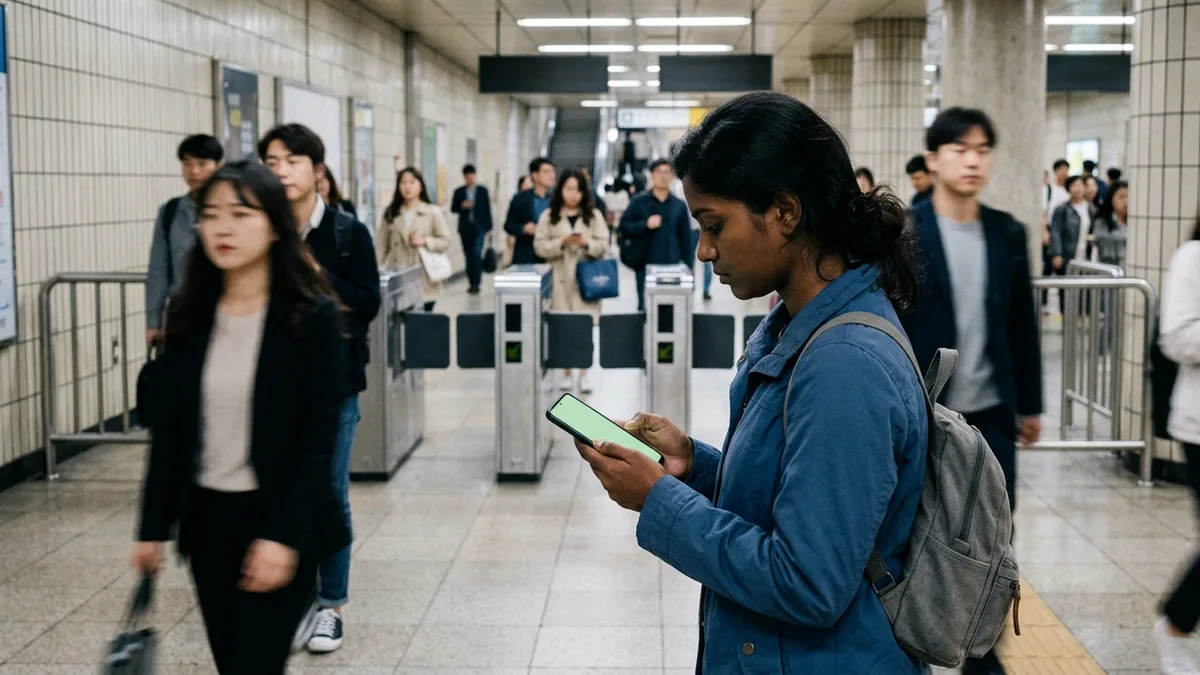
Subway and bus split between physical cards and apps, but for travelers the physical side is much simpler.
| Method | Sign-up | Overseas Card Top-up | Notes |
|---|---|---|---|
| Climate Companion Card short-term | Not required | Supported from Mar 2026 | Only 1·2·3·5·7 day passes maintained, Seoul area |
| Mobile T-money | 'Foreigner' path in app | Supported from Mar 18, 2026 | VISA not on official list (needs confirmation) |
| WOWPASS | Not required (physical issuance) | App and kiosk both supported | App top-up 200,000 KRW per transaction, 1M KRW monthly limit |
| Tmoney GO | Korean number identity verification required | Needs confirmation | Often blocked at intercity/express bus booking |
| K-Pass·Modu Card | ARC required | Needs confirmation | For long-term residents, not short-term visitors |
The core of this table is that Mobile T-money and Tmoney GO are opposite despite being the same T-money brand. Mobile T-money's in-app 'Foreigner' button is designed to skip Korean identity verification and login procedures. In contrast, Tmoney GO is membership requiring mobile phone or Toss identity verification for login, so without a Korean number entry itself is blocked. Whether there's an exception path passing with overseas numbers needs confirmation.
The Climate Companion Card has much misunderstanding. What's ending is the 30-day pass for long-term residents. Prepaid cards can top up until August 31, 2026 and use until September 29, 2026, and postpaid card benefits until September 30, 2026. From October 1, 2026 it converts to regular transit cards, and the replacement product 'Modu Card Climate Companion Pass' launches September 1, 2026. Short-term passes travelers use are explicitly maintained in Seoul City's official FAQ.
For trains, "works but doesn't work well in the app" is the accurate expression. The booking app became Korail+ on August 3, 2026, changing from Korail Talk to a unified app booking both KTX and SRT, and SRT gets absorbed into KTX-Sancheon. But the app is designed assuming Korean number, Korean-issued cards, and Korean-style names, so payment buttons not working in English mode or 'Webpage not available' errors when inputting overseas cards have been repeatedly reported (based on Korail Talk era cases, needs confirmation whether improved after rename).
Two paths actually work. First, proceeding with non-member booking using passport info. Passport info and ticket info must match. Second, scanning QR codes deployed at 50 major stations like Seoul and Busan to enter the foreign language homepage for payment, which offers overseas card payment not supported at automatic ticket machines. Buying at station counter Foreigner windows showing passport also works. Error types in the app are compiled in Korail App Foreigner Payment Issues.
Payment & Communication — Common Mistakes with Apple Pay, WOWPASS, eSIM
Payment is where travel articles most often get wrong. Let's touch on four things.
| Item | What Works | What Doesn't |
|---|---|---|
| Apple Pay | Using cards already in Wallet from overseas (range needs confirmation) | Subway/bus transit use (confirmed impossible as of Feb 2026 collapse) |
| WOWPASS | 16-currency cash top-up + overseas credit card/mobile wallet top-up | Issuance to Korean nationals |
| Airalo eSIM | Data communication | Korean number assignment, SMS/calls |
| Travel Wallet | Korea residents' overseas use | Inbound foreign traveler use |
Start with Apple Pay. Cards newly registrable in Apple Wallet in Korea are limited to domestically-issued cards and AMEX, Diners, UnionPay are restricted. More important is transit—Seoul City and T-money's Apple Pay overseas card linkage fell through in February 2026, so foreign iPhone users can't use Apple Pay for subway and bus. The alternative is topping up with overseas cards in the Mobile T-money app. However, overseas card top-ups carry around 4.5% fees per T-money guidance, and it's dollar payment so actual burden varies by card issuer and timing. How well cards already in Wallet from overseas work at Korean general merchant contactless terminals needs actual measurement confirmation. Related organization is in Apple Pay & Google Pay Korea Transit Use.
WOWPASS gets the "only kiosk?" question often but the answer is both. Physical prepaid card issued at 240+ kiosks nationwide or online reservation, and top-ups have both kiosk cash (16 currencies including USD, EUR, AUD, CAD, GBP, SGD, PHP) and app overseas credit card/mobile wallet paths open. WOWPASS balance and T-money balance sit separately in the card, so transit tags T-money balance, and WOWPASS→T-money transfer in app only works on iOS (subway machine cash top-up is common).
eSIM has one trap. Airalo's Korea products are mostly data-only so don't assign Korean phone numbers and SMS/calls don't work (only some global eSIM plans support calls/texts). Meaning even buying eSIM, apps requiring Korean number SMS verification like Kakao T card registration, Tmoney GO, Baedal Minjok remain blocked. If you absolutely need a Korean number, you must separately activate a budget carrier prepaid eSIM that assigns numbers.
Note: Travel Wallet gets introduced backwards in many articles. This is a card Korea residents use overseas. Per official guidance, prerequisites are own-name mobile phone, domestic bank account, and ID, and overseas remittance is available only to Republic of Korea nationals age 19+ after 48 hours from new sign-up. Whether foreigners (including registered foreigners) can sign up isn't in official guidance at all and needs customer center confirmation. If this app is on an inbound traveler essential app list, suspect that list itself.
Simple payment is the representative case where 'sign-up' and 'actually using' differ. Kakao Pay and Naver Pay are usable by foreigners themselves, but attaching payment methods essentially requires ARC and Korean bank accounts, closer to resident-use. Naver's June 2026 passport verification is the first official measure lowering this wall but application scope is limited to some services. Step-by-step boundaries are in Naver Pay & Kakao Pay Foreigner Sign-up Guide.
Restaurant Reservations, Delivery, Shopping — Korean Number Is the Deciding Factor
Restaurant reservations are surprisingly open. Catch Table Global used to require a Korean phone number for sign-up but now changed to email address only. Supports 20 languages including English, Japanese, and Chinese with about 12,000 restaurants registered. As of May 2026, Global app monthly users were 1.12 million, up 122% year-over-year, with reservations up 71% and waiting up 68%. The practical key is you must download the Global app, not the Korean app. However, whether overseas-issued cards pass at restaurants with reservation deposits or no-show guarantees needs confirmation. Screen-by-screen flow is in Korea Restaurant Waiting & Reservation App Guide for Foreigners.
Delivery needs separating three apps.
| App | Sign-up | Payment |
|---|---|---|
| Baedal Minjok | Korean number required | From Jun 2, 2026 overseas VISA·Mastercard·JCB·Amex payment via Apple Pay supported |
| Yogiyo | Korean number required | Overseas cards·PayPal unsupported · but 'Pay in person' available |
| Coupang Eats | Korean number required | Payment errors frequent if not domestically-issued card |
Baedal Minjok is an item that actually changed in 2026 so needs latest info. From June 2, 2026, overseas-issued card payment through Apple Pay became available, and before that even Apple Pay only worked with domestically-issued cards. For reference, Q1 2026 overseas payment method orders increased about 3.7x year-over-year, April about 14x. But only the payment axis opened and the Korean number requirement at member sign-up stage remains, so ultimately blocked at sign-up first. English-language delivery options are organized in Food Delivery Apps in English in Korea.
Shopping is the representative case varying by card issuer. With Coupang, even with the same US card, approval and rejection split depending on the card issuer's 3D Secure (overseas secure payment) support and security system sensitivity per actual measurement reports. Specific card issuer success/failure cases are from individual review sources so hard to generalize, so 'varies by card' is accurate. Sign-up is smoothest with Korean number but steady reviews of receiving verification codes with overseas numbers in the app exist, and Rocket Delivery (blue rocket badge) products ship domestic stock so don't need customs clearance codes.
Daangn is virtually closed to tourists. Beyond phone verification there's a second gate called 'neighborhood verification,' requiring GPS on and physically being in that area for verification, registrable up to 2 areas. KakaoTalk conversely signs up with overseas numbers itself (SMS verification with country codes +1, +81, +84 etc.), but the moment it requires 'identity verification' like Kakao T card registration, Kakao Pay, or KakaoTalk certificate, it moves to Korean carrier real-name verification system. Sign-up method is in Sign Up for KakaoTalk Without Korean Number.
Summarizing here, the area travelers struggle with to the end is ultimately transit and payment. Maps and translation are open and banking/simple payment are for residents from the start so you can give up, but taxis, KTX, express buses, and transit cards can't be given up. Yet these four hit different verification walls in different apps. So having one app designed from the start not to require identity verification simplifies this segment. LACHA is a service made to use instant taxi calls, KTX, express buses, VAN (5-6 seaters), airport railroad, and transit cards (city bus/subway) in one app without Korean account or Korean phone number. It's structured to top up and use LACHA Money so you can top up with 17 kinds of E-Wallets like Alipay, WeChat Pay, GCash, TrueMoney and overseas cards VISA, Mastercard, JCB, AMEX, UnionPay, plus account transfer and virtual account. However, it doesn't handle intercity buses, ferries, or flights, so if your itinerary needs intercity buses, prepare that separately.

Want to handle everything from your first ride after landing in one app? Check out LACHA.
Built to work without a Korean phone number or bank account, with overseas payment methods like Alipay, WeChat Pay, and Apple Pay. Taxi hailing plus KTX, express bus, and airport railroad (AREX) booking — all in one app.
Up to 60% off Korea transit with a coupon (max ₩3,000): enter code at sign-up. KTX gets up to 18% off on top
Download now


Frequently Asked Questions (FAQ)
Q1. Can I survive 4–7 days of travel without a Korean number? Yes. Six paths—Papago, Naver Map, k.ride or Uber, Mobile T-money or WOWPASS, Catch Table Global, eSIM—cover movement, translation, dining, and communication. What blocks are delivery, secondhand, banking, and simple payment, but these are generally unnecessary areas for short-term travel (as of Aug 2026).
Q2. Does buying eSIM create a Korean number? No. Airalo's Korea products are mostly data-only so don't assign Korean phone numbers and SMS/calls don't work. So even buying eSIM, apps requiring Korean number SMS verification remain blocked. If you absolutely need a number, you must separately activate a budget carrier prepaid eSIM that assigns numbers.
Q3. If I have an iPhone, can I use Apple Pay on the subway? As of August 2026, no. Seoul City and T-money's initiative to link Apple Pay overseas card top-ups collapsed on February 27, 2026 due to negotiation difficulties. Alternatives are topping up with overseas cards in the Mobile T-money app or using physical cards like WOWPASS or Climate Companion Card short-term passes.
Q4. I heard the Climate Companion Card is ending—can I still buy it? What's ending is the 30-day pass, and the short-term passes (1, 2, 3, 5, 7 days) travelers use are explicitly maintained in Seoul City's official FAQ. Prepaid cards can top up until August 31, 2026 and use until September 29, postpaid card benefits until September 30. From March 2026, purchase and top-up with overseas credit cards became available.
Q5. Can I book KTX with the Korail+ app? The app is designed assuming Korean number and Korean-issued cards, so overseas card payment failure cases have been repeatedly reported (Korail Talk era basis, needs confirmation whether improved after Korail+ rename). More reliable are non-member booking with passport info, scanning QR codes at 50 major stations to pay on foreign language homepage, or station counter Foreigner windows. For reference, Seoul↔Busan standard class is 54,400 KRW from September 1, 2026.
To Avoid Getting Lost at Airport Wi-Fi
Rather than downloading a long app list, knowing which of these three axes blocks is far more useful. Apps requiring Korean numbers already have answers determined before travel, and apps requiring ARC have no reason to attempt if you're not a registered foreigner. What remains is the overseas card axis, but this you won't know until actually trying to pay, so carrying one more backup payment method is safer.
Organized as a pre-departure checklist: eSIM purchase and installation complete, Papago and Naver Map installed, taxi app is k.ride or Uber with card registration finished, restaurants pre-booked with Catch Table Global, KakaoTalk verified with patience (no button mashing). After arrival, just choose transit card (one of Mobile T-money, WOWPASS, Climate Companion Card short-term). App policies keep changing in 2026 too, so I recommend checking each app's announcements once more a few days before departure.
Note: This article is for general travel information purposes. App sign-up requirements, identity verification methods, payment support scope, and fares are based on August 2026 public information and may change without notice. Especially items marked 'Needs confirmation' are unconfirmed in official documents so don't take them definitively—please reconfirm with each app's official guidance and customer center, and the Korea Tourism Organization English site (english.visitkorea.or.kr) before use. For English inquiries, use the Tourist Information Call ☎1330 (24 hours, English, Chinese, Japanese, etc.). LACHA is not the operator of third-party apps appearing in this article and does not guarantee sign-up availability or payment approval results for each app.