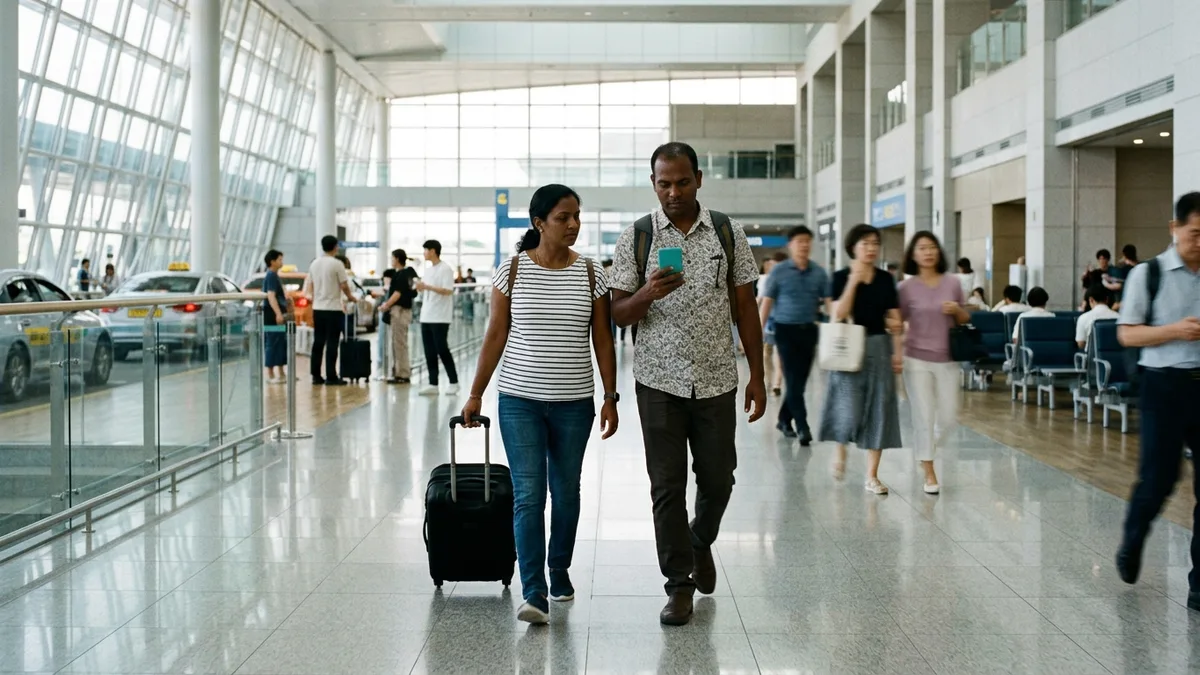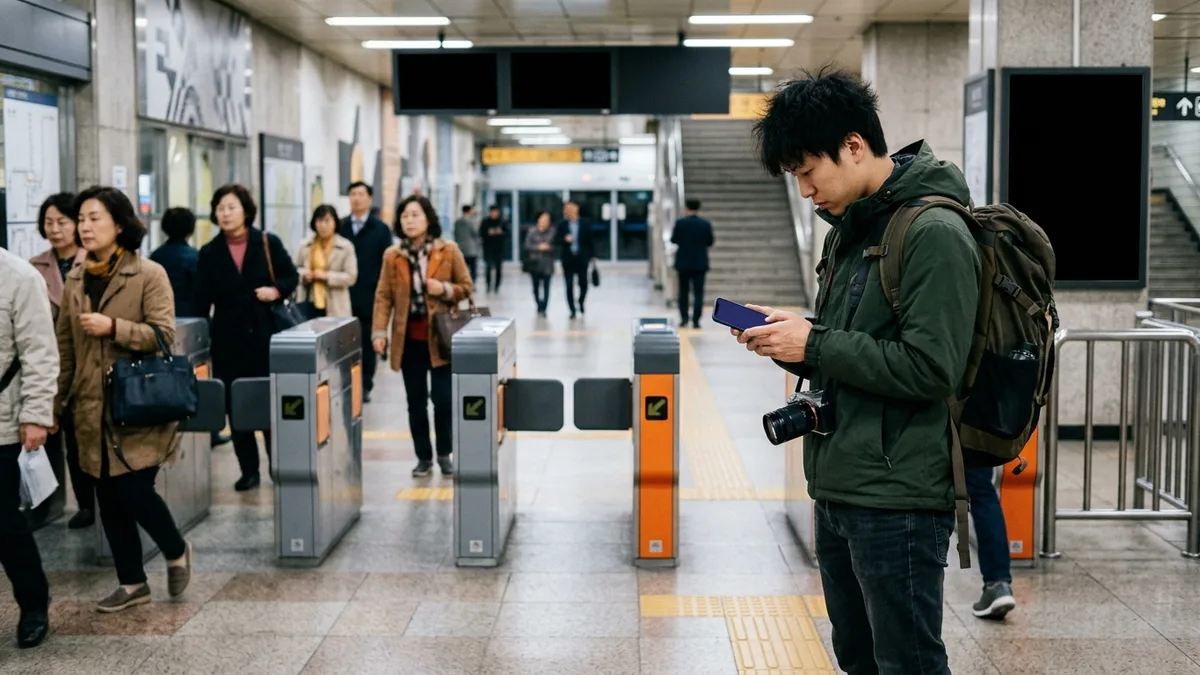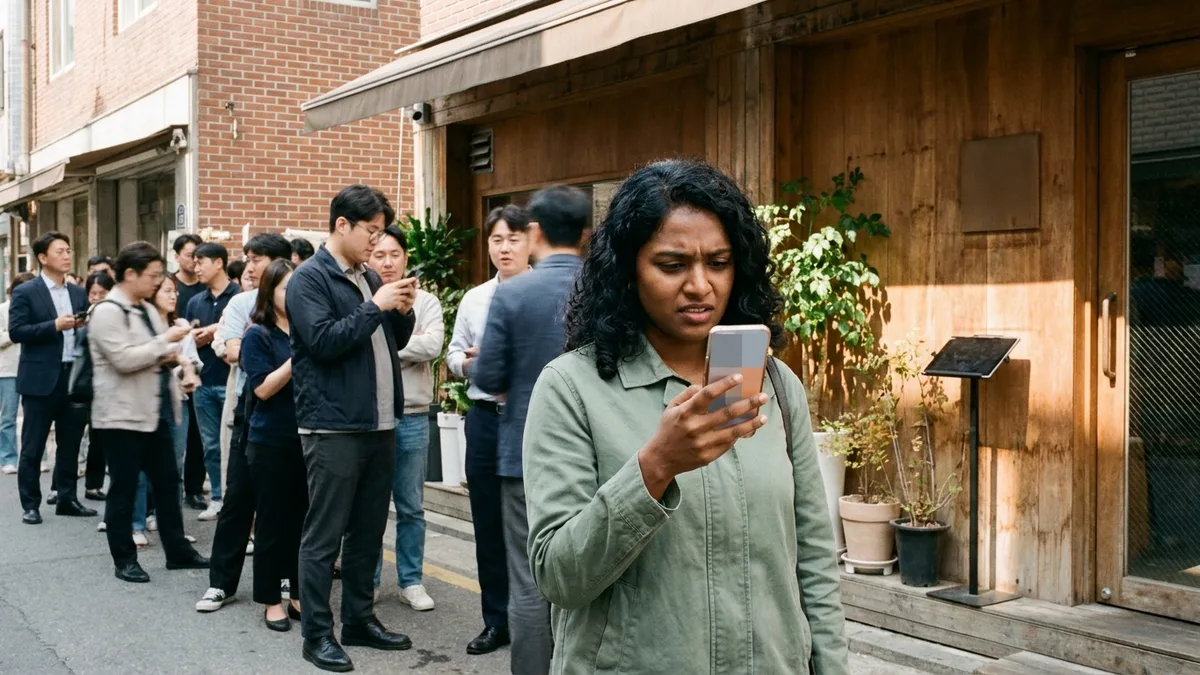
Outside a famous brunch cafe in Seoul's Seongsu-dong. There's no line at the door, so you walk straight in — and a staff member points at a tablet: "The waitlist is app-only." You install the app, and this time you're stopped at a Korean mobile number verification screen. On your way back out, you notice the people sitting in the cafe nearby getting called one by one, standing up, and heading into the restaurant. This is what foreign travelers actually run into at Korea's popular restaurants.
Queuing in Korea has moved, over just a few years, from waiting on the pavement to taking a number remotely in an app. Naver reservations and CatchTable have settled in as the leading platforms, and at bakeries and brunch spots that go viral on social media, weekend waits can stretch to 2–4 hours (as of Aug 2026). The catch is that a good number of these apps were built on the assumption of Korean mobile number identity verification. Without a Korean number, you can't even get into the line.
Fortunately, there are ways through. In this article we'll go app by app through whether foreigners can sign up for CatchTable, Tabling, and Naver reservations, then cover how to use CatchTable Global without a Korean number, and how to get in on the spot when the app is a dead end. Services you can use without a Korean number in general are covered separately in Services You Can Use Without a Korean Phone Number.
The sign-up requirements, app policies, and wait times below are based on publicly available information as of Aug 2026. Sign-up methods and reservation policies change without notice, so before you go, be sure to double-check each app's notices and the Korea Tourism Organization's English site (english.visitkorea.or.kr).
Why there's no line — and you still can't get in
An empty doorway at a popular restaurant doesn't mean there's a table. It means the queue has moved inside an app. Customers take a number in the app or on a tablet at the entrance, wander the neighborhood, and come back when the call arrives. The restaurant gets less congestion at the door, the customer gets to do something else instead of standing in line — both sides prefer it.
What makes this hard on tourists is the notification channel. If the call goes out by text to a Korean number or through KakaoTalk, then somewhere — at sign-up or at the call — a Korean number becomes necessary. Meanwhile, with foreign visitors to Korea reaching 2.03 million in April 2026 alone, topping two million for the second month running, apps built for foreigners that remove this barrier are growing fast. The leading one is CatchTable Global.
Foreigner sign-up by app, at a glance
| App | Foreigner sign-up | What sign-up requires | Notes |
|---|---|---|---|
| CATCHTABLE Global (캐치테이블 글로벌) | Possible | A Google or Apple account, or an email address | Supports both reservations and remote waitlists |
| CatchTable, Korean version (캐치테이블) | Effectively difficult | Routed to Korean carrier identity verification (check official sources) | A separate app from the global version |
| Tabling (테이블링) | Effectively difficult | Phone SMS verification + carrier identity verification | No foreigner version confirmed as of Aug 2026 |
| Naver reservations (네이버 예약) | Partly possible | Sign-up with an overseas number + passport verification (Naver Map) | Passport verification introduced in June 2026 |
In short: install CatchTable Global as your default, use Naver reservations with passport verification as backup, and for restaurants that only use Tabling, solve it with the on-site tablet or by arriving at opening. Let's take them one at a time.
CatchTable Global — the first pick for tourists
CatchTable comes as two apps: the Korean version for residents, and CatchTable Global, released separately for foreign tourists (search the store for CATCHTABLE : Book Restaurants). The names are close enough that plenty of people install the Korean version and get stopped at identity verification, so check that it's the global version first before you install.
- Sign-up: A Google or Apple account, or just an email address, is enough. You can skip the Korean phone number field.
- Languages: Restaurant search supports 20 languages, and the interface leads with English, Japanese, and Simplified and Traditional Chinese (as of Aug 2026; check official sources).
- Listed restaurants: Between 8,000 and 12,000 nationwide (the figure varies by source, as of Aug 2026).
- Scale: 1.125 million monthly users as of May 2026, up 122% in a year. More than 80% of users are travelers from Japan, Taiwan, Hong Kong, and China.
- Call notifications: These are described as arriving by app push and email (check official sources). In other words, you can track your place in line without needing a text to a Korean number.
Reservations vs. waitlists, and when a deposit applies
Even inside CatchTable Global, the button differs from restaurant to restaurant. Knowing the difference lets you work out the money and the timing in advance.
- Reserve: You lock in a table at a set date and time. This is mostly how fine dining and omakase places, where reservations are mandatory, operate, and a deposit may apply. The Korea Tourism Organization states that deposits can be paid with a foreign-issued card. Which card brands are supported, how much the deposit is, and the no-show rules all vary by restaurant and by date (check official sources).
- Remote Waitlist: This is same-day queuing. You take a number in the app without going to the restaurant, and head over as your turn approaches. Whether remote or on-site, waitlists carry no deposit (per Korea Tourism Organization guidance).
If you've made a reservation, be on time. Arriving late can mean automatic cancellation, according to the guidance (check official sources).
Why Tabling and the Korean CatchTable are hard
Tabling (테이블링) is widely used for restaurant waitlists in Korea, and per its official guidance, sign-up ends with SMS verification, with identity verification based on Korean mobile carriers, PASS, and KCB. That effectively means sign-up is difficult without a phone registered in your name with a Korean carrier. No global version for foreigners is confirmed as of August 2026. One may appear later, so search again around the time of your trip.
The Korean version of CatchTable is likewise described as requiring identity verification with a Korean carrier phone (check official sources). That's exactly where it differs from the global version.
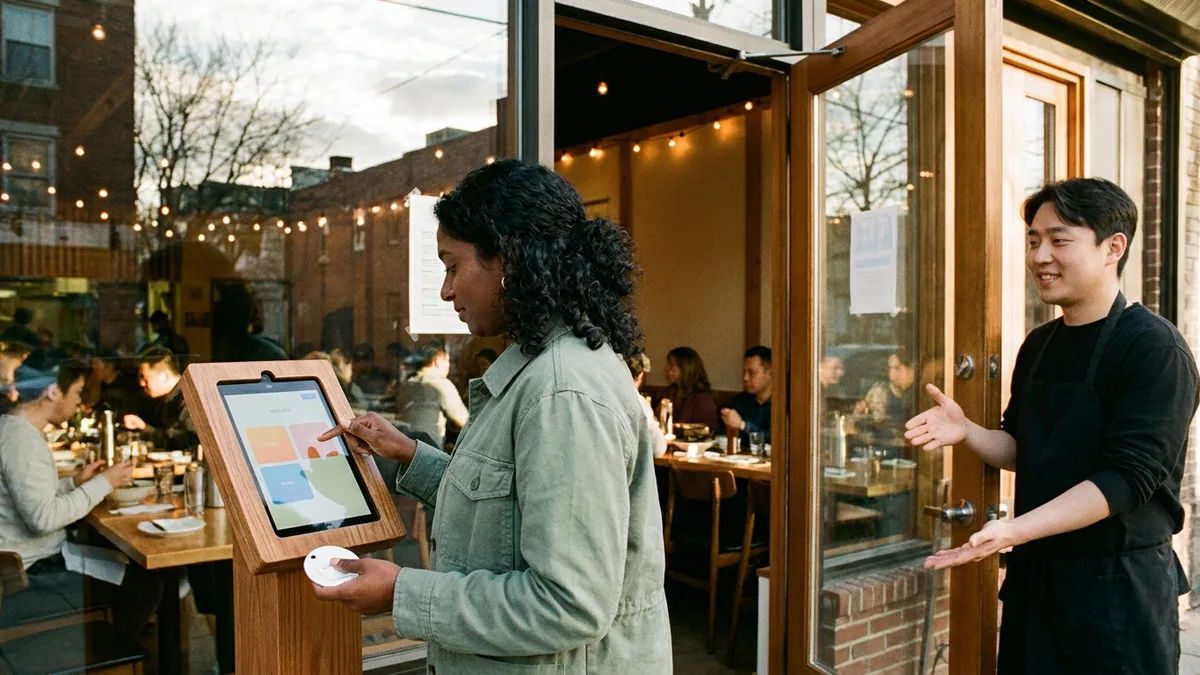
That said, a restaurant that only uses Tabling isn't a lost cause. On the tablet at the entrance, it's sometimes possible to register for the walk-in waitlist with a foreign phone number (it varies by device and by restaurant). If you see a tablet, go up to the door and check the screen first — and if you get stuck, asking a staff member is the fastest route.
Naver reservations — passport verification as a new option
A Naver account itself can be created with an overseas phone number. Pick your country code on the sign-up screen and take the SMS verification on your foreign number. But sign-up and identity verification are separate things, so in the past you'd get blocked again at protected functions like completing a reservation.
That changed significantly in June 2026. On June 4, Naver introduced passport verification for foreigners, so with a foreign-issued passport alone you can now book, order, and pay at restaurants through Naver Map without a Korean number (per Naver's official press release). You verify your passport with your smartphone, and no Korean mobile number or customer-service inquiry is needed.
One caveat — this isn't a full opening yet. What's confirmed is reservations, ordering, and payment on Naver Map; other services are at the stage of a phased-expansion plan (as of Aug 2026). Opening a full Naver Pay account (top-ups, linking a bank account) is still described as requiring a Korean carrier line and a Korean bank account (check official sources). The details are in the Naver Pay & Kakao Pay Guide for Foreigners.
Three ways in without an app
- Arrive at opening, and dodge the peaks: The peaks are 12:00–13:30 for lunch and 18:00–20:00 for dinner. Arriving before 11:30 cuts the wait sharply, and weekday lunch is quieter than the weekend (as of Aug 2026). Even a restaurant with a two-hour wait often seats you straight away right after opening.
- On-site tablet or QR sign-up: In districts like Seongsu, Yeonnam, and Gangnam, tablet and QR sign-up at the door is standard. Some places offer an "I don't have a Korean number" option on the tablet, or a QR for email notifications. It varies by restaurant, so read the screen carefully, and if it isn't there, ask a staff member.
- Check for walk-ins by phone or in person: Plenty of restaurants that look app-only will in fact take a walk-in sign-up on site. You can also call ahead to ask whether walk-ins are possible, though English service varies from place to place. Often just showing a translation app screen is enough to get through.
How to tell reservation-only from walk-in-friendly
To avoid traveling across town for nothing, it's worth working out which category a restaurant falls into before you set off.
- The app button is the signal: If a CatchTable Global listing has only a Reserve button, it runs on advance bookings (a deposit is possible); if there's a Join Remote Waitlist, it runs a same-day queue.
- Judge by the type of restaurant: Fine dining, omakase, and social-media hotspots are largely reservation-only, while noodle shops, old-school grill houses (nopo), market food stalls, food courts, and late-night eateries can generally be entered without an app (it varies by restaurant).
- Check right before you go: Opening hours, closing days, and waitlist methods change often, so check the restaurant's information on Naver Map just before you head over.
Miss the call and your place is gone
The most common way a remote waitlist fails is a missed call. When your turn comes and the call goes out with no response, your place passes quickly to the next party. Wait in a cafe a few hundred meters away, miss one notification, and your wait for that day is over.
- Move closer to the restaurant as your turn approaches. The grace period from the call to your arrival is short, and it varies by restaurant.
- Be sure to turn on app push notifications, and if the app uses email notifications, keep an eye on your inbox as well.
- Some restaurants send the call through KakaoTalk, which is sent to Korean numbers, so on a foreign number you may not receive it (check official sources). KakaoTalk itself can be signed up for with an overseas number, so it's worth installing before your trip. How to do it is in How to Sign Up for KakaoTalk Without a Korean Number.
Transport & payment tips
A remote waitlist is, in the end, a game of timing your movement. You take a number, wander the area, and have to be back at the door on time when the call comes. But hitting that timing in an unfamiliar city depends on the subway, the bus, or a taxi coming through on demand — and many Korean transport apps assume Korean phone verification or a Korean card, which is where a lot of people get stuck all over again.
Installing one transport and payment app designed to work without identity verification makes this whole routine simpler. If you can call a taxi without a Korean number and pay directly with overseas payment methods, both the schedule you build around waitlist calls and the KTX and intercity coach plans you make chasing restaurants across cities get a lot lighter.

Want to handle everything from your first ride after landing in one app? Check out LACHA.
Built to work without a Korean phone number or bank account, with overseas payment methods like Alipay, WeChat Pay, and Apple Pay. Taxi hailing plus KTX, express bus, and airport railroad (AREX) booking — all in one app.
Up to 60% off Korea transit with a coupon (max ₩3,000): enter code at sign-up. KTX gets up to 18% off on top
Download now


Frequently Asked Questions (FAQ)
Q1. I don't have a Korean phone number — can I still join a restaurant waitlist? Yes. CatchTable Global takes a Google or Apple account or just an email address for sign-up, and you can skip the Korean number field. Call notifications are described as arriving by app push and email, so no text to a Korean number is needed (as of Aug 2026; check official sources).
Q2. Can I pay the deposit with a foreign card? The Korea Tourism Organization states that deposits on CatchTable Global can be paid with a foreign-issued card. Deposits apply only to reservations (Reserve); waitlists, remote or on-site, carry no deposit. Amounts and refund rules differ by restaurant, so check on the payment screen.
Q3. The restaurant I want only uses Tabling. Should I give up? No. It's sometimes possible to register as a walk-in with a foreign number on the tablet at the entrance, and you can also target the times when waits are short, such as right after opening or weekday lunch. You can call ahead to ask, though English service varies from place to place.
Q4. Can foreigners use Naver reservations? Since June 2026, passport verification has opened a path. With a foreign-issued passport you can book, order, and pay through Naver Map without a Korean number. That said, features like Naver Pay top-ups are still at the planned-expansion stage, so not everything is open (as of Aug 2026).
Q5. Can I travel without using reservation apps at all? You can. Reservation-only really means fine dining, omakase, and social-media hotspots; old-school local restaurants, markets, food courts, and late-night eateries are mostly walk-in. Plenty of travelers book just one or two must-visit places on CatchTable Global and handle the rest by arriving at opening and adjusting their timing.
Past the waitlist app, now for the part where you choose what to eat
Once you're past the app barrier, queuing at Korean restaurants is actually a comfortable system — you take a number, look around the neighborhood, and walk in when the call comes. For what to eat and where, pick from the Must-Eat Korean Food Guide, and for which neighborhood suits your company and the occasion, read on in the Seoul Restaurant Neighborhoods by Occasion.
Note: This article is for general travel information purposes. App sign-up requirements, reservation policies, and wait times are publicly available information as of Aug 2026 and can change without notice, so before you use them, please check each app's notices and the Korea Tourism Organization's English site (english.visitkorea.or.kr) again. For English inquiries, use the travel helpline ☎1330 (24 hours; English, Chinese, Japanese, and more). LACHA does not operate restaurant reservation or waitlist services, and does not guarantee whether you can sign up for any given app or get a table.