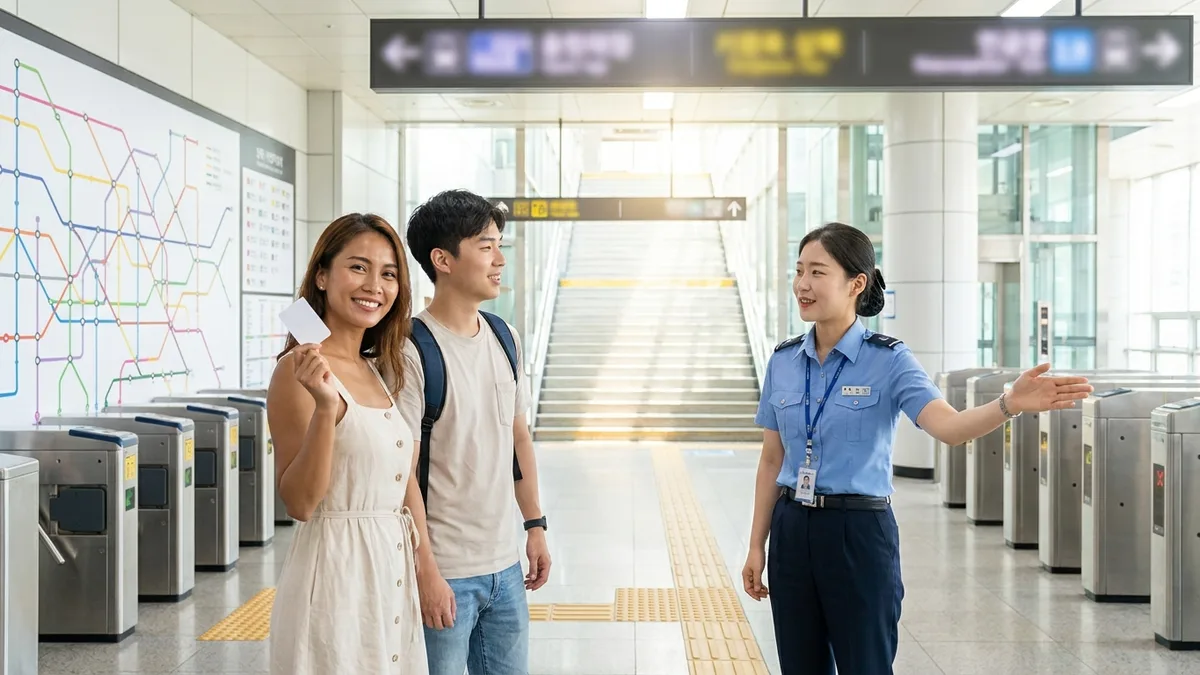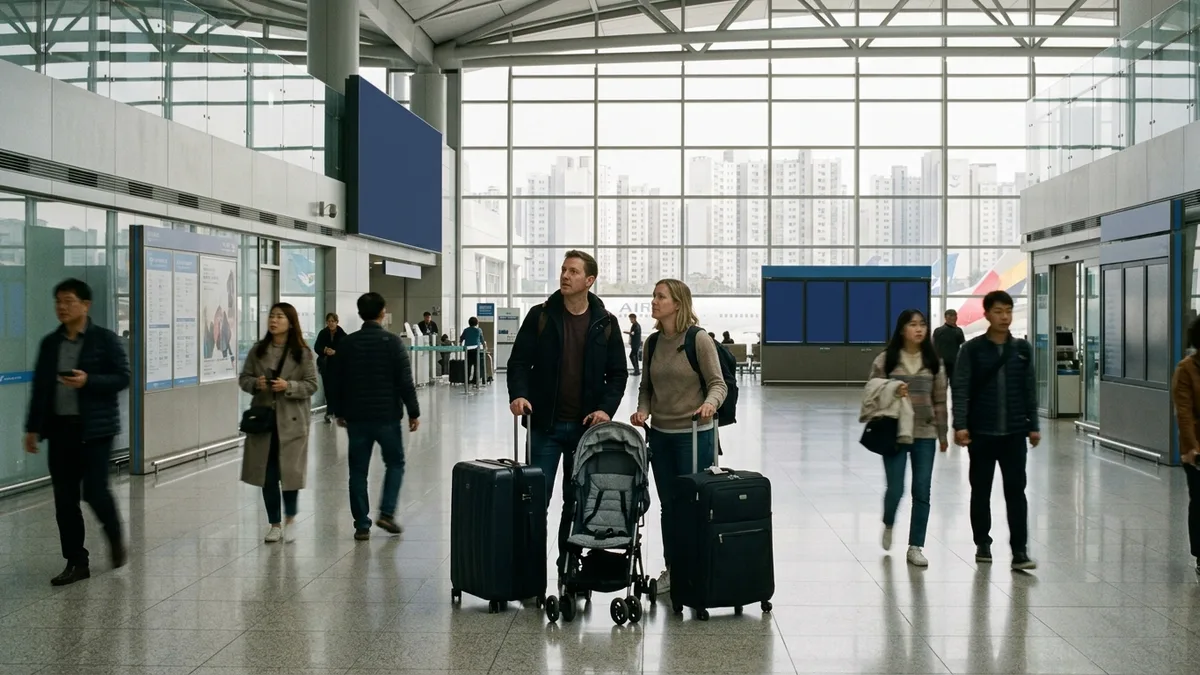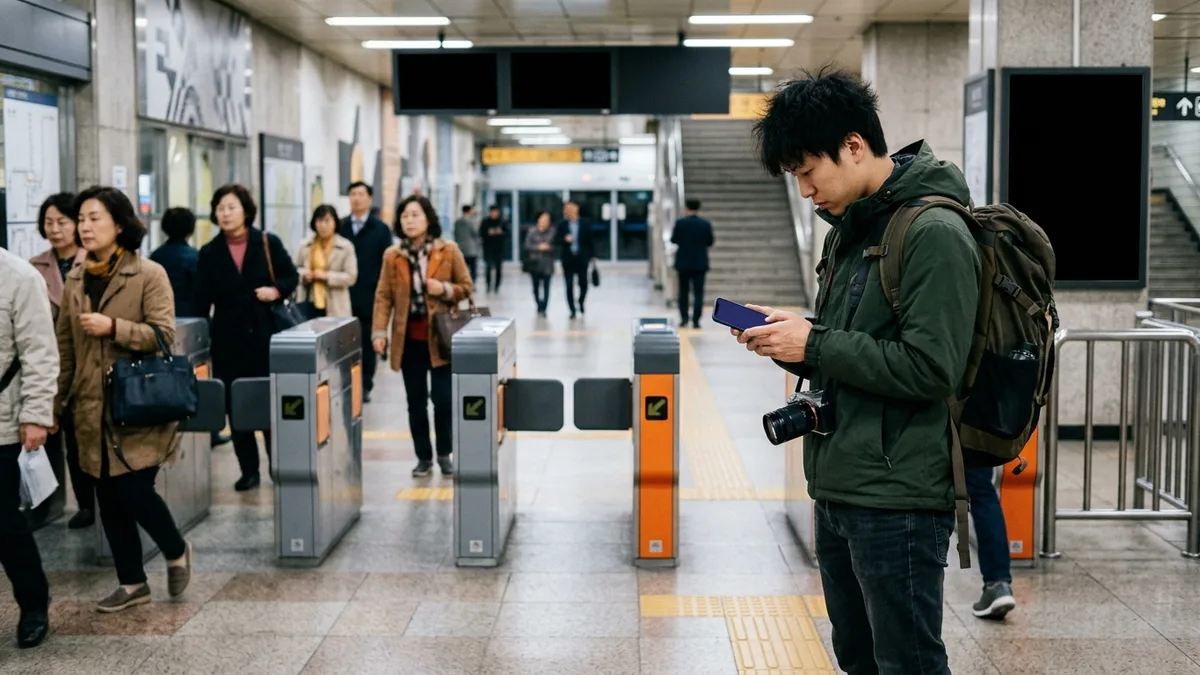
TTOTA Subway declares exactly two supported languages on the Apple App Store: English and Korean. Smarter Subway (지하철 종결자) lists four — English, Japanese, Korean, and Chinese — and KakaoMetro lists two, English and Korean (as of 2026-08-25, iOS). Within the range we checked, not a single subway app opens in Vietnamese, Thai, Russian, or Indonesian.
That said, Seoul Metro ran a roughly month-long pilot starting May 15, 2026, then revamped TTOTA Subway, and announced on May 19, 2026 that supported languages had grown from two (Korean, English) to four with the addition of Chinese and Japanese. The announcement and the App Store listing currently contradict each other, so Chinese and Japanese speakers won't know which one is right until they install it and see for themselves.
Installing is not the barrier. All three apps showed up in the US, Japan, Vietnam, Thailand, Russia, Taiwan, China, Indonesia, Philippines, Uzbekistan, Nepal, Cambodia, Mongolia, and Hong Kong app stores. That means you can download them straight from your own country's store without a Korean Apple account.
So that leaves one question. If Naver Map and KakaoMap already handle your route, is there any reason to install a dedicated app too? There is. But the reason isn't the route map — it's the help desks that map apps simply don't have.
Note: The app features, supported languages, and prices in this article were verified as of 2026-08 against the developers' own listings on the Apple App Store and Google Play, plus official public-agency pages. Apps change features and languages with every update, so please double-check the relevant store page before installing.
What Map Apps Already Do, and What Dedicated Apps Add
Entering a start and end point, seeing which line to take and where to transfer — a map app handles all of that just fine. We've covered how to switch map apps to English and where Google Maps falls short in Naver Map & KakaoMap: A Foreigner's Guide, so we won't repeat it here.
Here's what the three dedicated apps advertise as their "extra" features in their store descriptions.
| App | Developer | Key features listed in the store description |
|---|---|---|
| TTOTA Subway | Seoul Metro | On-board safety and complaint reports (linked to subway security officers, the customer center, and 112), lost-and-found centers and found-item info, services for mobility-impaired riders, train delay/disruption platform |
| Smarter Subway | Dopple Soft | Real-time arrivals and congestion levels for the Seoul metropolitan area, Busan, Daegu, Gwangju, and Daejeon; express line maps; best exit doors; arrival alarms; restrooms and elevators by station; KTX/SRT/ITX timetables and fare lookup |
| KakaoMetro | Kakao Mobility | Line maps for the Seoul metropolitan area, Busan, Daegu, Gwangju, and Daejeon; exit-door info so you step off right in front of the exit or fare-gate stairs you want |
The table shows a clear split. TTOTA Subway is the reporting and information desk you open when something happens on board; the other two are information apps that make riding the subway more comfortable.
Note: Your map app may already include similar features. KakaoMap launched "Ultra-Precise Subway" on June 9, 2025, showing live train positions moving across the map (per Kakao's announcement, KakaoMap 6.3.0 or later; 23 lines including parts of Seoul Lines 1–9, AREX, Suin-Bundang, Shinbundang, Gyeongui-Jungang, GTX-A, and Busan Lines 1–4). Whether either map app also shows subway congestion levels in-app can't be confirmed from the store descriptions alone, so we won't claim it either way.
Before You Install, Check "Languages" — How to Read the App Store Language Field
The first thing to look at when picking an app isn't the star rating — it's the languages field. Korean apps often have a nicely written English store description while the app screens themselves come up in Korean only.
| App | Languages declared on the App Store | Version checked |
|---|---|---|
| TTOTA Subway | English · Korean | v3.9.93 |
| Smarter Subway | English · Japanese · Korean · Chinese | v4.4.1 |
| KakaoMetro | English · Korean | v1.5.1 |
| Naver Map | English · Japanese · Korean · Chinese | v6.9.3 |
| KakaoMap | English · Korean | v6.27.3 |
There are two things to take away from this table.
- A lot of readers will have to give up their native language. Not one of the five apps above declares Vietnamese, Thai, Russian, or Indonesian. If that's your language, within what we could verify, using the English interface is the only option.
- On language alone, map apps go further. Naver Map declares four languages, so it makes sense to install a map app first and then add a dedicated app only for the features you actually need.
Checking for yourself is simple.
- Open the app page in the iPhone App Store and scroll down.
- Under "Information," there's a "Languages" row. If there are several, tap something like "and N more" to expand the list.
- On a computer, change the country code in the app URL to your own country. For example, swapping
/kr/for/vn/or/th/opens the listing as shown in that country's store.
This trick doesn't work on Android. Google Play doesn't display a languages field at all. We weren't able to confirm the actual list of supported languages for the Android version of TTOTA Subway either (needs verification).
Caution: For TTOTA Subway, the agency's announcement (four languages) and the App Store listing (English, Korean) don't match. According to Seoul Metro's announcement, the language is applied automatically based on your smartphone's language setting, and English is the default for anything outside the four languages. If you're a Chinese or Japanese speaker, the fastest approach is to leave your phone's language setting as-is, open the app, and see what happens on your own device — we won't declare which side is correct.
TTOTA Subway (Seoul Subway) — The Desk Only the Official App Has
TTOTA Subway is the official Seoul subway app registered by Seoul Metro. What's exclusive to it isn't the route map — it's the reporting desk you can open right there on the train.
Reports are split by type. Emergency and safety reports (assault, a medical emergency) on one side; disorder and discomfort reports (disturbances, announcement volume) on the other. Submitted reports are routed to subway security officers, the customer center, and 112 (the Subway Police Squad).
Here are the other features Seoul Metro lists in the app description.
- Lost and found — In-app guidance to lost-and-found center information and found-item info (Police Minwon24).
- Services for mobility-impaired riders — Locations where wheelchairs can safely board and alight, elevator outage status and detour routes, and locations of sign-language video phones and fast chargers for electric wheelchairs.
- Train delay/disruption platform — Launched July 20, 2026. It gathers delay and disruption info for Seoul Lines 1–9 and the Ui-Sinseol Line in one place (starting with the Ui-Sinseol Line), and delay, fire, and malfunction information is provided in English, Chinese, and Japanese via real-time AI translation.
That last item matters a lot for foreign riders. When a train suddenly stops, station and in-car announcements go out in Korean first, and you end up standing there for a long stretch with no idea what's happening. Being able to see translated delay and disruption info right on your phone erases that gap.
Note: While searching, you may run into posts about TTOTA Subway "discontinuing train set numbers," but the only thing discontinued is the train set number display. Seoul Metro responded that it was "temporarily suspended due to duplicate labeling and confusion issues, but we are continuously reviewing the possibility of resuming it" (2025-12-22). The app itself keeps getting updated, so don't mistake this for a service shutdown.
Where Foreigners Actually Get Stuck in TTOTA Subway — Phone Numbers and Car Numbers
The app's core feature, reporting, has two thresholds. Neither is a threshold for Korean users.
The first is the mobile phone number. Seoul Metro states that it collects mobile phone numbers when a complaint is filed, in order to identify the user and confirm processing by the customer center, and it also lists "Phone" as a required permission. For newly arrived residents or short-term travelers who don't have a Korean number yet, whether you can get through here becomes uncertain.
We weren't able to test on a real device whether a number issued overseas (i.e., not +82) is accepted (needs verification). If you don't have a number or your input is rejected, going to the station office (Customer Safety Office) or calling 112 is the surer route. App reports get routed to 112 anyway, so in an urgent situation, don't fumble through app screens — report it directly.
The second is the car number. With the in-train beacon service discontinued, automatic location detection has been switched over to manual car-number entry as of June 30, 2026. The app used to figure out your location on its own; now you have to type in the number of the car you're riding in.
If you're not used to Korean labeling, the report stops dead at this screen. We weren't able to confirm on site where exactly the number is posted inside the car (needs verification), so if it's a line you ride often, it's worth locating it once in advance or asking at the station office.
Tip: Starting to hunt for your car number after something happens is too late. If you make a habit of checking the car number as soon as you board, that same number works for filing a report and for reporting a lost item.
Smarter Subway & KakaoMetro — Congestion Levels, Express Line Maps, and Best Exit Doors
These two aren't reporting desks; they specialize in "riding more comfortably." And they don't cover only Seoul.
Smarter Subway, per its developer, provides real-time arrival information and congestion levels for subways in the Seoul metropolitan area, Busan, Daegu, Gwangju, and Daejeon, along with express line maps, best exit doors, arrival alarms, and restroom and elevator information by station. It also includes timetables and fare lookup for KTX, SRT, and ITX trains.
KakaoMetro covers line maps for the same five regions and tells you which door to exit from so you land right in front of the exit or fare-gate stairs you want.
The "best exit door" feature is the one that genuinely saves time. At a big transfer station, coming out at the far end means a long walk — but if you decide in advance which door to stand at, that walk disappears entirely. The less you know a station's layout, the bigger the payoff.
Smarter Subway offers an in-app purchase to remove ads, and the price varies by store country (as of 2026-08-25).
- Korean store — 1 month 1,200 KRW / 12 months 9,900 KRW / permanent 44,000 KRW
- US store — 1 month $0.99 / 12 months $8.99 / permanent $26.99
In other words, the price you see depends on which country your Apple account is set to. Take a look at the currency shown before you pay.
Note: If you've heard KakaoMetro is shutting down, that needs checking. Within the range we verified, there was no service termination notice, and the app was still updated in July 2026 (Google Play 2026-07-09 · App Store v1.5.1). Service policies can change at any time, so please re-confirm via each store's notices.
How to Read Congestion Numbers — 34% Means Every Seat Is Taken
This one item alone is worth the install. The congestion percentage on your screen is not "how full the car is."
The subway congestion data published by Seoul Metro covers Lines 1–8, is averaged in 30-minute intervals, and is calculated as the ratio of riders to the train's rated capacity. And a fully seated train is calculated as 34% congestion.
Once you know the baseline, here's how to read it.
- Around 34% — Every seat is taken. Almost no one is standing.
- The moment it goes above 34%, people start standing. When the number climbs to 68%, that means as many people are standing as are seated.
- 100% means the train is at rated capacity. In terms of seats, that's close to three times as many people on board.
If you read "80% means there's still room," you've got it exactly backwards. The screen doesn't come with this explanation next to the number, so without knowing the baseline you'll misread it. Foreign riders, who have fewer chances to pick up the background from Korean-language guidance or news, are at a much bigger disadvantage here.
The Seoul Metropolitan Government has explained that car-by-car congestion can be viewed in TTOTA Subway by going to "Real-time Train Info → select line and station → select train" (per guidance from May 2025). That said, as of 2026-08, we couldn't officially confirm which lines currently offer car-by-car data (needs verification). The developer of Smarter Subway doesn't disclose its congestion data source or which lines it covers either, so don't compare the two apps' numbers one to one.
If you just want to avoid rush hour in advance, you can look at averages instead of the live screen. Quarterly data is posted on the Seoul Metro website under "Notices → Congestion → Train Congestion" (as of the 2026-08-25 check, the latest post covered Q2 2026).
If You Lost Something — The Desk Has Moved to Police Minwon24
This is where old information diverges most from reality.
If you open Seoul Metro's official "Lost and Found Center" page, it directs lost-item searches for Lines 1–9 to Police Minwon24 (minwon24.police.go.kr). That link is the only guidance left on the page (verified 2026-08-25). If you follow outdated guides that list only the phone numbers of line-by-line lost-and-found centers, you may end up making a wasted trip.
The new desk is actually better for foreign users.
| Category | Found-item search | Lost-item report |
|---|---|---|
| Eligibility | All citizens, foreigners | The owner or an authorized representative |
| Login / identity verification | Usable without a joint certificate or simple authentication | Not confirmed on the guidance page |
| Fee | None | None |
| Required documents | None | None |
| Processing time | — | Immediate (within 3 hours during business hours) |
For found-item searches, eligibility is listed as "all citizens, foreigners." You can search right away with no login, no joint certificate, and no simple authentication, and there's no fee or paperwork. The more times you've hit an identity-verification wall on Korean websites, the more likely you are to give up without even trying — but this one just opens.
For lost-item reports, the processing time is listed as "immediate (within 3 hours during business hours)." However, whether login or identity verification is required at the submission stage isn't confirmed on the guidance page (needs verification). Start with a search, and if you get stuck at submission, ask the station office for help.
The TTOTA Subway app also has entries for lost-and-found center information and found-item info (Police Minwon24), so you can jump straight there from the app. If you need to ask by phone, Seoul Metro's main line is 1577-1234.
Caution: The three things to note the moment you lose something are the station where you got off, the time, and the car number you were riding in. The same information is used both for reports and for lost-item searches — and they're also the first three things to fade from memory. Storage periods and subsequent handling procedures require checking the relevant statutes, so we haven't covered them here; searching as soon as you realize something's missing is the safe move.
Transport & Payment Connection Tips — The Moment You Leave the Subway
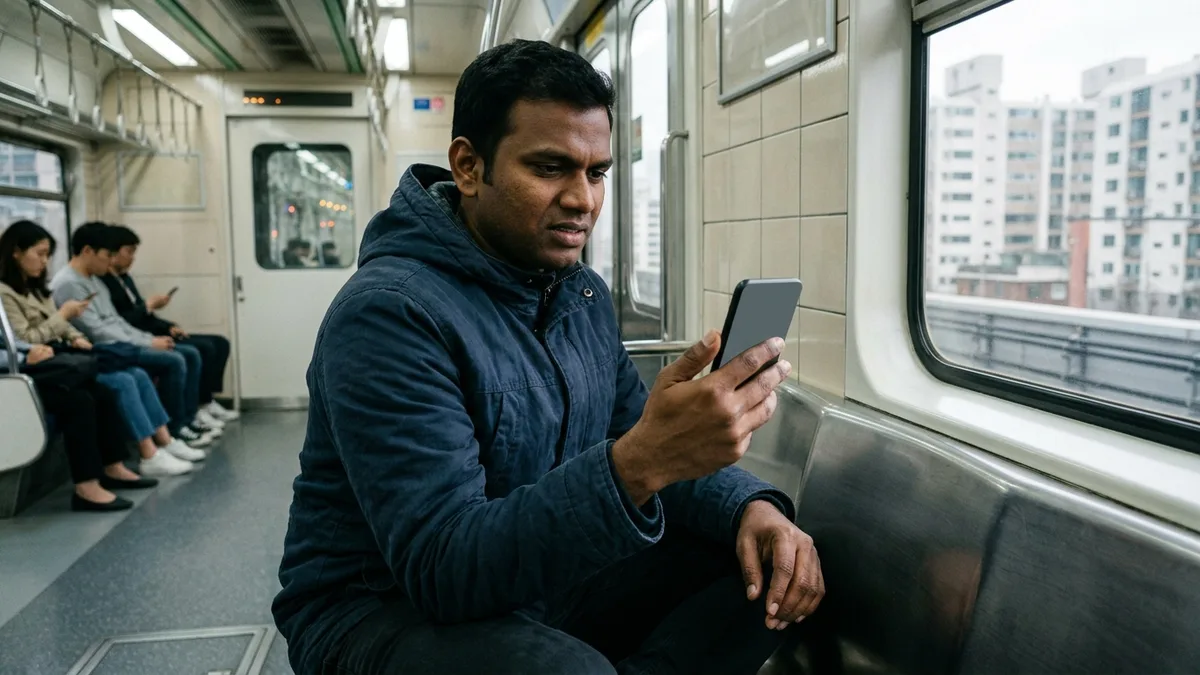
Subway apps end at the subway. That's not a flaw so much as the design — the issue is that your day doesn't end inside the subway.
| App | Works inside the subway | Works outside the subway |
|---|---|---|
| TTOTA Subway | Real-time train info, car-by-car congestion, reports, lost-and-found guidance, delay/disruption info | Not in the app description |
| Smarter Subway | Arrivals, congestion, express line maps, best exit doors, arrival alarms | KTX/SRT/ITX timetables and fares — lookup only |
| KakaoMetro | Line maps for five regions, exit-door info | Not in the app description |
| LACHA | Not covered | KTX and express bus booking, taxi/VAN hailing, Airport Railroad, transit cards |
Smarter Subway does show KTX, SRT, and ITX timetables and fares, but per the developer's description, that's lookup only. Actually reserving a seat is another app's job, and hailing a taxi after the last train is gone doesn't appear anywhere in the three apps' descriptions.
And here's where foreigners hit one more snag. A great many Korean apps require identity verification based on a Korean mobile number. We've put together which services work without one in What Works Without a Korean Phone Number, and if this is your first time riding the subway at all, start with The Complete Seoul Subway Guide.
LACHA is a transport-and-payment super app for foreign visitors that you can use right away without identity verification. You can get started without a Korean bank account or phone number, and you can pay with overseas mobile payments like Alipay and WeChat Pay, or with a foreign card. It handles KTX and express bus booking, taxi/VAN hailing, the Airport Railroad, and transit cards all in one place — so a handy combination is to use dedicated apps inside the subway and tie together everything outside it here. LACHA doesn't handle route guidance, congestion levels, lost-item searches, or complaint reports, so use the dedicated apps above for those.

Want to search and book KTX and express buses in one app? Check out LACHA.
Built to work without a Korean phone number or bank account, with overseas payment methods like Alipay, WeChat Pay, and Apple Pay. Taxi hailing plus KTX, express bus, and airport railroad (AREX) booking — all in one app.
Up to 60% off Korea transit with a coupon (max ₩3,000): enter code at sign-up. KTX gets up to 18% off on top
Download now


Frequently Asked Questions (FAQ)
Q1. Can't I just use a map app? Do I really need a dedicated app too? If all you need is directions and transfers, a map app is enough. Dedicated apps become necessary in three situations: when you need to file a report on the train (TTOTA Subway), when you want to know car-by-car congestion or the best exit door in advance (Smarter Subway, KakaoMetro), and when the train stops and you need to know what's going on (TTOTA Subway's train delay/disruption platform, launched 2026-07-20). If you're on a short few-day trip and avoiding rush hour, you don't need to install them. The full list of travel apps is in Essential Apps for Traveling in Korea.
Q2. I don't have a Korean Apple account. Can I still download these apps? Yes. As of the 2026-08-25 check, all three — TTOTA Subway, Smarter Subway, and KakaoMetro — showed up in the US, Japan, Vietnam, Thailand, Russia, Taiwan, China, Indonesia, Philippines, Uzbekistan, Nepal, Cambodia, Mongolia, and Hong Kong app stores. A lot of people assume Korean apps require a Korean account and give up in advance, but these three come right up when you search your own country's store.
Q3. Will TTOTA Subway open in my language (Chinese or Japanese)? Hard to say for certain right now. Seoul Metro announced on May 19, 2026 that supported languages had expanded to four — Korean, English, Chinese, and Japanese — but the App Store still declares only two, English and Korean (as of 2026-08-25). According to the announcement, the language is applied automatically based on your phone's settings and English is the default outside those four, so leave your phone's language as-is, open the app, and check for yourself. For reference, there is no separate "global app" under Seoul Metro's name on the App Store. This is the only one.
Q4. Can I file a report on the train without a Korean mobile number? TTOTA Subway collects a mobile phone number when you file a complaint and lists "Phone" as a required permission. We weren't able to verify on a real device whether an overseas number is accepted (needs verification). And since June 30, 2026, with beacons discontinued, you also have to enter the car number manually, which adds another step. In an urgent situation, rather than wrestling with the app, going straight to the station office (Customer Safety Office) or calling 112 is the surer move. App reports get routed to subway security officers, the customer center, and 112 anyway.
Q5. I lost something on the subway. Where do I look for it? Seoul Metro's official lost-and-found page directs lost-item searches for Lines 1–9 to Police Minwon24 (minwon24.police.go.kr) (verified 2026-08-25). Found-item search eligibility is "all citizens, foreigners," and you can use it with no login, joint certificate, or simple authentication, and no fee or paperwork. Write down the station where you got off, the time, and your car number, and search first. The TTOTA Subway app also has lost-and-found center and found-item info entries, and for phone inquiries, Seoul Metro's main line is 1577-1234.
Note: The app information, supported languages, features, and prices in this article were verified as of 2026-08 against the developers' own listings on the Apple App Store and Google Play, official pages from Seoul Metro, the Korean National Police Agency's Police Minwon24, and the Seoul Metropolitan Government, plus data from the Seoul Open Data Plaza and the Public Data Portal. App features and supported languages change with every update, and items we couldn't verify on a real device — such as TTOTA Subway's actual display language, whether overseas numbers are accepted, and which lines offer car-by-car congestion data — are marked "needs verification" in the text. Please re-confirm via each app store page and official agency guidance before installing and using. LACHA does not provide subway route guidance, congestion levels, lost-item searches, or complaint reporting services.